Using NAT Rules
362 Check Point UTM-1 Edge User Guide
6. Click Next.
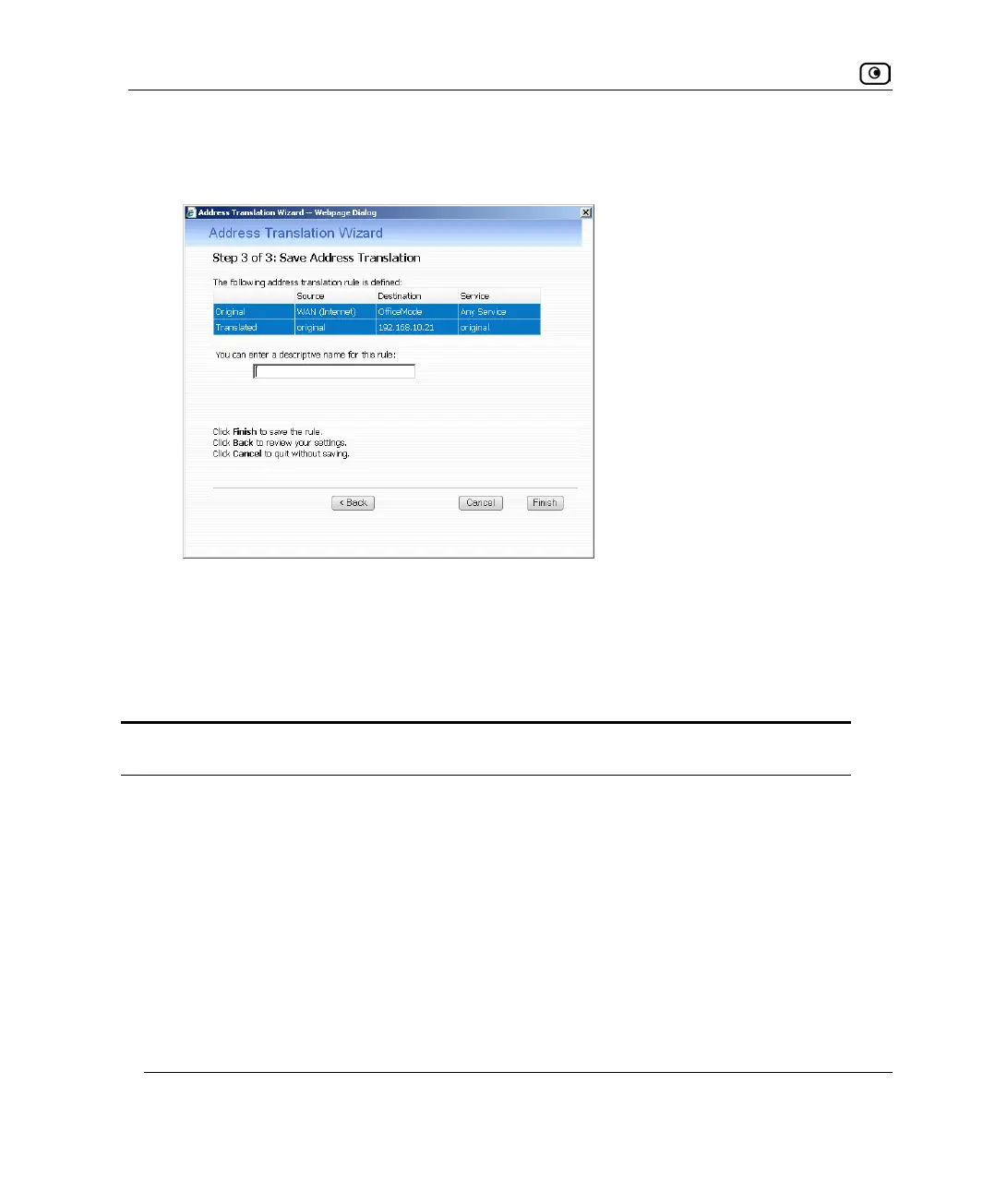
The Step 3 of 3: Save Address Translation dialog box appears.
7. If desired, type a description of the rule in the field provided.
8. Click Finish.
The new rule appears in the Address Translation page.
Table 64: Address Translation Wizard Fields
Field Description
The source is Select the original source of the connections you want to translate.
To specify an IP address, select Specified IP and type the desired IP
address in the field provided.
To specify an IP address range, select Specified Range and type the desired
IP address range in the fields provided.















 To Next Page