SmartDefense Categories
Chapter 13: Using SmartDefense 387
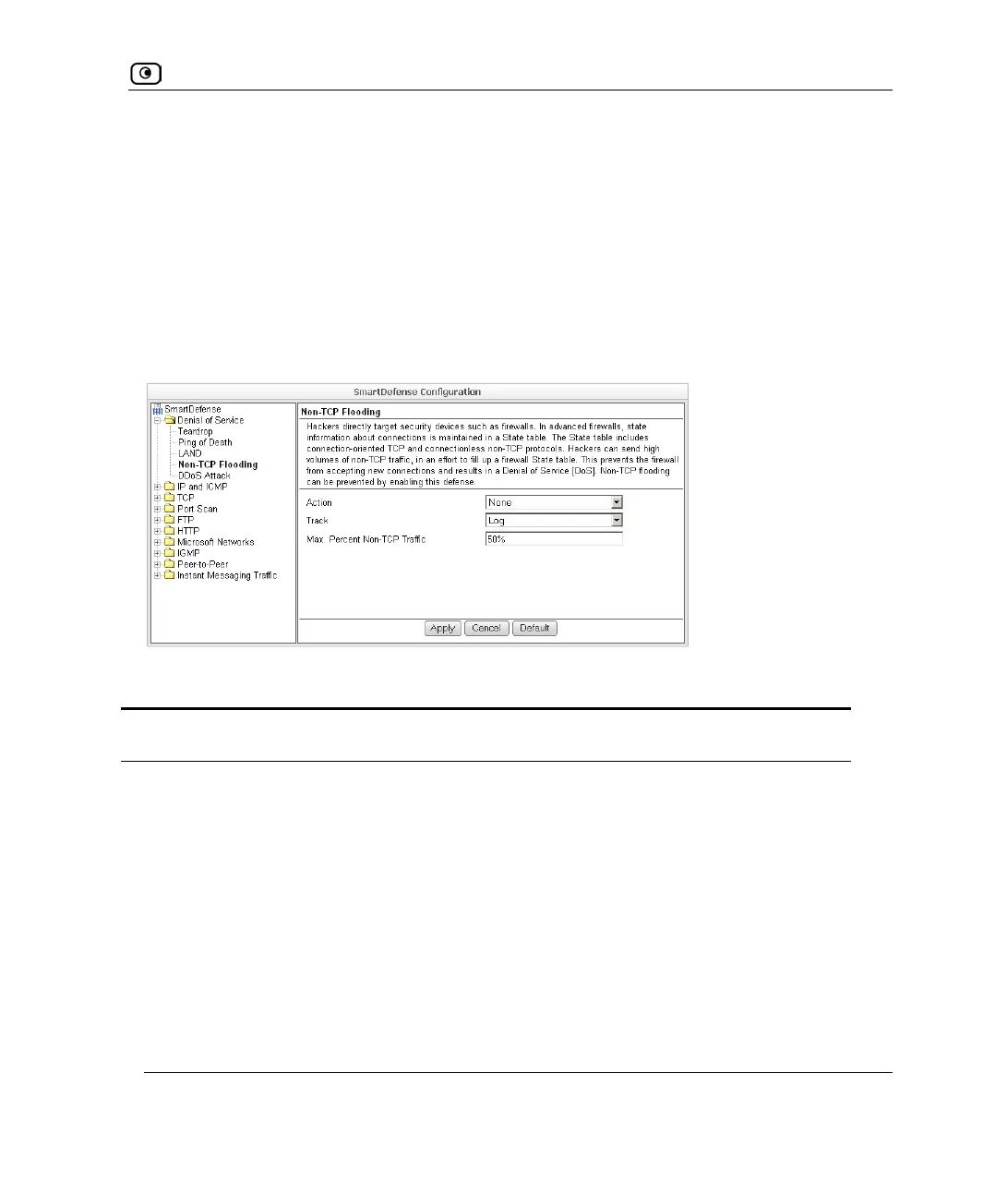
Non-TCP Flooding
Advanced firewalls maintain state information about connections in a State table. In Non-
TCP Flooding attacks, the attacker sends high volumes of non-TCP traffic. Since such
traffic is connectionless, the related state information cannot be cleared or reset, and the
firewall State table is quickly filled up. This prevents the firewall from accepting new
connections and results in a Denial of Service (DoS).
You can protect against Non-TCP Flooding attacks by limiting the percentage of state table
capacity used for non-TCP connections.
Table 71: Non-TCP Flooding Fields
In this field… Do this…
Action Specify what action to take when the percentage of state table capacity used
for non-TCP connections reaches the Max. percent non TCP traffic threshold.
Select one of the following:
• Block. Block any additional non-TCP connections.
• None. No action. This is the default.
Track
Specify whether to log non-TCP connections that exceed the Max. Percent
Non-TCP Traffic threshold, by selecting one of the following:
• Log. Log the connections.
• None. Do not log the connections. This is the default.















 To Next Page