Configuring Computers to Use Network Printers
Chapter 20: Using Network Printers 641
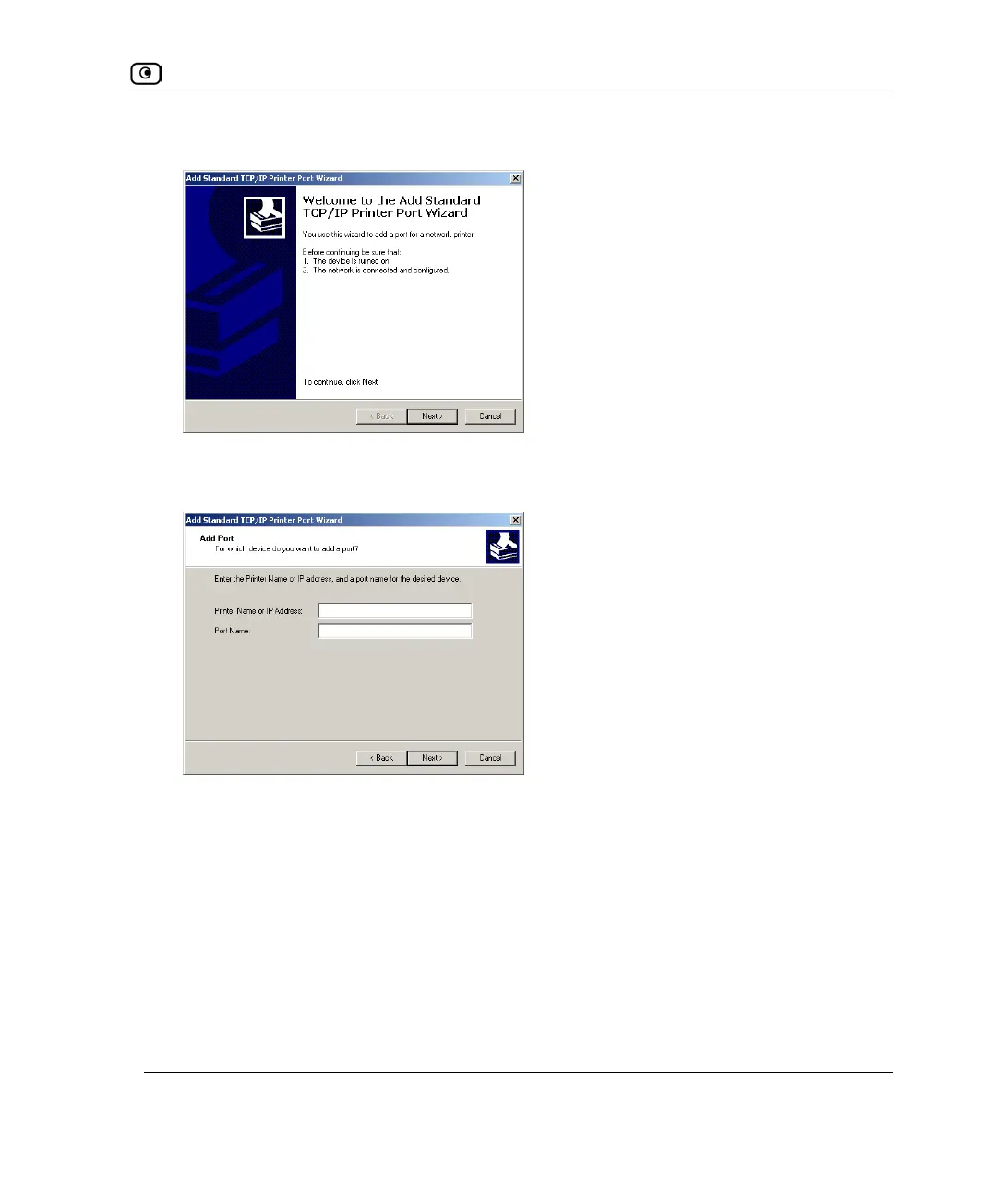
The Add Standard TCP/IP Port Wizard opens with the Welcome dialog box displayed.
11. Click Next.
The Add Port dialog box appears.
12. In the Printer Name or IP Address field, type the UTM-1 appliance's LAN IP
address, or "my.firewall".
You can find the LAN IP address in the UTM-1 Portal, under Network > My Network.
The Port Name field is filled in automatically.
13. Click Next.















 To Next Page