Before you begin
Ensure that the power supply has the correct plug for your area.
Procedure
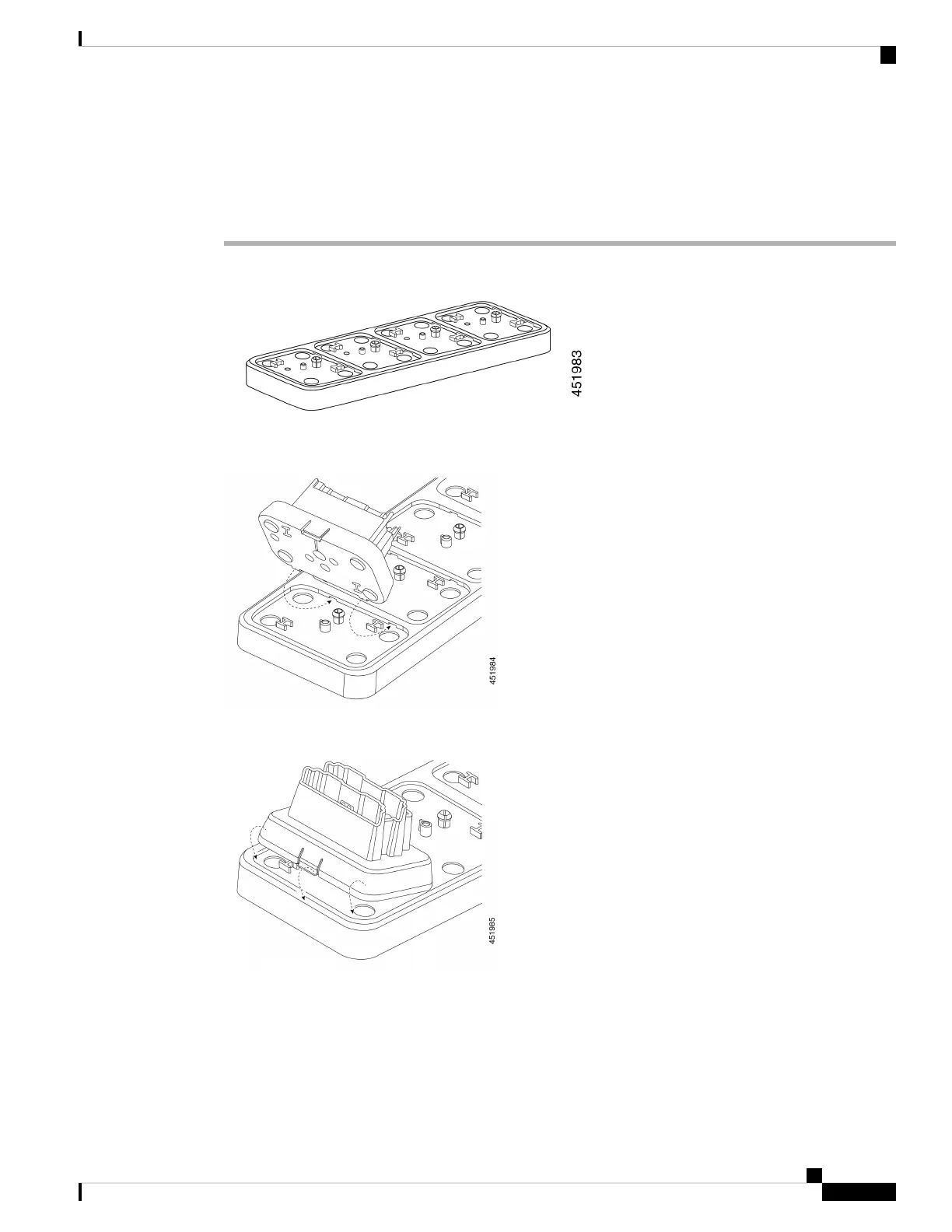
Step 1 Place the multicharger base on a flat surface within reach of power outlet.
Step 2 Insert the tabs on the back of the desktop charger module into the slots on the base.
Step 3 Rock the desktop charger module forward and use the front tab to snap it into place.
Step 4 Plug the multicharger base power supply into the base and a power outlet.
Cisco Wireless Phone 840 and 860 User Guide
123
Accessories
Assemble the Cisco Wireless Phone 860 Multicharger Base



 To Next Page