Access the Cisco Phone app
You can quickly access the Cisco Phone app from the home launcher screen.
If the Cisco Phone app is the only app on your smart launcher, then it automatically opens when you turn on
the phone.
Note
Procedure
From the home launcher screen, tap the Cisco Phone app.
Cisco Phone app tabs
When you open the Cisco Phone app, the Keypad tab opens by default.
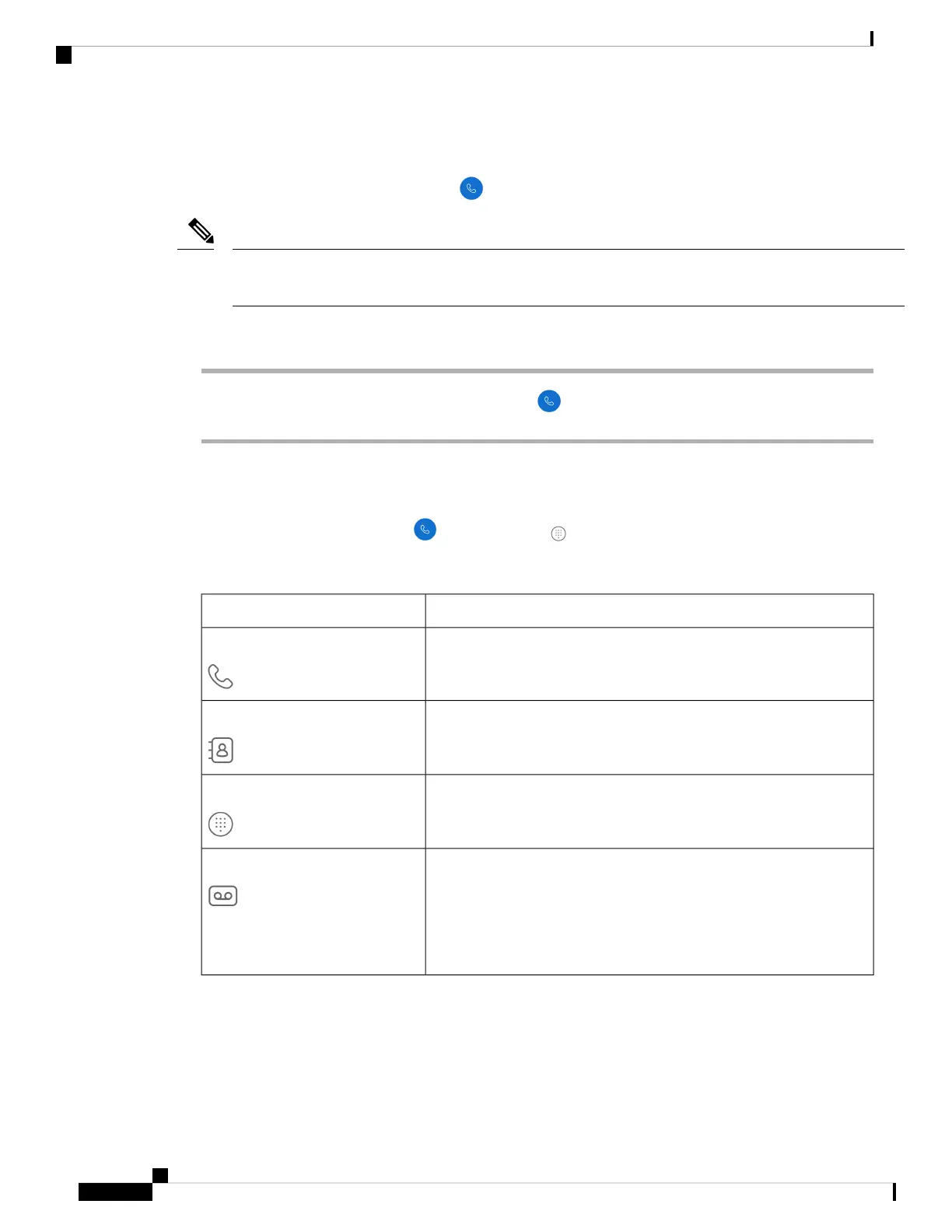
Table 26: Cisco Phone app tabs
DescriptionTab
Use to view recent and missed calls.Calls
Use to access and add contacts.Contacts
Use to make calls.Keypad
Use to access your voicemail messages. This tab appears only if the
administrator enables visual voicemail.
If the administrator enables and then disables visual
voicemail, the Voicemail tab remains on the Cisco Phone
app; however, it will not function.
Note
Voicemail
Make calls
There are multiple ways to quickly make calls with your phone.
Cisco Wireless Phone 840 and 860 User Guide
52
Cisco Phone app
Access the Cisco Phone app



 To Next Page