Related Topics
Cisco accessory part numbers, on page 127
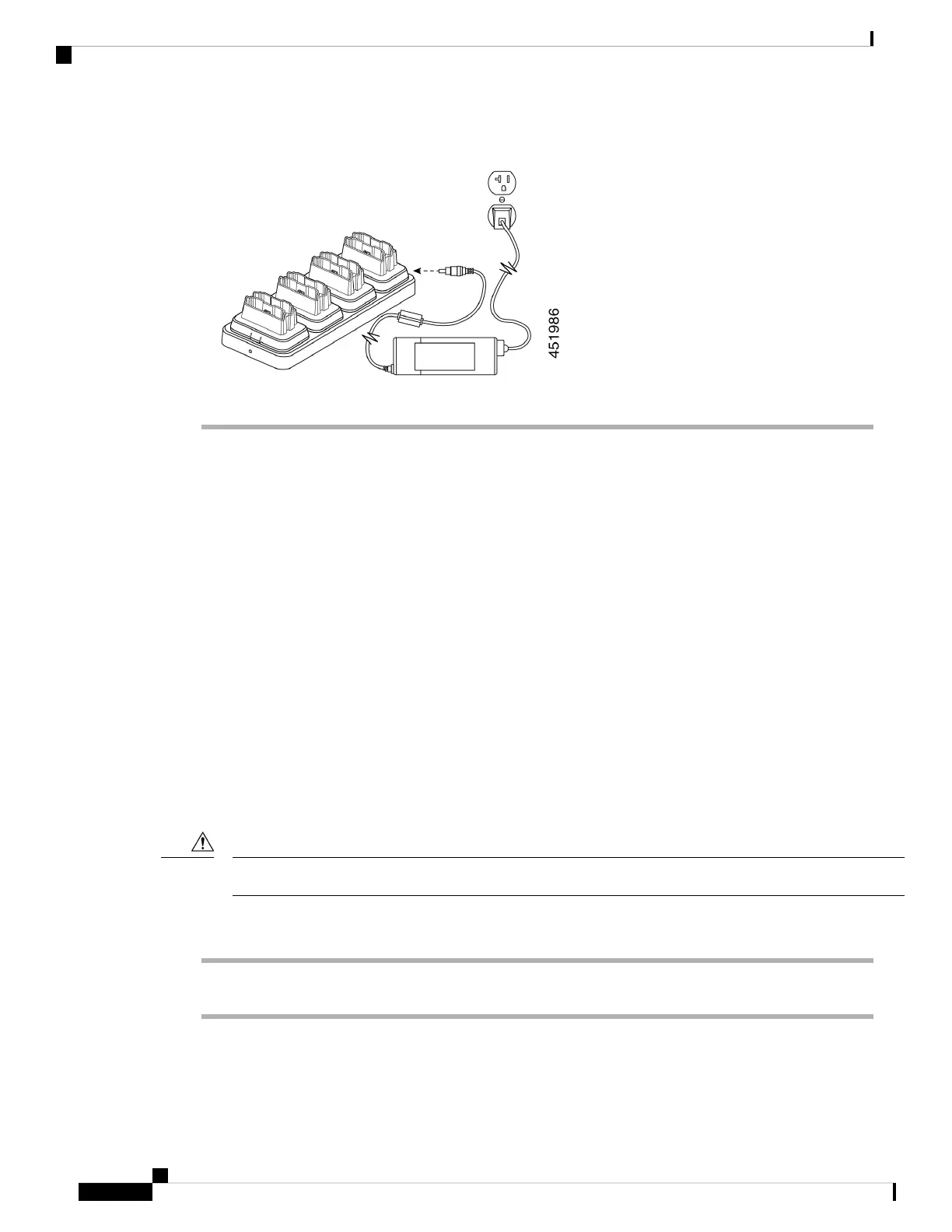
Charge phones and batteries with multicharger
With the 840 multichargers, you can charge up to six phones or batteries at a time. Each slot has an LED.
With the 860 multicharger, you can charge up to eight items at a time. Each desktop module has two LEDs,
one for each slot.
• Solid red LED indicates that the item is charging.
• Solid green LED indicates that the item is fully charged.
• LED that is off indicates an empty slot or an error condition.
Before you begin
For the 840 phones, ensure that you plug in the multicharger.
For the 860 phones, ensure that you properly set up the Cisco Wireless Phone 860 Multicharger Base and
install up to four desktop charger modules.
Use only the approved chargers and power supplies for your phone.
Caution
Procedure
Insert the phones and batteries into the slots.
Related Topics
Assemble the Cisco Wireless Phone 860 Multicharger Base, on page 122
Charge your phone and battery with desktop dual charger, on page 119
Cisco Wireless Phone 840 and 860 User Guide
124
Accessories
Charge phones and batteries with multicharger



 To Next Page