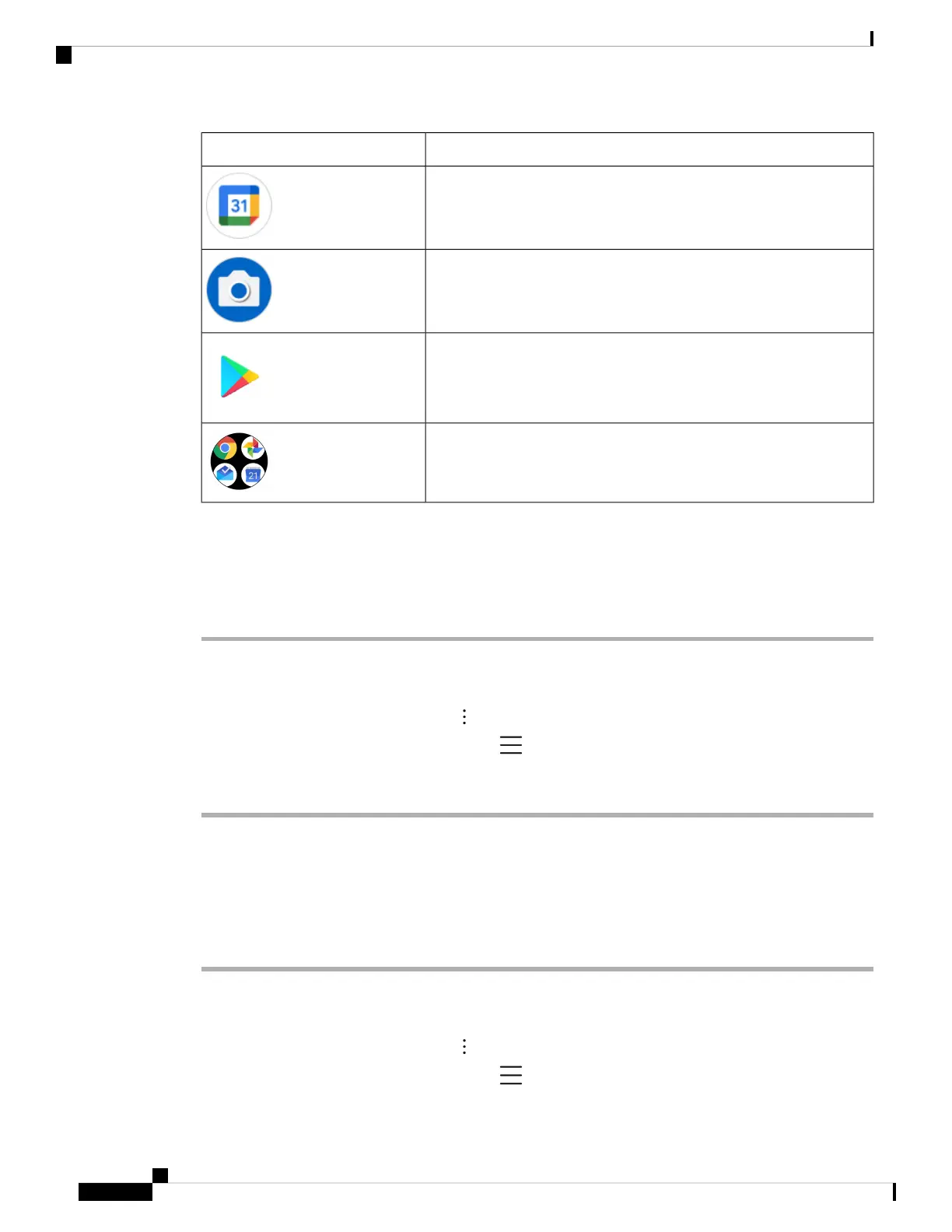
DescriptionAndroid app
Calendar
Camera
Google Play Store
Collection of Google apps such as Google, Chrome, Maps, YouTube
Access the overflow menu of a Cisco app
Each Cisco app uses an overflow menu to display more actions.
Procedure
Step 1 Tap the desired app.
Step 2 Choose one of the following based on your phone's software version:
• For release 1.2(0), tap the Overflow menu.
• For release 1.3(0) or later, tap the Drawer menu.
Step 3 Tap the desired menu option.
Access the About option for a Cisco app
The About menu option provides information about the app itself, including the version number. You might
need to provide this information to the administrator from time to time.
Procedure
Step 1 Tap the desired app.
Step 2 Choose one of the following based on your phone's software version:
• For release 1.2(0), tap the Overflow menu.
• For release 1.3(0) or later, tap the Drawer menu.
Cisco Wireless Phone 840 and 860 User Guide
30
Your phone
Access the overflow menu of a Cisco app



 To Next Page