DescriptionIcon
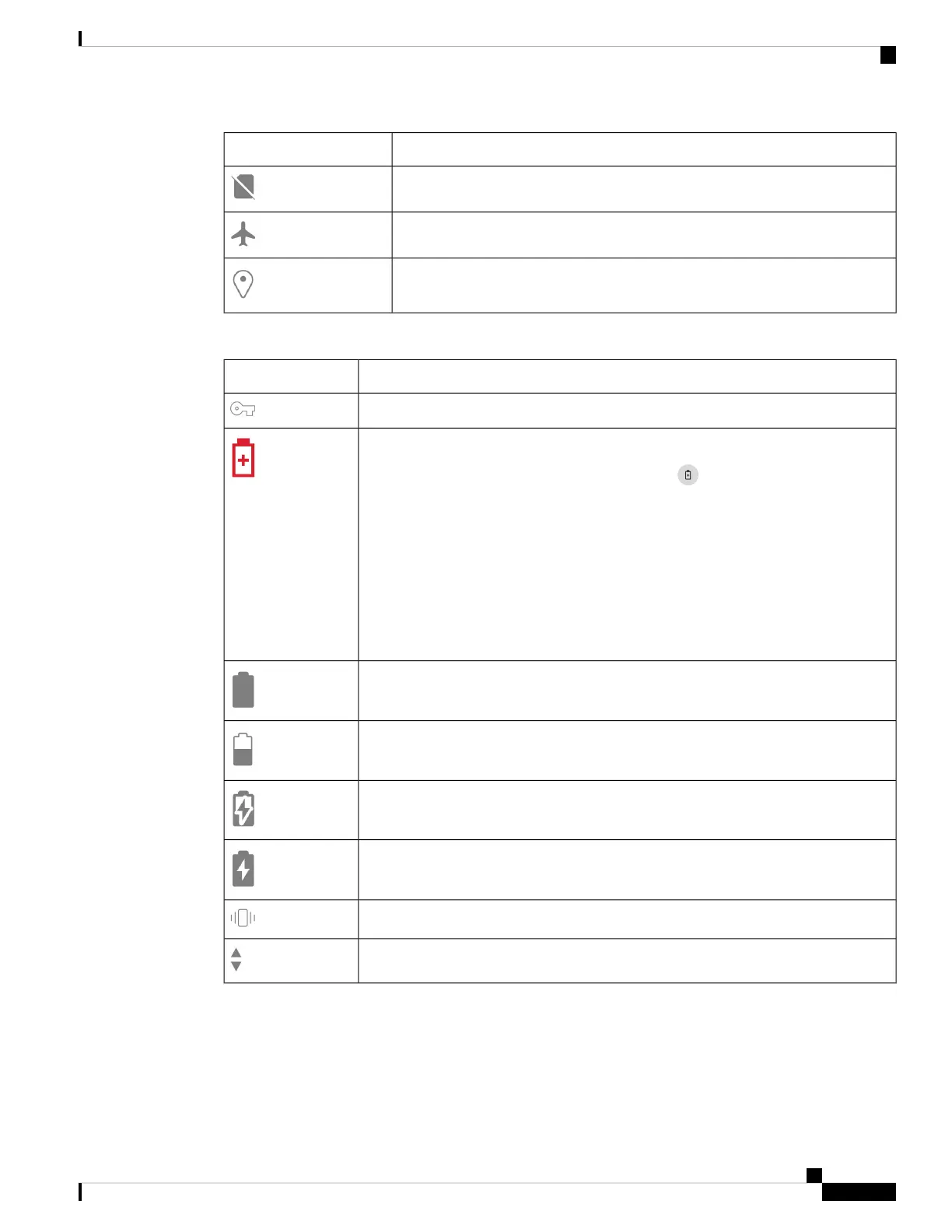
Mobile data
Airplane mode
Location
Table 14: Phone status
DescriptionIcon
Managed system
Battery saver mode
Don’t use the Android Battery Saver mode. It curtails functionality
to conserve battery life. In Battery Saver mode, features that you rely
on may not work. If you require more than one charge per shift, contact
your administrator for a second battery.
For your Cisco Wireless Phone 860 and 860S, you can hot swap the
battery to maintain connectivity without loss of functionality.
The Cisco Wireless Phone 840 and 840S do not have an internal battery,
so they do not support the hot swap feature.
Caution
Battery full
Battery half full
Battery charging
Battery full and on charger
Phone on vibrate only mode
Phone transmitting and receiving
Cisco Wireless Phone 840 and 860 User Guide
23
Your phone
Status bar icons



 To Next Page