100 Gateway and Gateway 4 Manual v1.2
© Tieline Research Pty. Ltd. 2021
2. Click Save to store all configuration settings.
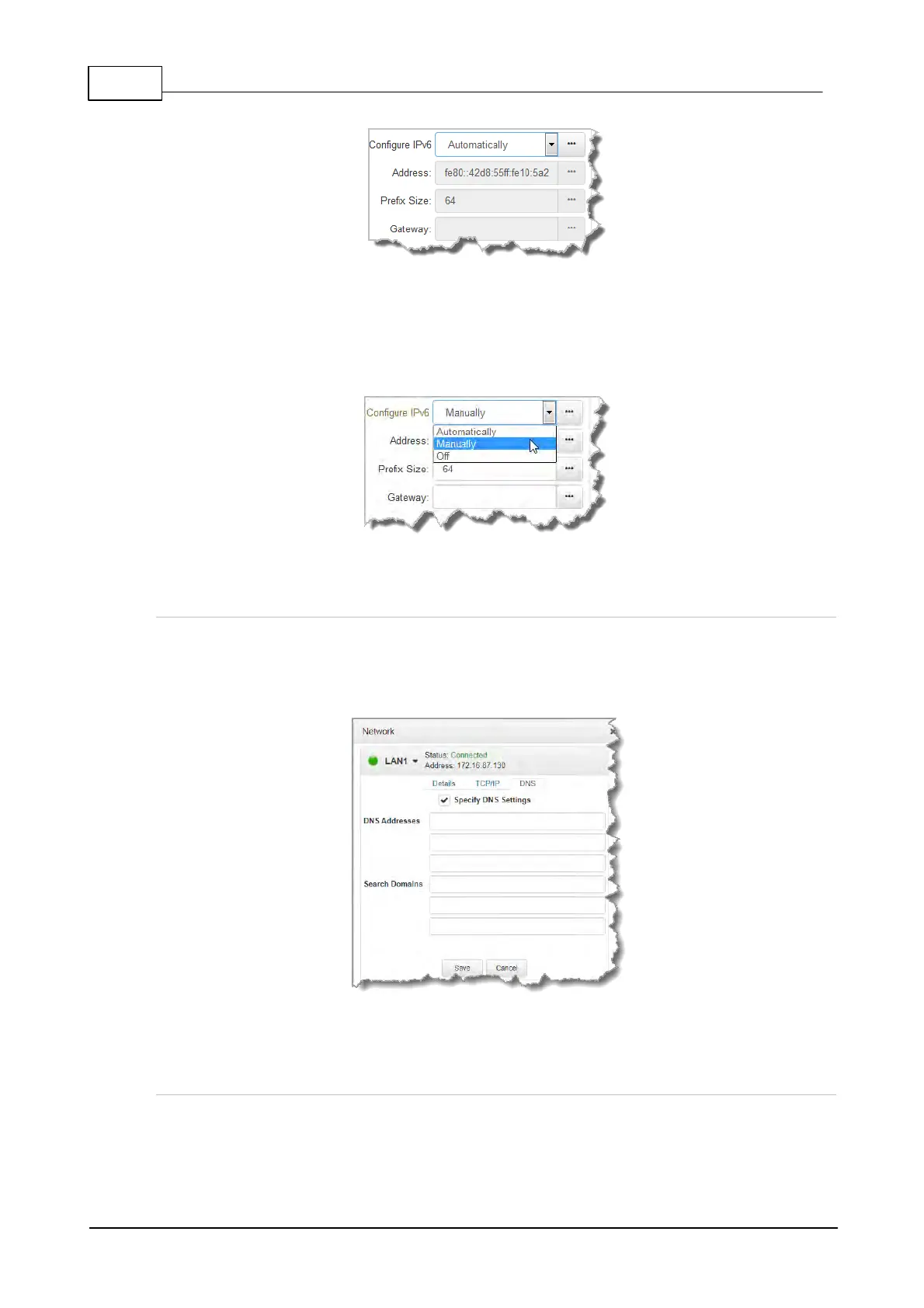
Manual IPv6 Address Assignment
1. To configure IPv6 address details into the codec manually, select Manually and enter
details into the Address, Prefix and Gateway text boxes.
2. Click Save to store all configuration settings.
Specifying DNS Settings
It is possible to specify Domain Name Server (DNS) settings to allow easy look up of codecs within
the specified DNS Addresses or Domains.
1. Select the DNS tab for the interface in the Network panel.
2. Click Edit to configure settings.
3. Click Save to store all configuration settings.
IP Via Mapping
When dialing over IP you can select the preferred interface to use when establishing a connection.
By default Any is selected, which means the first available interface is used to dial a connection.
The default Via interfaces in order of use when available are:



 To Next Page