102 Gateway and Gateway 4 Manual v1.2
© Tieline Research Pty. Ltd. 2021
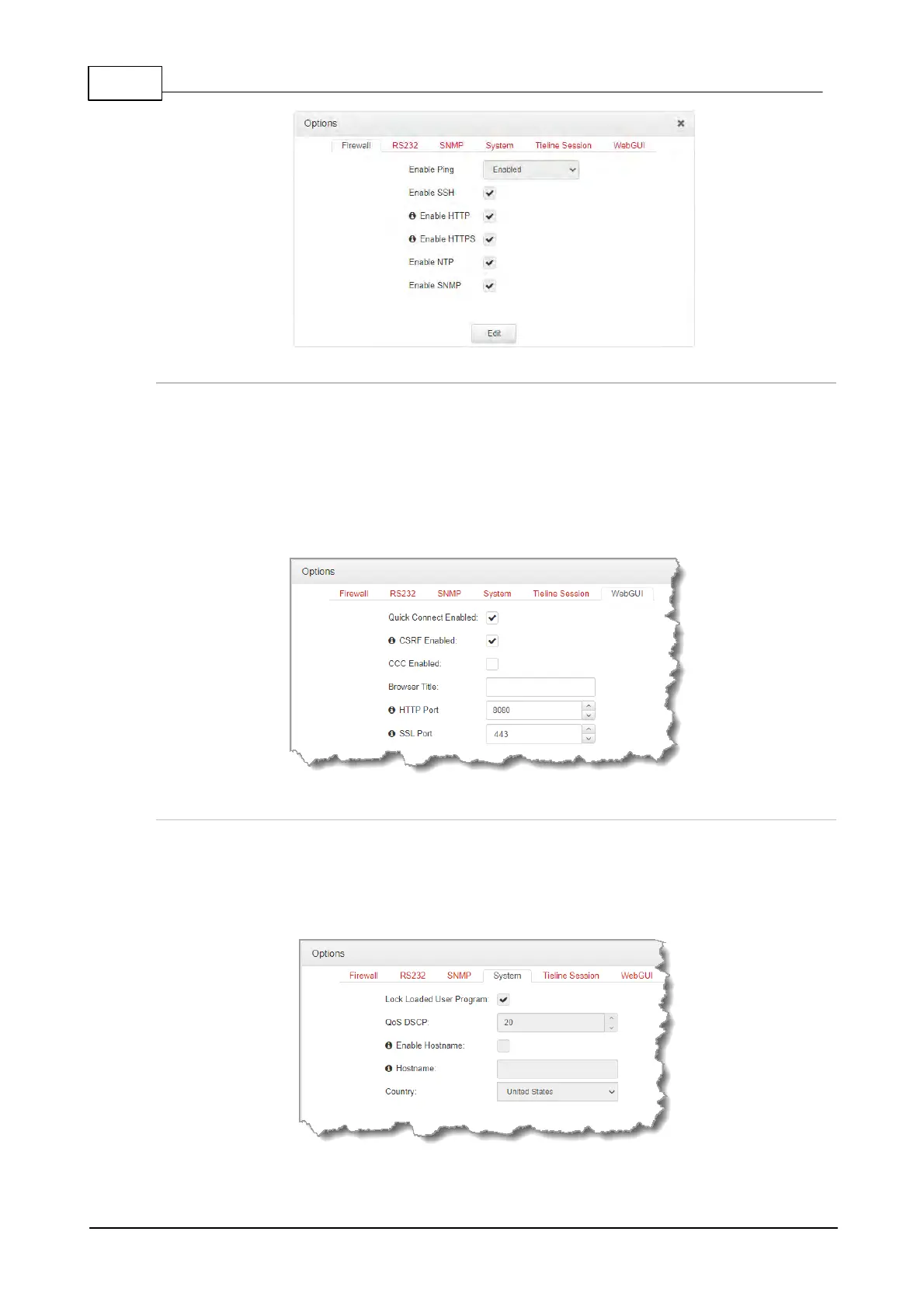
Configure Cross-Site Request Forgery
CSRF (Cross-Site Request Forgery) protection can be configured to protect the codec from CSRF
attacks. To enable or disable this setting:
1. Open the HTML5 Toolbox Web-GUI and click Settings at the top of the screen, then click
Options to display the Options panel.
2. Select WebGUI, then click Edit and select the CSRF Enabled check-box to enable this
feature.
3. Click Save to store new configuration settings.
Configuring QoS
1. Open the HTML5 Toolbox Web-GUI and click Settings and then click Options to open the
Options panel.
2. Select System and then click Edit. Click in the QoS DSCP text box and enter the preferred
value.
3. Click Save to store configuration settings.



 To Next Page