110 Gateway and Gateway 4 Manual v1.2
© Tieline Research Pty. Ltd. 2021
either AES3 or AES67 AoIP input sources. See Input Configuration, Levels and PPMs for more
details. After setting the Digital Input Type in the Options panel, configure the codec for
either analog or digital input types using the Inputs panel as follows.
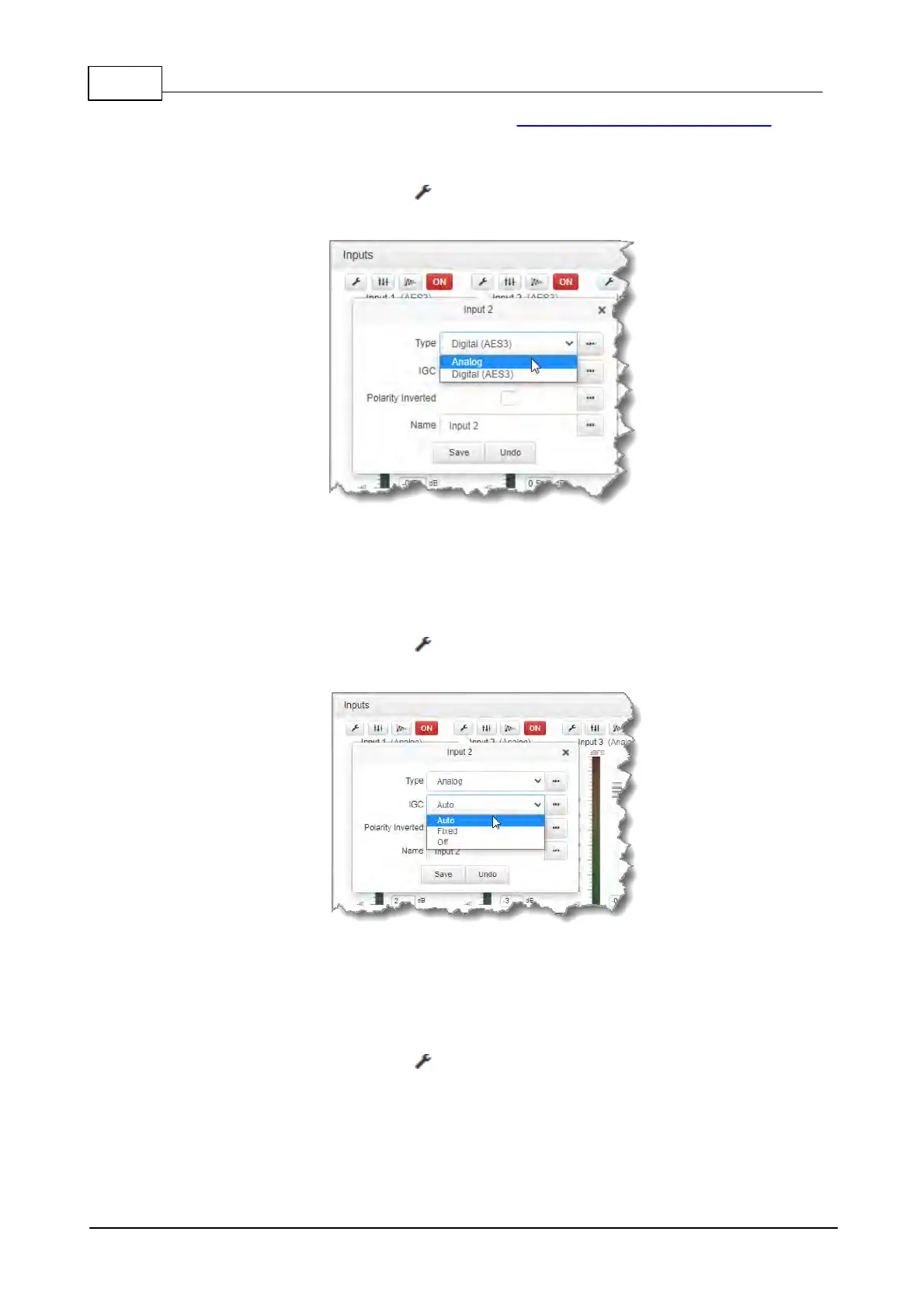
1. Click the Input Settings symbol.
2. Select Type and then Analog or AES3.
3. Click Save to confirm the new setting.
Adjusting IGC
Input IGC (Intelligent Gain Control) is enabled by default and is automatically activated at +19
dBu (G6 audio scale), +17 dBu (G5 audio scale) and +13dBu (G3 audio scale) to prevent audio
clipping.
1. Click the Input Settings symbol.
2. Select IGC (Intelligent Gain Control) and then Auto, Fixed or Off as required.
3. Click Save to confirm the new setting.
Invert Polarity
Select the Polarity Inverted check-box to reverse the polarity of an analog or digital input.
1. Click the Input Settings symbol on the input you want to adjust.
2. Click to select the Polarity inverted check-box.



 To Next Page