111
© Tieline Research Pty. Ltd. 2021
Gateway and Gateway 4 Manual v1.2
3. Click Save to store the new setting.
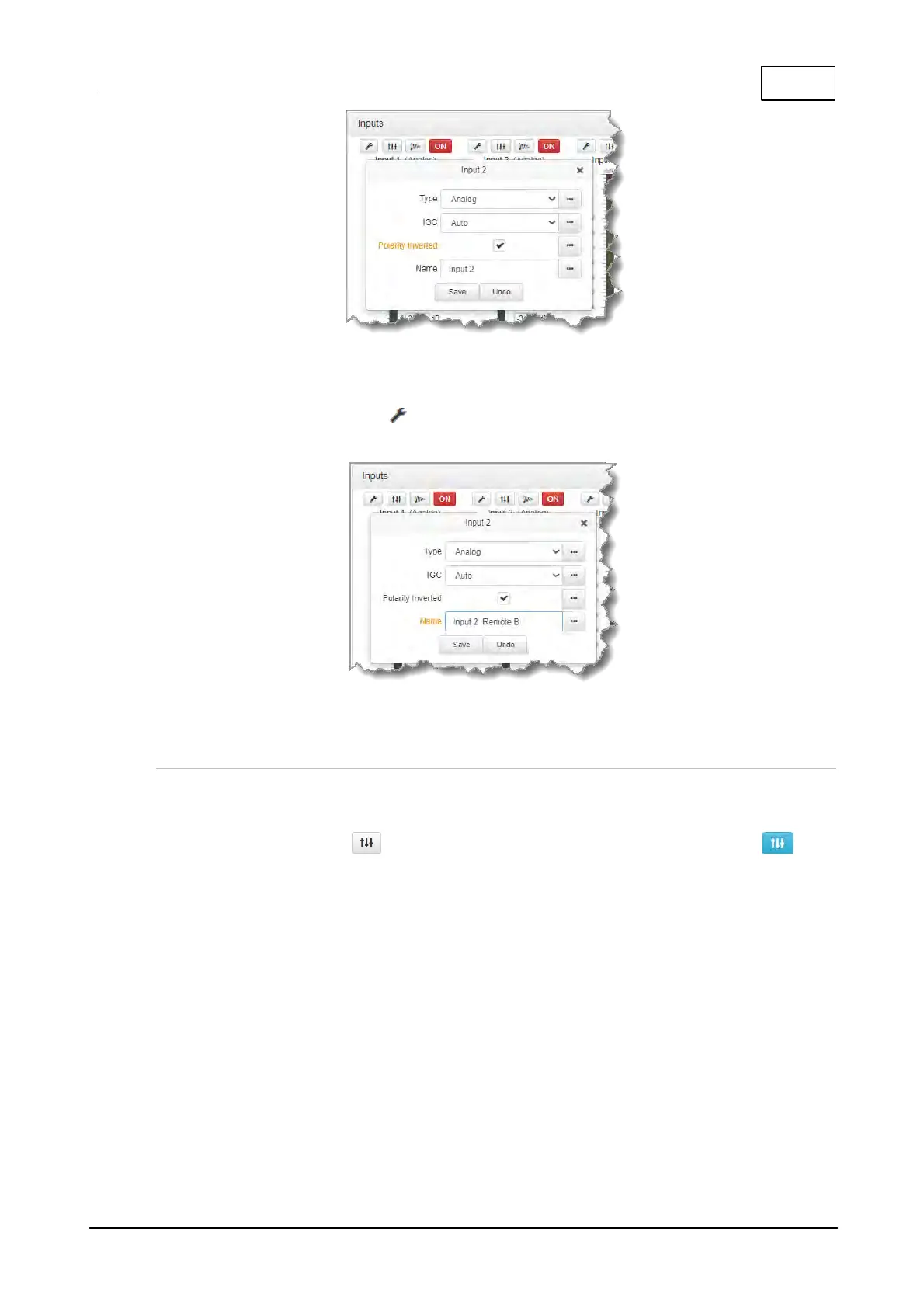
Renaming Inputs
1. Select the Input Settings symbol on the input being renamed.
2. Click in the Name text box to enter a new name, or edit an existing name.
3. Click Save to confirm the name change.
Adjust EQ Settings
EQ and compression can be adjusted for each input if required. To enable and adjust the built-in 10
band EQ:
1. Click the EQ button for an input in the Inputs panel. The EQ button is blue when
input EQ is enabled.
2. Click the Graphic button to enable EQ for the input if it is in Bypass.
3. Adjust the EQ frequency sliders as required.



 To Next Page