120 Gateway and Gateway 4 Manual v1.2
© Tieline Research Pty. Ltd. 2021
Some Programs displayed in the Gateway-16
Configuring a Mono or Stereo Peer-to-Peer Program: Dialing
Important Notes: Before configuring a program please note:
· A program cannot be edited in the Program Manager when loaded in the codec.
· Lock a loaded custom program or multistream program in a codec to ensure it
cannot be unloaded by a codec dialing in with a different program type. For example,
if a multistream program is not locked it will be unloaded by a mono or stereo call.
· Some drop-down menus and settings may be greyed out intentionally depending on
features available.
· A program can be saved at several points throughout the program wizard and use
default settings to save configuration time.
· Failover is not available with SIP.
· SmartStream PLUS redundant streaming is not available with SIP or sessionless IP.
1. Open the HTML5 Toolbox Web-GUI and click Connect in the Menu Bar, then select Program
Manager to launch the Program Manager panel.
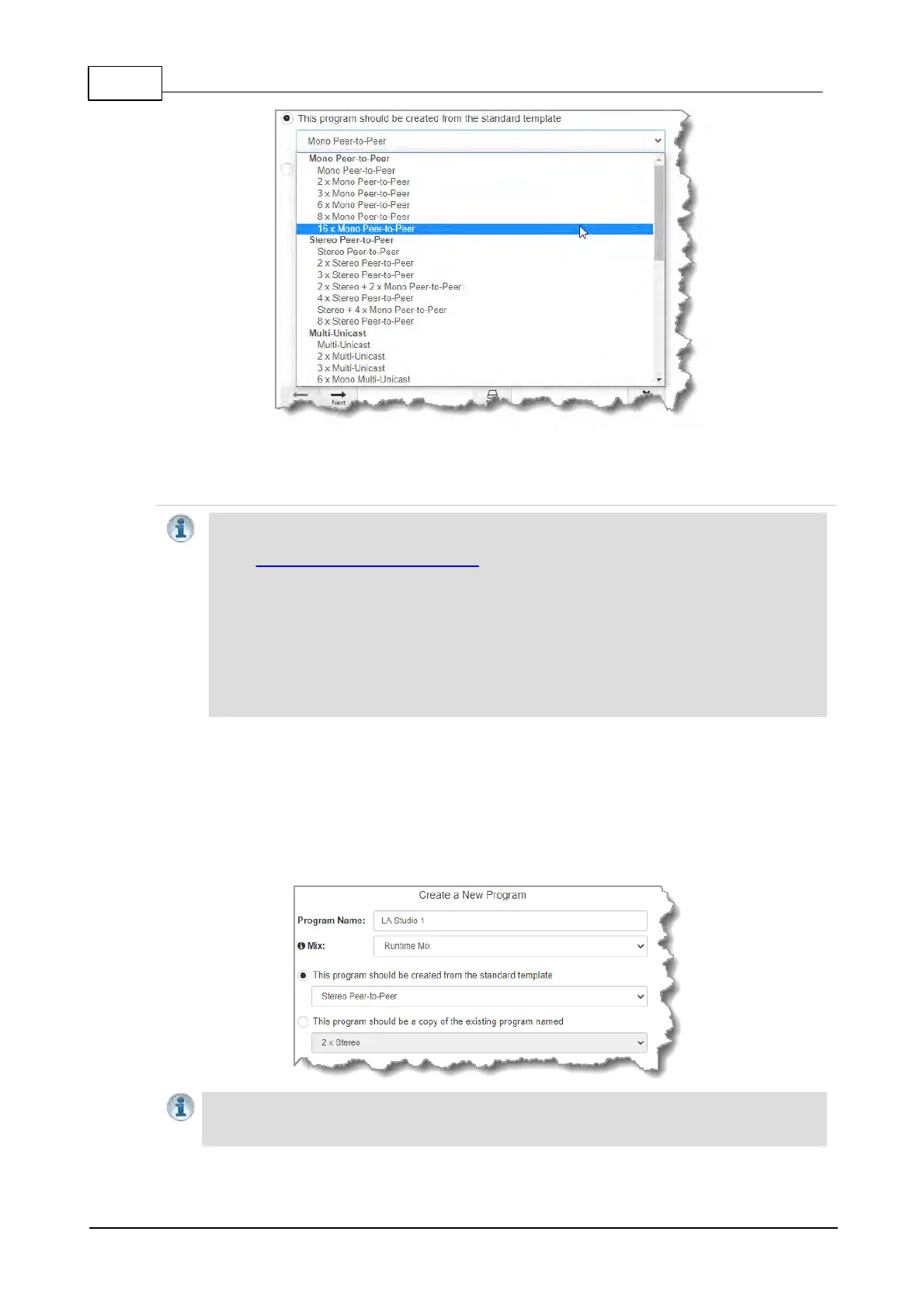
2. Click the New Program button to open the wizard and:
· Click in the text box to name the new program.
· Click the Mix drop-down arrow to associate a custom matrix mix with the program if required.
· Select Mono/Stereo Peer-to-Peer, or if you want to use an existing program as a template,
select this option. Then click Next.
Important Note: When you decide to use an existing program as a template, the new
program inherits all the settings of the template program and you can adjust these settings
as required by continuing through the program wizard.



 To Next Page