122 Gateway and Gateway 4 Manual v1.2
© Tieline Research Pty. Ltd. 2021
Select a Dial Route or Answer Route to configure deterministic routing
of multiple audio streams using ISDN. Use of Dial and Answer Routes
is not usually necessary over IP because dedicated ports or Line Hunt
mode call answering is employed. However, dial routes can be used over
IP when a single stream on an answering codec answers both ISDN
connections and IP at different times. This effectively creates an
answering group using different transports. See Configuring ISDN
Answering for more information.
Create line hunt groups for multiple incoming callers on a first come, first
served basis. This is ideal for separating groups of inputs and outputs
between different studios or stations. See Line Hunt Call Answering for
more information.
Important Notes on G3 Profile Settings:
The G3 profile setting supports maintaining specific G3 codec settings when answering a
call from a G5 or G6 codec.
1. Auto: The codec will dial the G3 codec and connect in mono or stereo. Note: This is
overridden in a ViA codec when a G3 Main + IFB use-case is configured.
2. Dual Program: This allows the codec to dial a G3 codec with a Dual Program profile
loaded and support two simultaneous mono connections. Note: When connecting in
dual mono (2 x Mono Peer-to-Peer) mode to a G3 codec over IP both audio streams
must encode using the same algorithm and sample rate or the G3 codec will not
connect.
3. Runtime: The G3 codec will retain runtime settings when answering a call from a G5
or G6 codec.
4. Custom: The G3 codec will load a specified profile, e.g. profile 6, which is the first
custom profile number.
Important Notes on G3 Channel Settings:
This setting is for compatibility with the Dual Mono profile in Tieline Commander G3 and i-
Mix G3 codecs. It is designed to configure routing of the audio stream to a specific G3
codec channel consistently.
1. Auto (default): The answering codec will route incoming calls on a first come first
served basis.
2. Channel 1: The answering codec will always route incoming calls to codec
Channel 1 (left output).
3. Channel 2: The answering codec will always route incoming calls to codec
Channel 2 (right output).
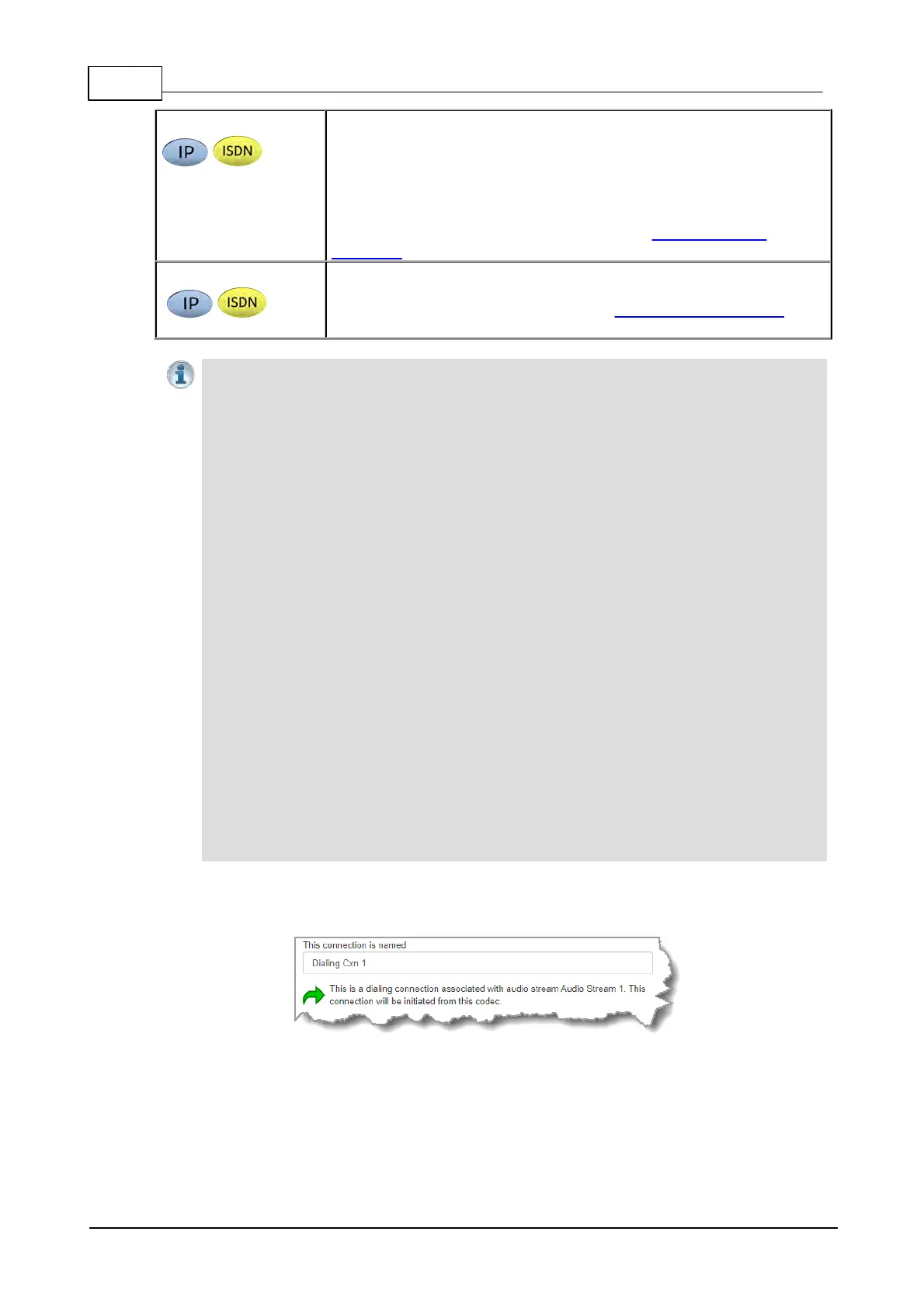
5. This audio stream connection in the wizard will allow the codec to dial. Enter the name of the
connection in the text box, then click Next.
6. Configure the transport settings for the connection, then click Next. Note: Select Enable
Auxiliary Data to enable synchronized out-of-band data in separate packets using any
algorithm.



 To Next Page