129
© Tieline Research Pty. Ltd. 2021
Gateway and Gateway 4 Manual v1.2
For ISDN, settings are determined by ISDN module answering settings. For more details
see Configuring ISDN Answering.
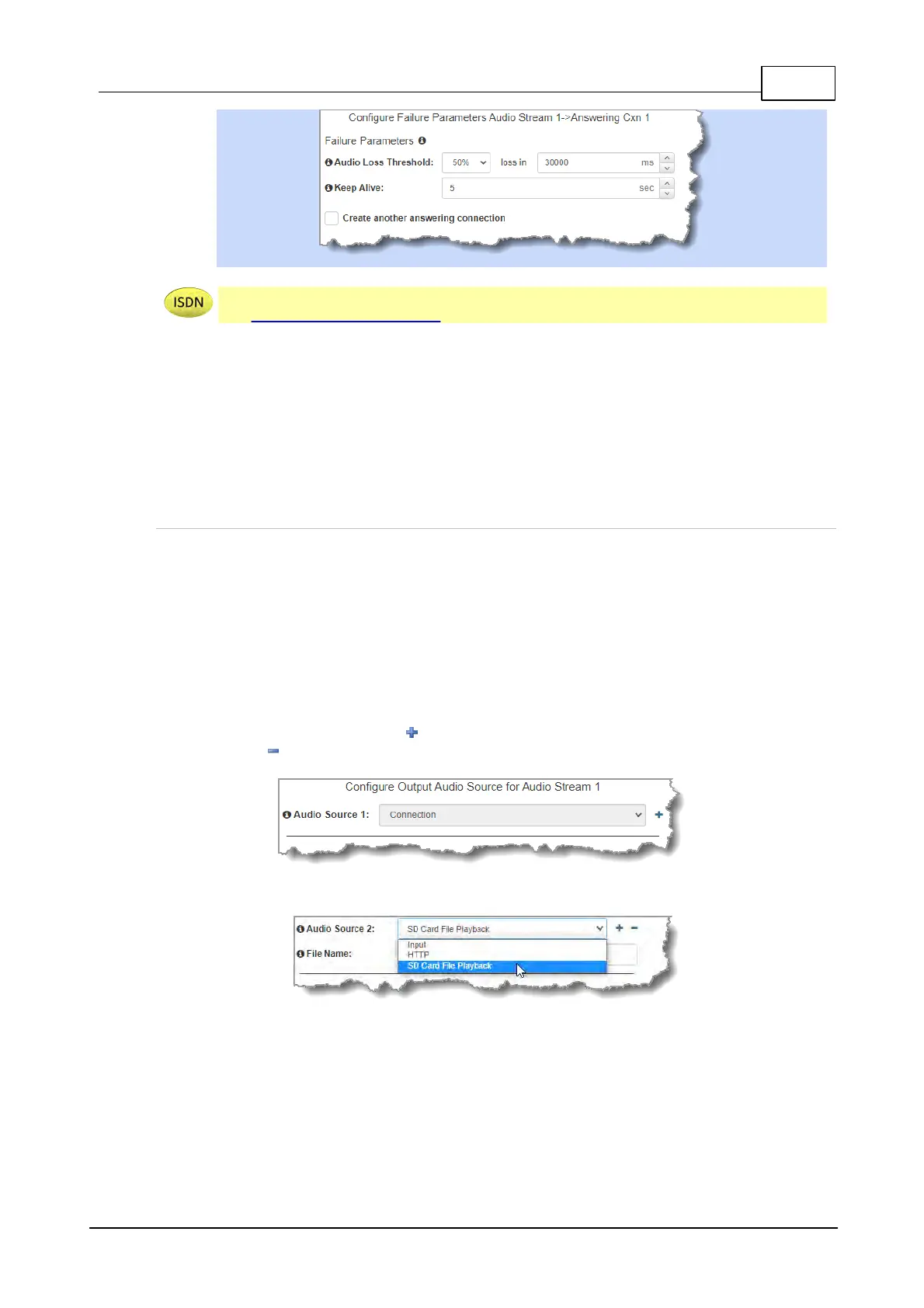
3. After configuring all settings there are 3 options:
i. If you want to create another answering connection, select the check-
box for Create another answering connection and continue
through the wizard.
ii. Click Save to save the program at this point.
iii. Click Next to configure Output Audio Source options.
Configuring Output Audio Source Options
1. Configure Output Audio Source options and automatically switch between up to 4 backup
audio sources to maintain program audio at transmitter sites. Output Audio Source options
include:
· Connection: Decoded connection audio sent from a remote codec (Note: this must be
selected as one of the configured sources).
· Input: Input audio looped to the physical codec outputs.
· HTTP: Icecast client mode to allow media server streaming from a specified URL.
· USB File Playback: Audio file playback from a USB stick.
2. Click the blue Plus symbol to add a backup Output Audio Source, or click the Minus
symbol to remove an Output Audio Source.
3. Click the drop-down arrow to select an Output Audio Source option.
4. Configure silence threshold parameters to enable a preferred backup option, as well as
resume thresholds for reactivating a previous source. Then click Save Program to save
program settings.



 To Next Page