Important Notes on G3 Profile Settings:
The G3 profile setting supports maintaining specific G3 codec settings when answering a
call from a G5 codec.
1. Auto: The codec will dial the G3 codec and connect in mono or stereo. Note: This
is overridden in a ViA codec when a G3 Main + IFB use-case is configured.
2. Dual Program: This allows the codec to dial a G3 codec with a Dual Program
profile loaded and support two simultaneous mono connections. Note: When
connecting in dual mono (2 x Mono Peer-to-Peer) mode to a G3 codec over IP both
audio streams must encode using the same algorithm and sample rate or the G3
codec will not connect.
3. Runtime: The G3 codec will retain runtime settings when answering a call from a
G5 codec.
4. Custom: The G3 codec will load a specified profile, e.g. profile 6, which is the first
custom profile number.
Important Notes on G3 Channel Settings:
This setting is for compatibility with the Dual Mono profile in Tieline Commander G3 and
i-Mix G3 codecs. It is designed to configure routing of the audio stream to a specific G3
codec channel consistently.
1. Auto (default): The answering codec will route incoming calls on a first come first
served basis.
2. Channel 1: The answering codec will always route incoming calls to codec
Channel 1 (left output).
3. Channel 2: The answering codec will always route incoming calls to codec
Channel 2 (right output).
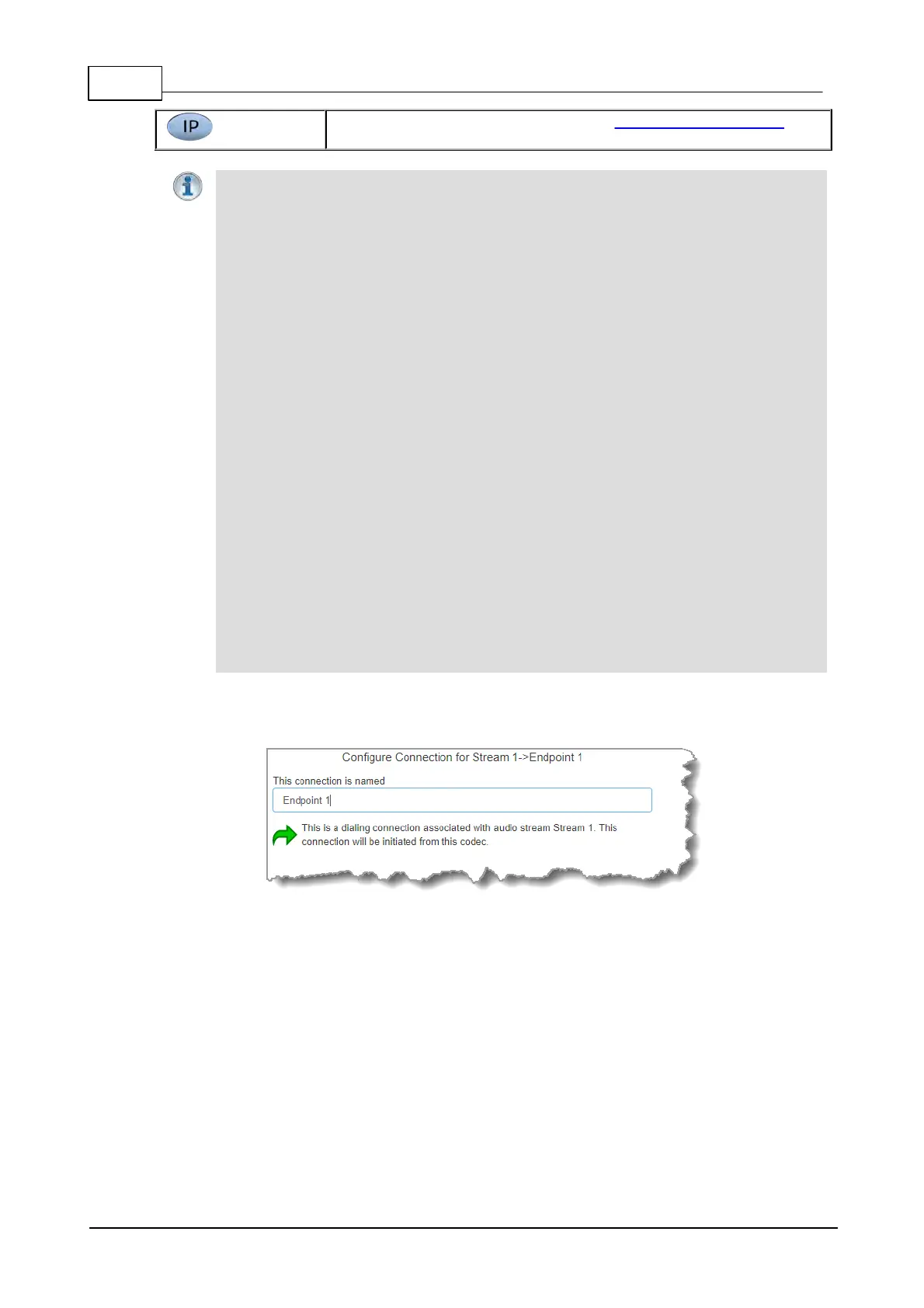
5. This audio stream connection in the wizard will allow the codec to dial. Enter the name of the
6. Configure the transport settings for the connection, then click Next. Note: only the first



 To Next Page