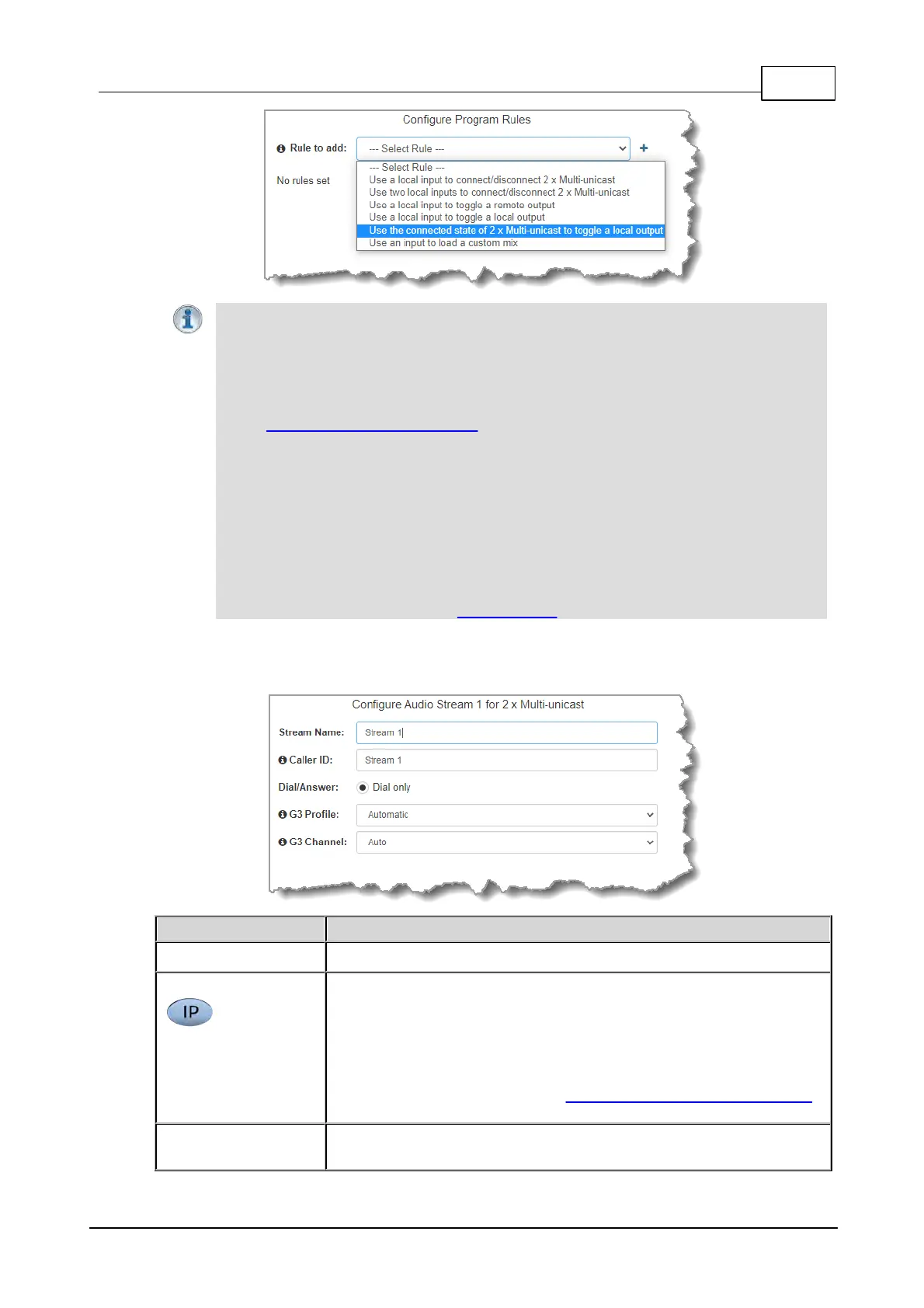
Important Notes for Rules:
· The Gateway 4 codec has 8 hardware GPIOs and 56 logical outputs, and the Gateway
8/16 has 16 hardware GPIOs and 48 logical outputs; both codecs also have 3 virtual
inputs, and 64 WheatNet Logic Inputs/Outputs. (WheatNet logic I/Os allow Tieline
WheatNet-IP enabled codecs to activate functions across a WheatNet-IP network.
WheatNet logical inputs are only available if a codec has a WheatNet-IP card installed).
See Enabling Relays & RS232 Data for more info.
· A non-WheatNet-IP Tieline codec can be configured to trigger a WheatNet LIO in a
Tieline WheatNet-IP codec.
· Tieline WheatNet-IP codecs require Wheatstone Razor firmware version 1.4.22 or later
to support WheatNet LIOs. In addition, the WheatNet-IP codec must have the WNet
Enable LIO checkbox selected in the Options panel of the HTML5 Toolbox Web-GUI.
· Relay reflection is not available for SIP and Multicast Client programs.
· Connection-related rules are not displayed in Answer only audio streams.
· Rules intended to activate dialing will not be valid in Answer only programs or audio
streams.
· For more details about rules see Creating Rules.
4. Enter the Stream Name and add a caller ID. Then click Next. Note: The caller ID is used to
Use Answer Routes to configure deterministic routing of multiple audio
streams using SIP. Answer routes can be configured for up to 6 SIP
accounts or SIP interfaces. Then create a multiple stream answering
program and configure an Answer Route for each audio stream matching
the SIP Account or SIP Interface Answer Routes. A call received via a
particular account or interface is routed to the audio stream with a
matching audio answer route. See Answering Multiple SIP Peer-to-Peer
calls for more information.
Create line hunt groups for multiple incoming callers on a first come, first
served basis. This is ideal for separating groups of inputs and outputs



 To Next Page