230 Gateway and Gateway 4 Manual v1.2
© Tieline Research Pty. Ltd. 2021
5. Select IPv4 Mode and press the button.
6. Select DHCP and press the button.
7. Press the Return button, then select Save in the confirmation dialog and press the
button to confirm the new settings.
Configure a Static IPv4 Address
Static IP addresses are fixed addresses which are recommended for studio installations. Using a
static IP address ensures remote codecs can connect reliably using the same IP address over time.
1. Press the SETTINGS button.
2. Select Transports and press the button.
3. Use the down navigation button to select LAN1, LAN2 or a VLAN interface.
4. Select Configuration and then Usage and then the appropriate control and/or streaming
mode for the connection. Next, press the button.
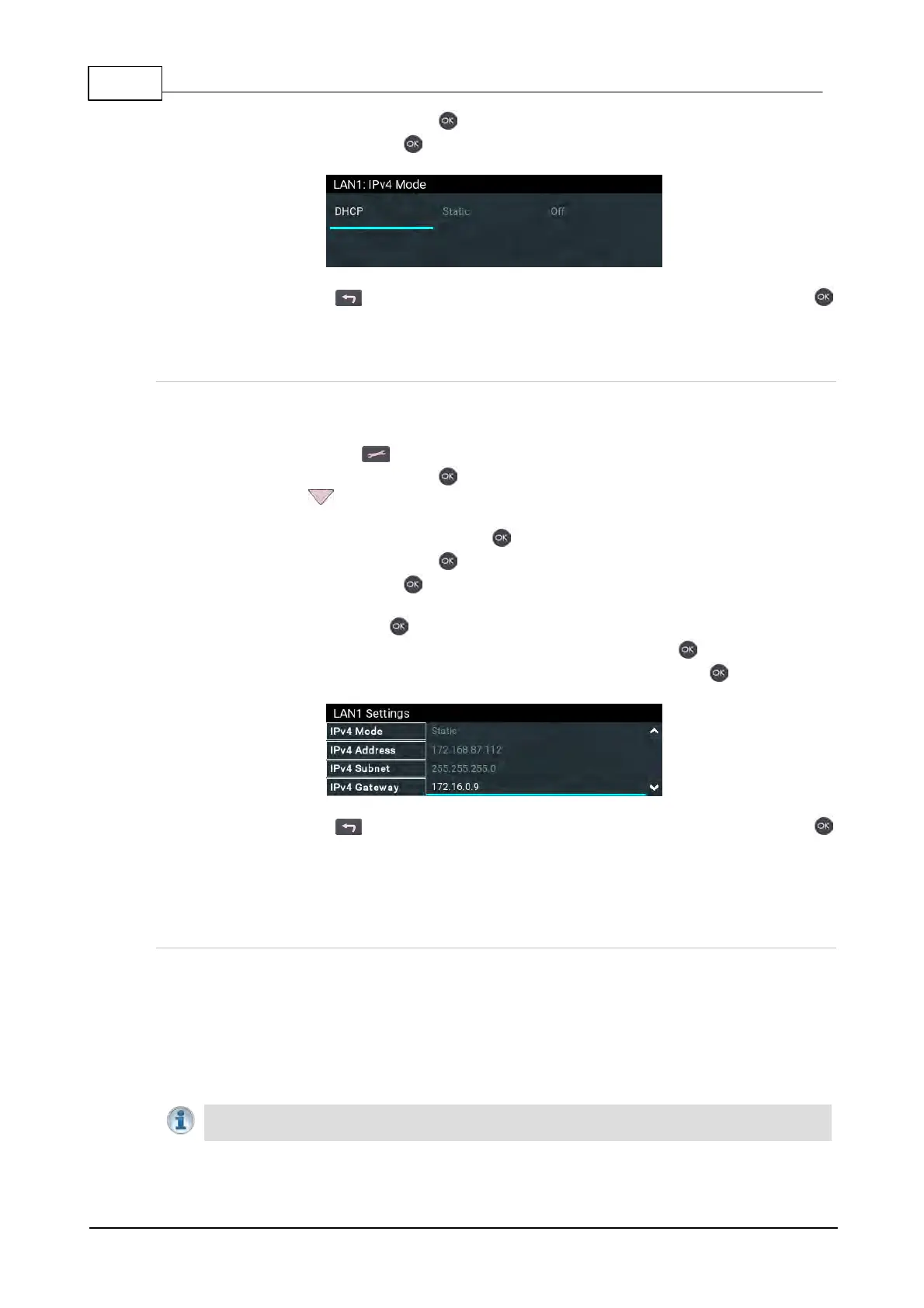
5. Select IPv4 Mode and press the button.
6. Select Static and press the button.
7. Navigate to IPv4 Address and enter the IP address (using the keypad or onscreen
keyboard), then press the button (or select Enter using the onscreen keyboard).
8. Navigate to IPv4 Subnet and enter the Subnet Mask, then press the button.
9. Navigate to IPv4 Gateway and enter the Gateway details, then press the button.
10. Press the Return button, then select Save in the confirmation dialog and press the
button to confirm the new settings.
11. Check the Unit Details menu to ensure the new static IP address has been entered
correctly.
IPv6 Address Assignment
There are three IPv6 settings available for each Ethernet port, a Wi-Fi connection via the USB PORT
on the codec and any VLANs which are configured.
1. Auto: An address is automatically assigned to the codec when you connect the codec to an
IPv6 router. This process is similar to how an IPv4 DHCP address is assigned.
2. Manual: Select to manually enter IPv6 address details.
3. Off: Select to ignore IPv6 address details.
Important Note: Select Off if you are not using IPv6 to connect to another device. This
ensures your codec will attempt to connect using IPv4 at all times.



 To Next Page