EasyManua.ls Logo

Codec Tieline Gateway - RS232 Pin-outs and Data Connections

Codec Tieline Gateway
306 pages
Print Icon
To Next Page IconTo Next Page
To Previous Page IconTo Previous Page
Loading...
295
© Tieline Research Pty. Ltd. 2021
Gateway and Gateway 4 Manual v1.2
8
Output 16
9
Input 9
10
Input 11
11
Input 13
12
Input 15
13
Ground
14
Output 9
15
Output 10
16
Output 11
17
Output 12
18
Output 13
19
Output 14
20
Output 15
21
Output 16
22
Input 10
23
Input 12
24
Input 14
25
Input 16
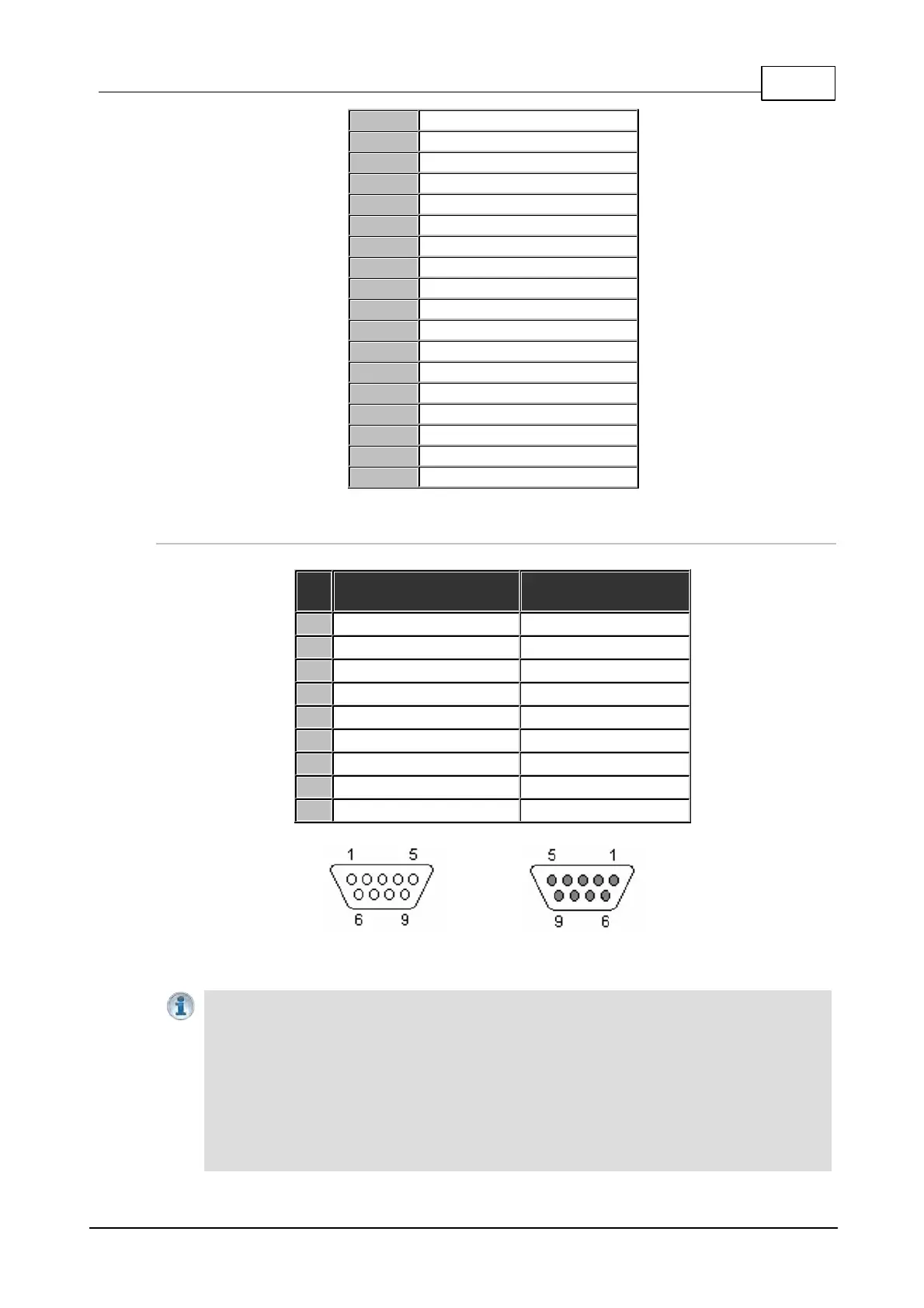
RS232 Pin-outs and Data Connections
Pin
INTERFACE Female
DB9 (RS232) DCE
DATA Male DB9
(RS232) DTE
1
No Connection
No connection
2
TX Data
RX Data
3
RX Data
TX Data
4
No connection
No connection
5
Signal Ground
Signal Ground
6
No Connection
No connection
7
CTS
RTS
8
RTS
CTS
9
No connection
No connection
DB9 Male
Connector Pins
DB9 Female
Connector Pins
Important Notes:
· It is important that you enable serial port flow control within the codec. Flow control
regulates the flow of data through the serial port. If disabled, data will flow unregulated and
some may be lost.
· Ensure you match the serial port baud rate to match the rate of the external device you are
connecting to. Ideally the settings on both codecs should match, or you could have data
overflow issues.

Table of Contents

Related product manuals