89
© Tieline Research Pty. Ltd. 2021
Gateway and Gateway 4 Manual v1.2
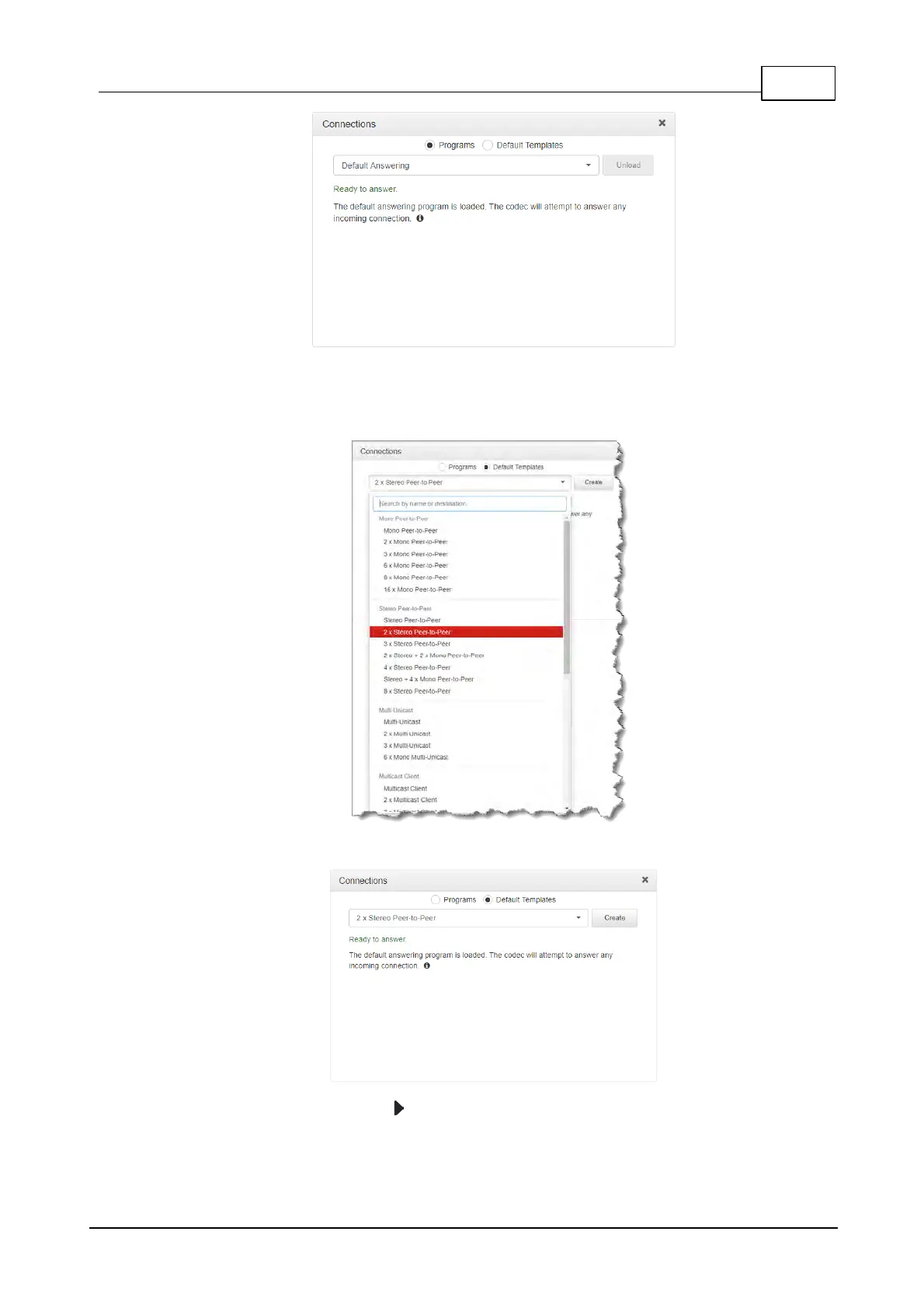
2. Select Default Templates and then click the drop-down arrow to select one of the
supported default templates in the codec. Note: Default templates available vary depending
on the codec purchased, e.g. Gateway 4, Gateway 8, and Gateway 16.
3. Click Create to add the new program.
4. Click the right-facing arrow to expand an audio stream and view default settings.



 To Next Page