90 Gateway and Gateway 4 Manual v1.2
© Tieline Research Pty. Ltd. 2021
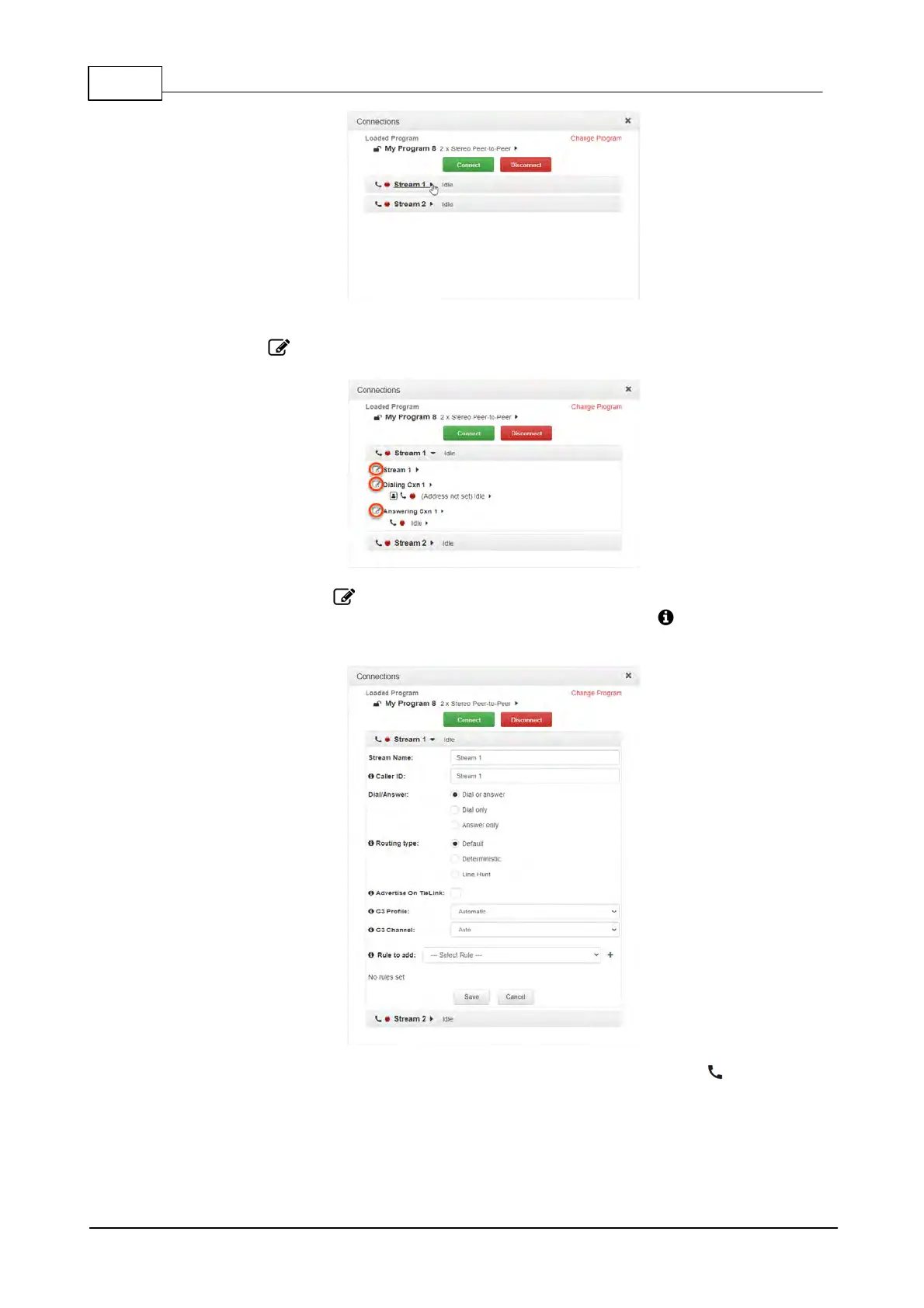
5. To configure new connection settings, or edit existing connection settings, click the Edit
symbol .
6. The Edit symbol expands each audio stream and dialing and answering connection to
reveal configuration settings. Hover over the Information symbol to view details of each
configuration setting. Click Save to store changed settings.
7. To connect an individual connection, click the Connect/Disconnect symbol for an
inactive connection.



 To Next Page