91
© Tieline Research Pty. Ltd. 2021
Gateway and Gateway 4 Manual v1.2
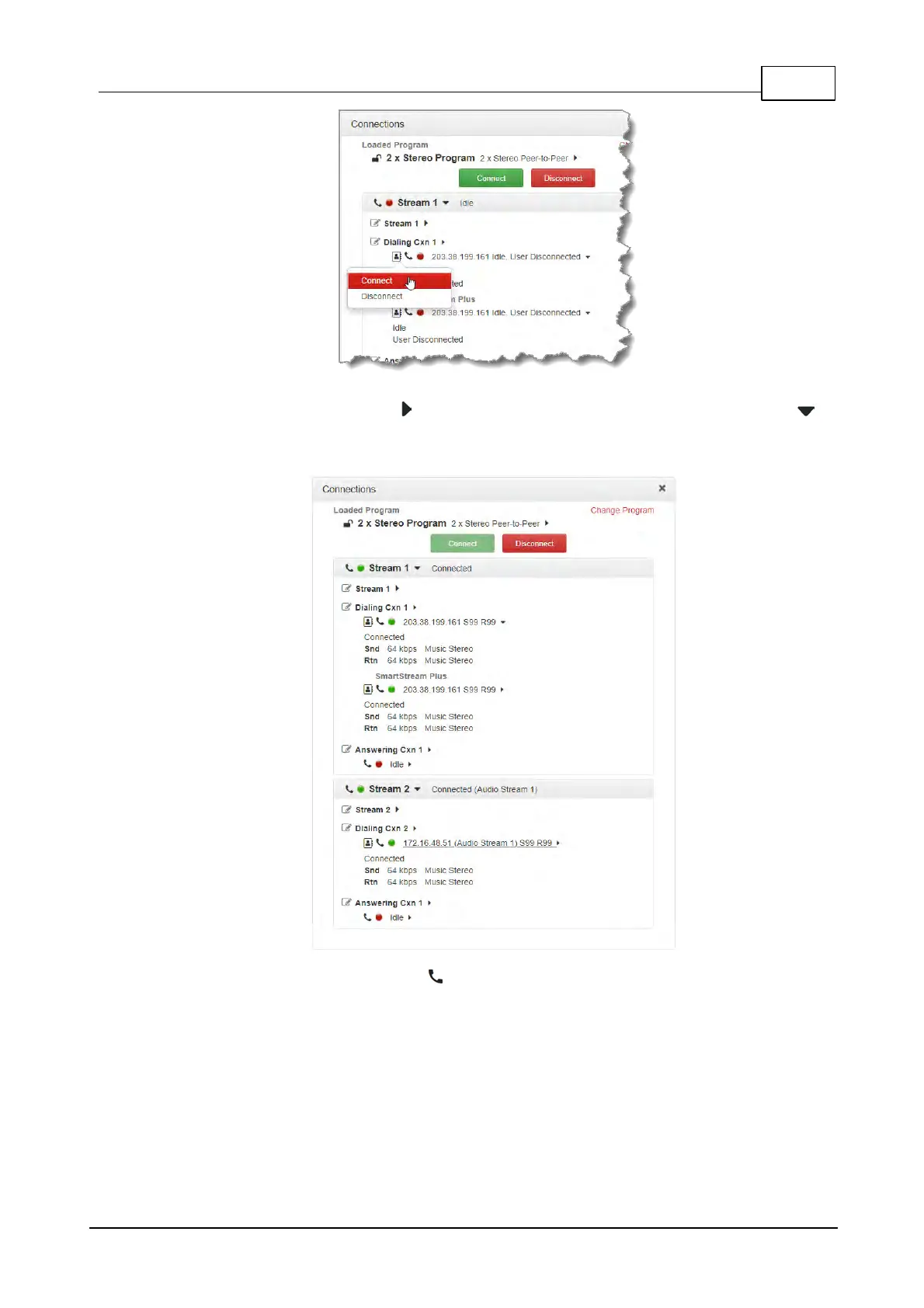
8. Click the right-facing arrows to expand stream settings. Click the down-facing arrows to
collapse expanded stream settings. Audio stream connections can be connected,
disconnected and managed from within the Connections panel.
9. Click the Connect/Disconnect symbol for an active connection and then click the drop-
down Bit Rate arrow to select and renegotiate a new bit-rate.



 To Next Page