94 Gateway and Gateway 4 Manual v1.2
© Tieline Research Pty. Ltd. 2021
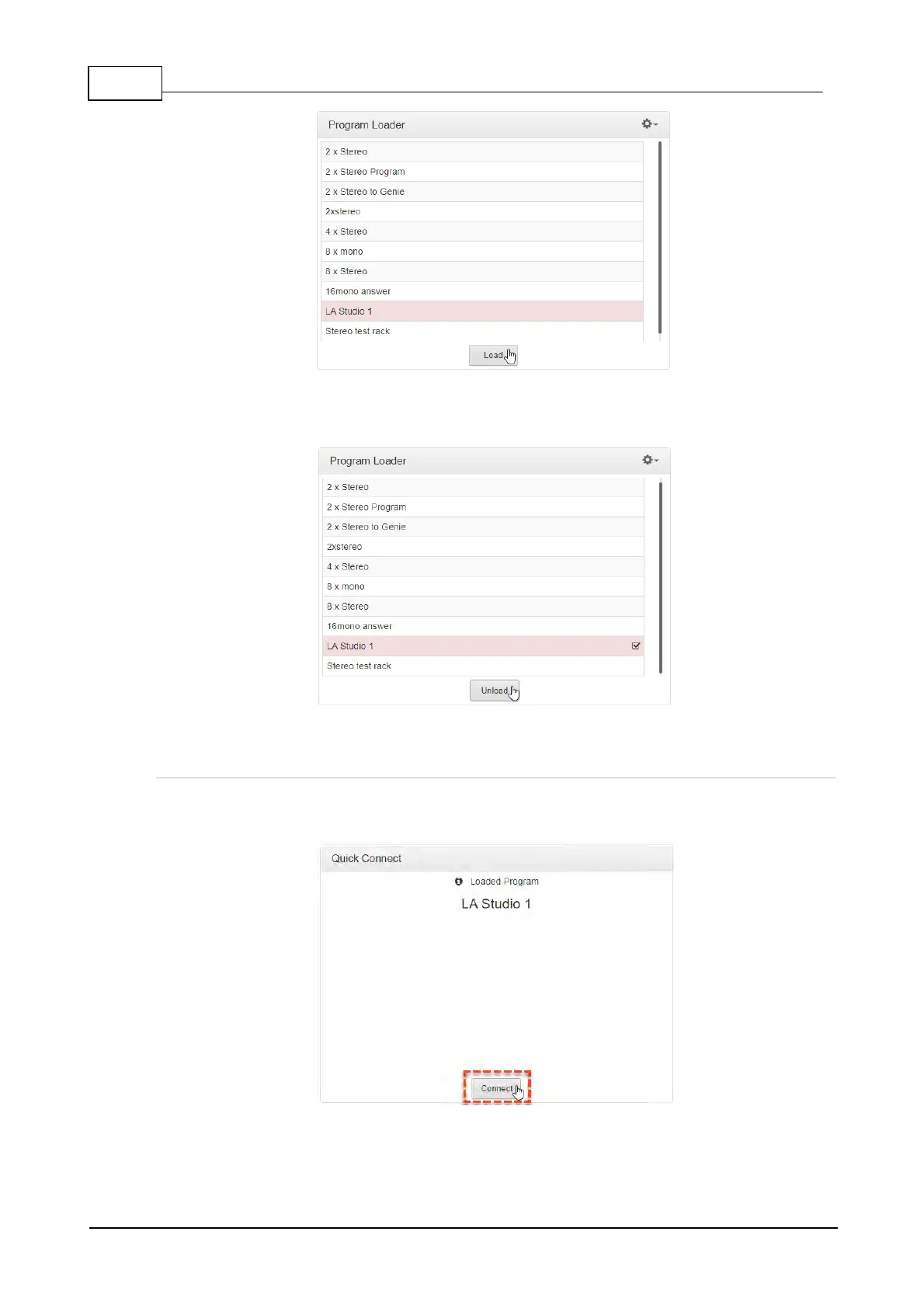
2. The Check-box symbol appears next to the program name to confirm it has been loaded
and the Load button changes to an Unload button.
To unload a program click the Unload button.
Dial a Loaded Program
1. Click the Connect button in the Quick Connect panel to dial a loaded program. Note: After
connecting, the Connect button changes to a Disconnect button.



 To Next Page