User Manual: WaveLinx Lite (4.0)
149
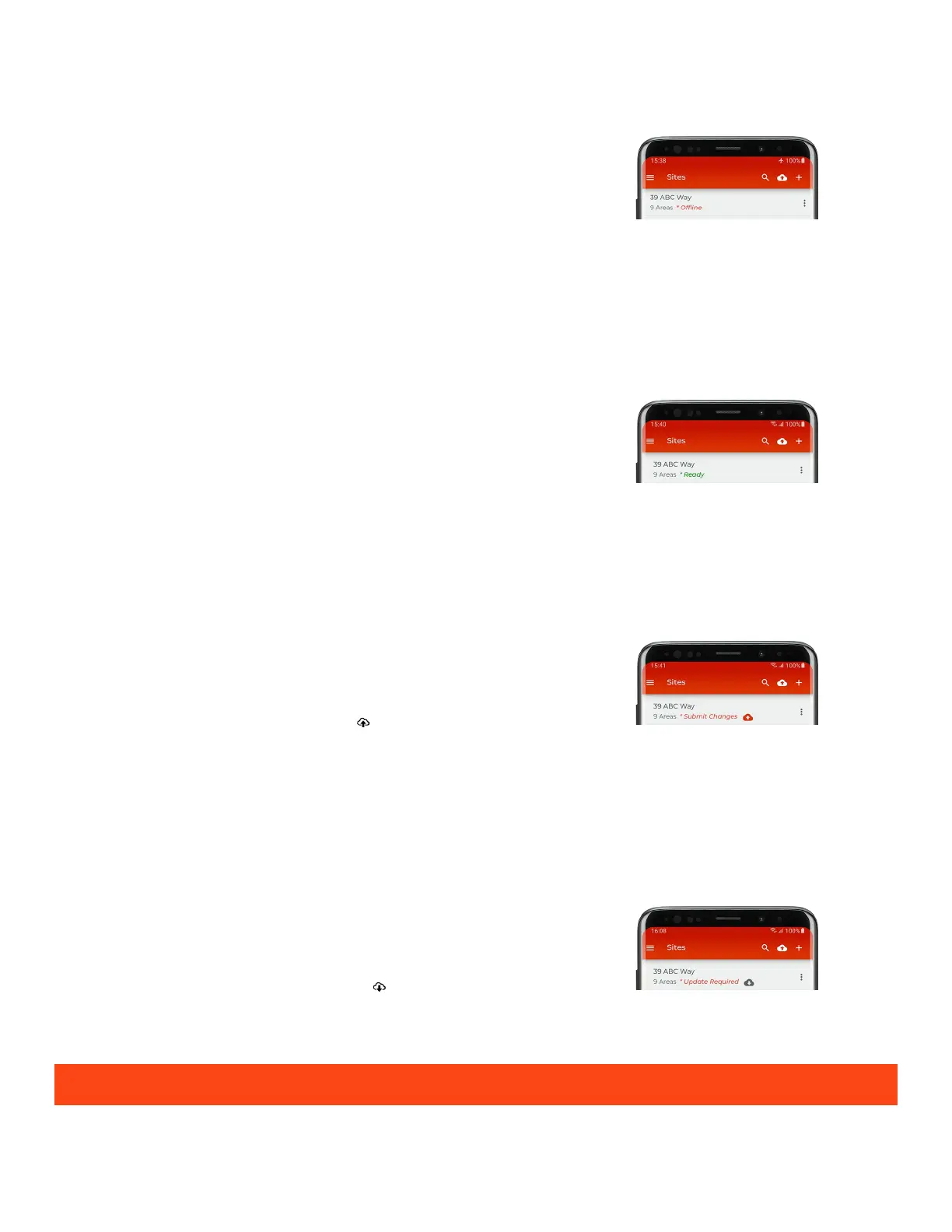
Offline Status
When the status read ‘Offline’, there is no internet connection made. The app is unable to
compare the local database to the cloud database
to determine the status.
• Make an internet connection if there is signal available and then reopen the sites list
page to refresh the status.
•
If no internet connection is available, proceed with changes as normal. Once internet
is available, submit the changes manually or allow the app to automatically sync the
change.
Ready Status
The local database on the mobile device matches the cloud database.
Resolution:
• No resolution is necessary.
Internet must be available to display this status.
Submit Changes Status
The local database has been opened on the mobile device. Note that this message will be
displayed
even if changes have not been made.
•
Continue to make changes as needed on the local device. Once completed manually
sync the database by tapping the submit icon ‘ ’ to send the database to the cloud
database.
• Continue to make changes as needed on the local device. Allow the automatic sync
to send the changes to the cloud.
Internet must be available to display this status.
Update Required Status
The cloud database is newer than the database on the local device and no changes have
been made on the local device since the last
time it performed a sync. This can occur if
the user has logged in using more than one mobile device to make
changes.
• Before making any changes, tap the update icon ‘ ’ to load
from the cloud. Once the update completes, the status should read ‘Ready’. Proceed
with any necessary changes.
Internet must be available to display this status.
Logging in to multiple mobile devices using the same WaveLinx Lite App user account is not recommended.



 To Next Page