Chapter 8 Letter Design
96 BECS-A88/C88 computerized embroidery machine owner’s manual
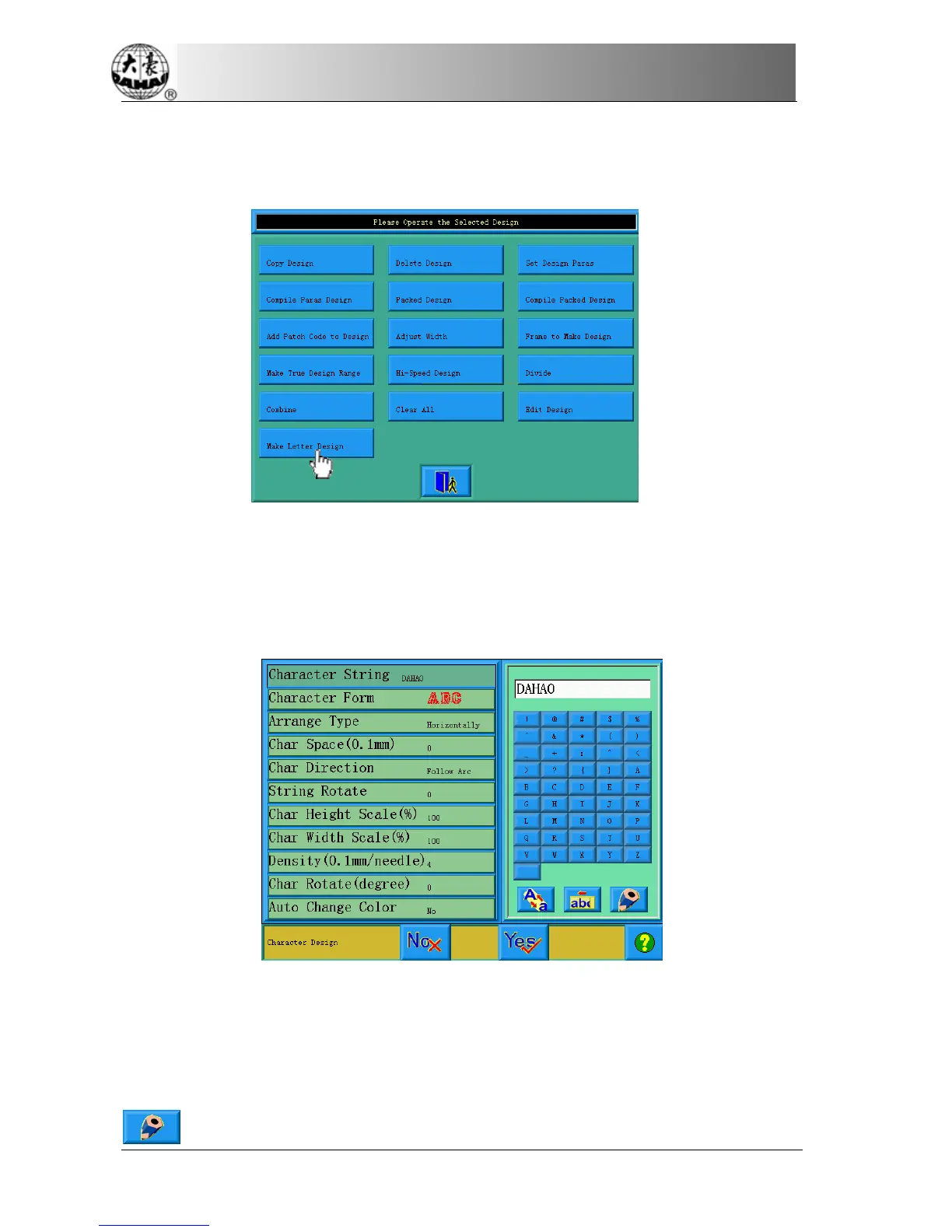
Click “create letter pattern” key, then can enter into parameter enter screen of
letter embroidery.
8-2
Enter Embroidery Letter Bunch and Basic Parameter
After open the window of parameter input, enter into letter input screen
automatically.
The left of window is parameter list window; the right is parameter input window.
After click one of parameter in left list, then will open the input window of this
parameter in the right window. After adjust value of one of parameter, need click
key to save it.



 To Next Page