Chapter 6 Memory Design Management
74 BECS-A88/C88 computerized embroidery machine owner’s manual
the memory design choosing operation screen.
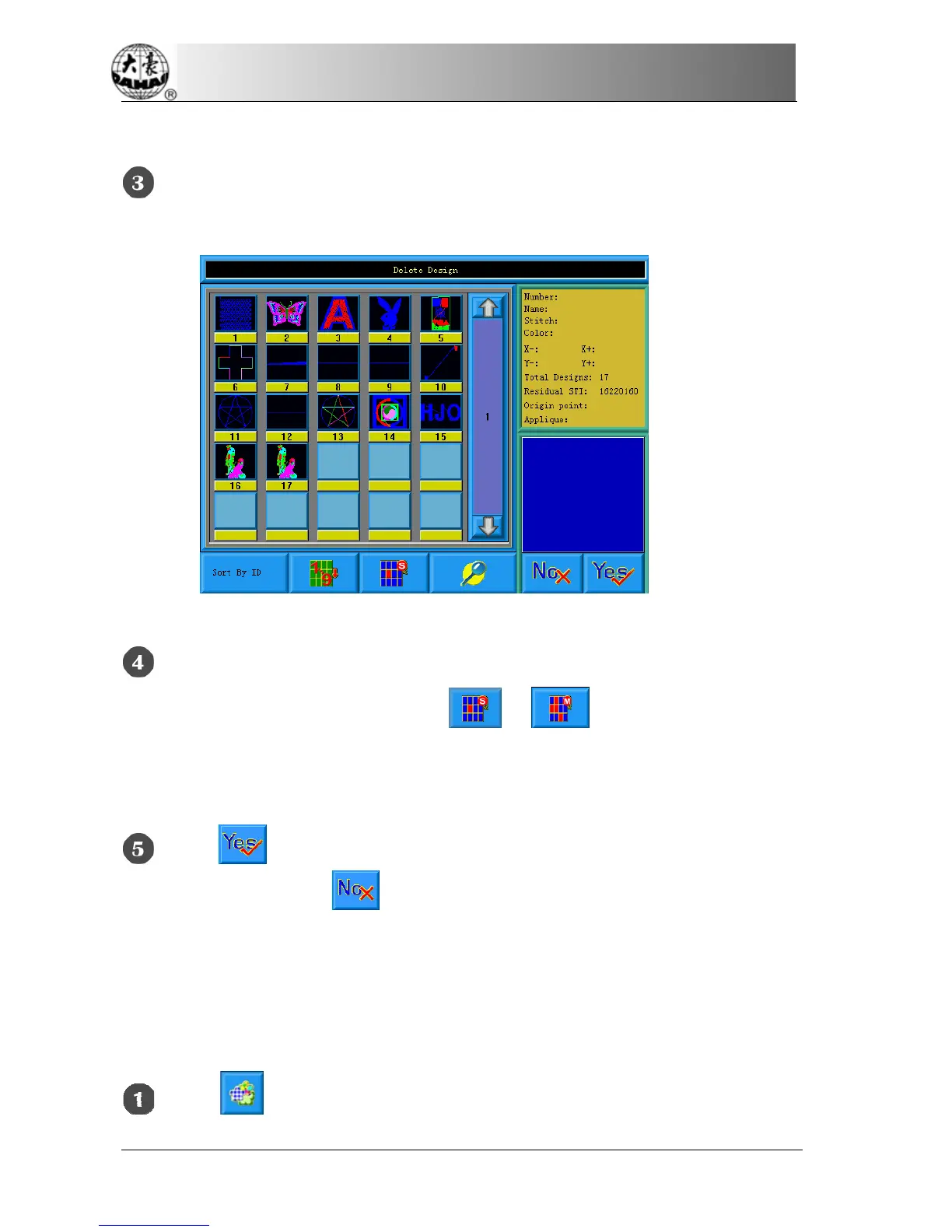
Click “Delete Design” to enter its operation screen.
Select the design. The user can choose to select one design for one time or
several designs by switching between
and . The screen is similar to
the memory design management screen, in which the designs can also be sorted
and previewed.
Click to carry out deleting and then return to the design operation
choosing screen. Cancel
to cancel deleting and return.
6-7
Setting Normal Parameters
Each design has its setting of color-changing order and normal parameters such as
scaling up/down and repetition, which can be checked and set here.
Click in the main menu to enter the memory design management



 To Next Page