Chapter 2 Operation Instruction
30 BECS-A88/C88 computerized embroidery machine owner’s manual
corresponding keys according to the prompts.
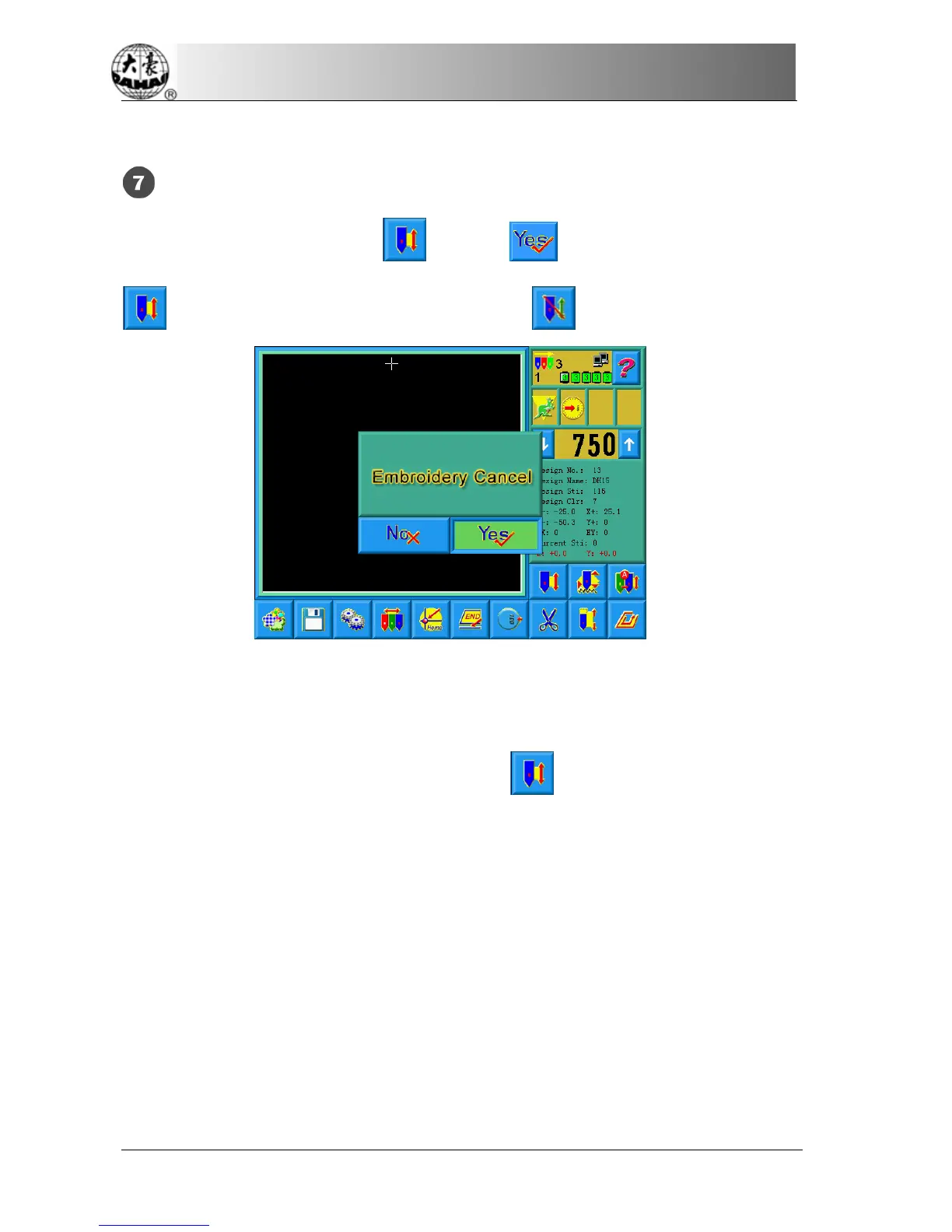
Embroidery Cancel
When the machine stops, click
. Choose in the followed prompt and
(embroidery confirmation) will change into (embroidery cancel).
2-6
Normal Embroidery, Returning and Patching
In embroidery confirmation status (the icon appears), push the patching
switch of machine head (that will perform normal embroidery) to the normal
embroidering mode, and push the patching switch of machine head that will not
embroider to the patching mode, and then pull the operation bar to right and
release it to let the machine start normal embroidery. (When you pull the bar right
and don't release it, the machine will embroider in lower speed.) During
embroidering, pull the bar left, the machine will stop.
After the machine stops, pull the operation bar to left and the frame will return to



 To Next Page