Chapter 7 Memory Design Edit
90 BECS-A88/C88 computerized embroidery machine owner’s manual
Chapter 7
Memory Design Edit
You can edit common designs smaller than 100000 needles in the memory
through this function, or establish a new design.
7-1
Start Editing Design
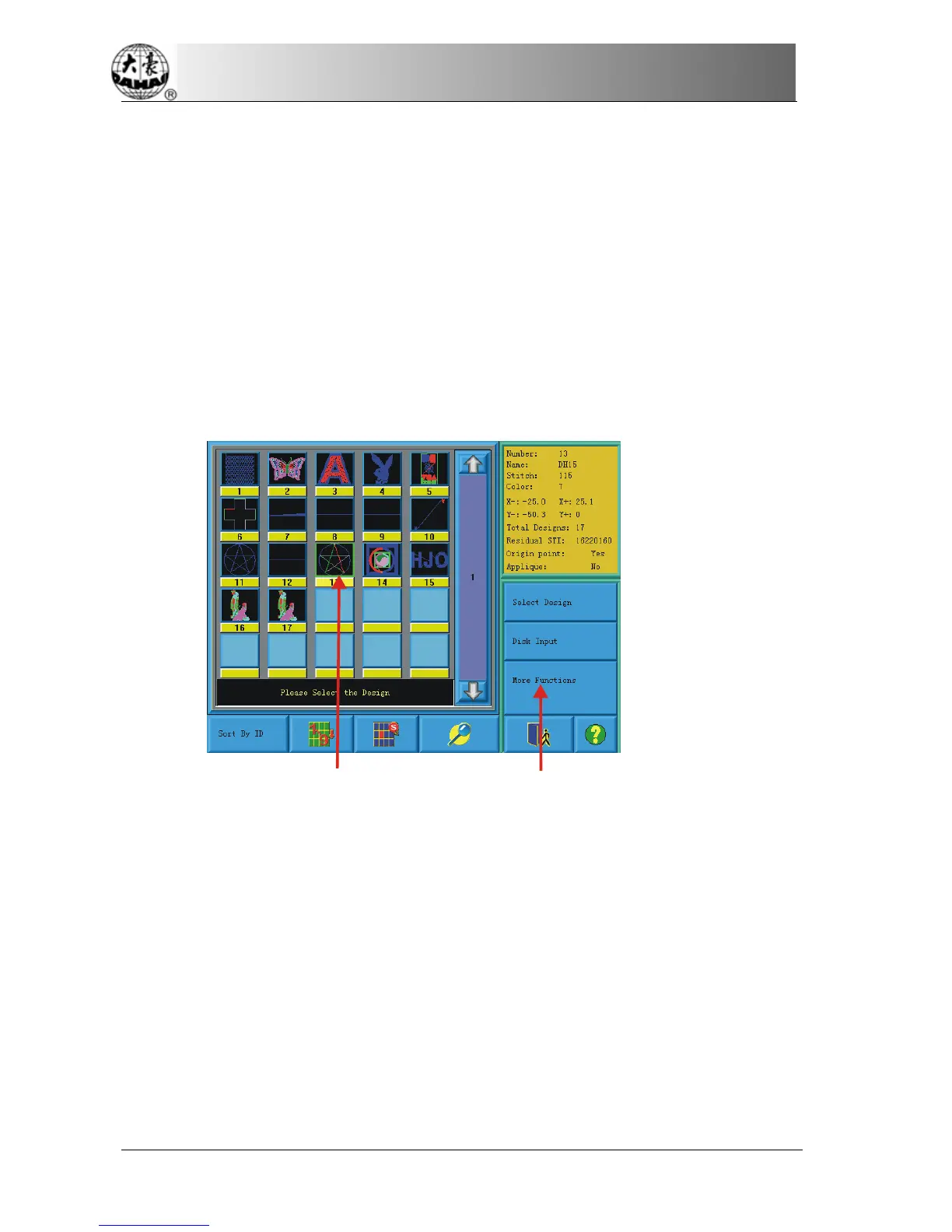
Choose the design that will edit in the window of memory design management,
then click “More Functions” key.
choose the pattern
click More Functions
“”
In “choose operation of the memory design”, click “design edit” key, after which,
in pop-up confirm dialog box, pick out "Yes" to start edit the design selected at
present; Click "No" edits a new design. (Note: the design selected can not be
combined design, or system will warn “not common design”)



 To Next Page