Chapter 3 Disk Management
BECS-A88/C88 computerized embroidery machine owner’s manual 39
Click to select all the objects in the current folder
The key is effective only in the multi-selection mode.
3-3
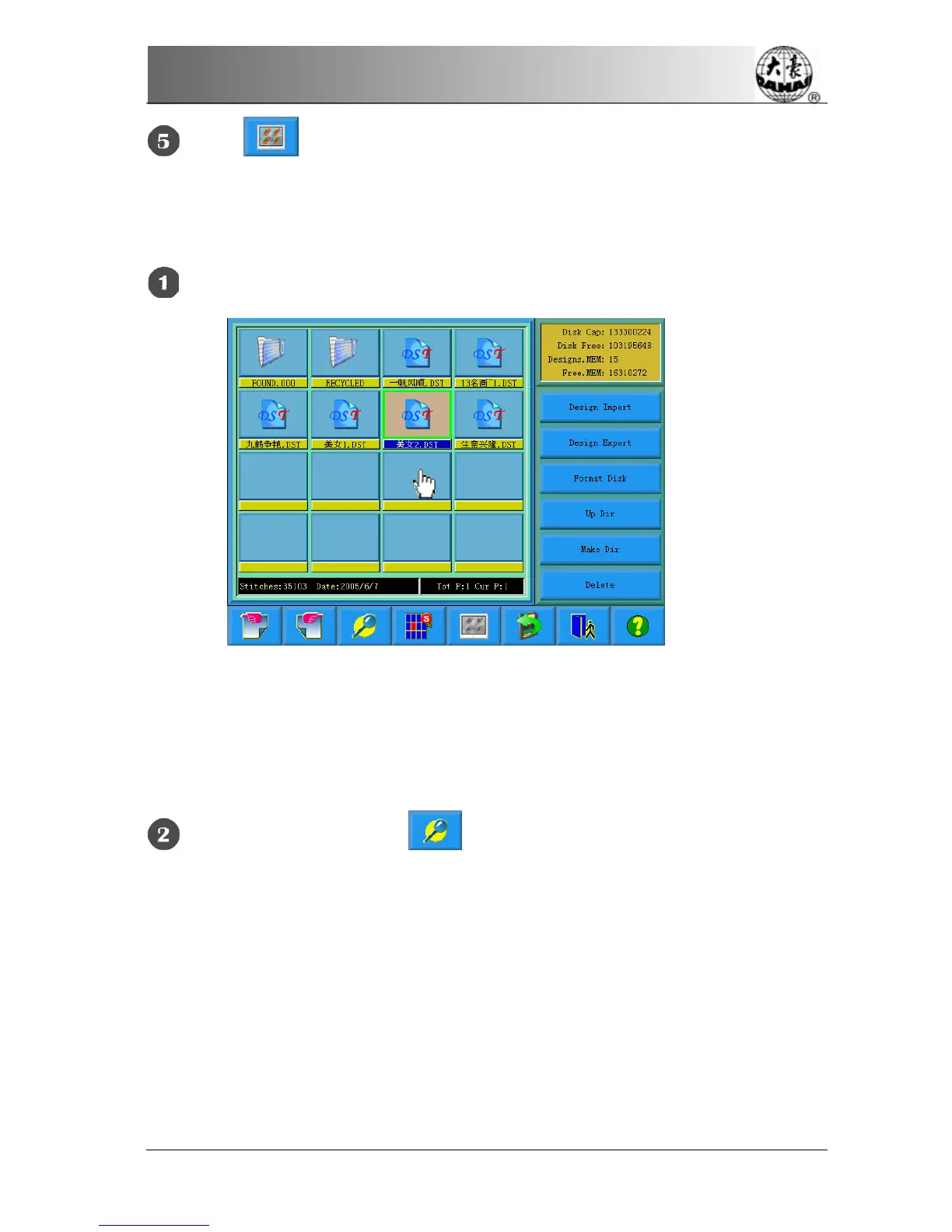
Design Preview
Click and select the design in the disk management screen
Design files and folders are shown by icon in the list. One page of the list contains
16 items. Click the key to turn pages to look for designs in another page. The
selected object has a green frame and a different background color.
Click Design Preview Key



 To Next Page