Chapter 3 Disk Management
38 BECS-A88/C88 computerized embroidery machine owner’s manual
its contents like stitch number and data.
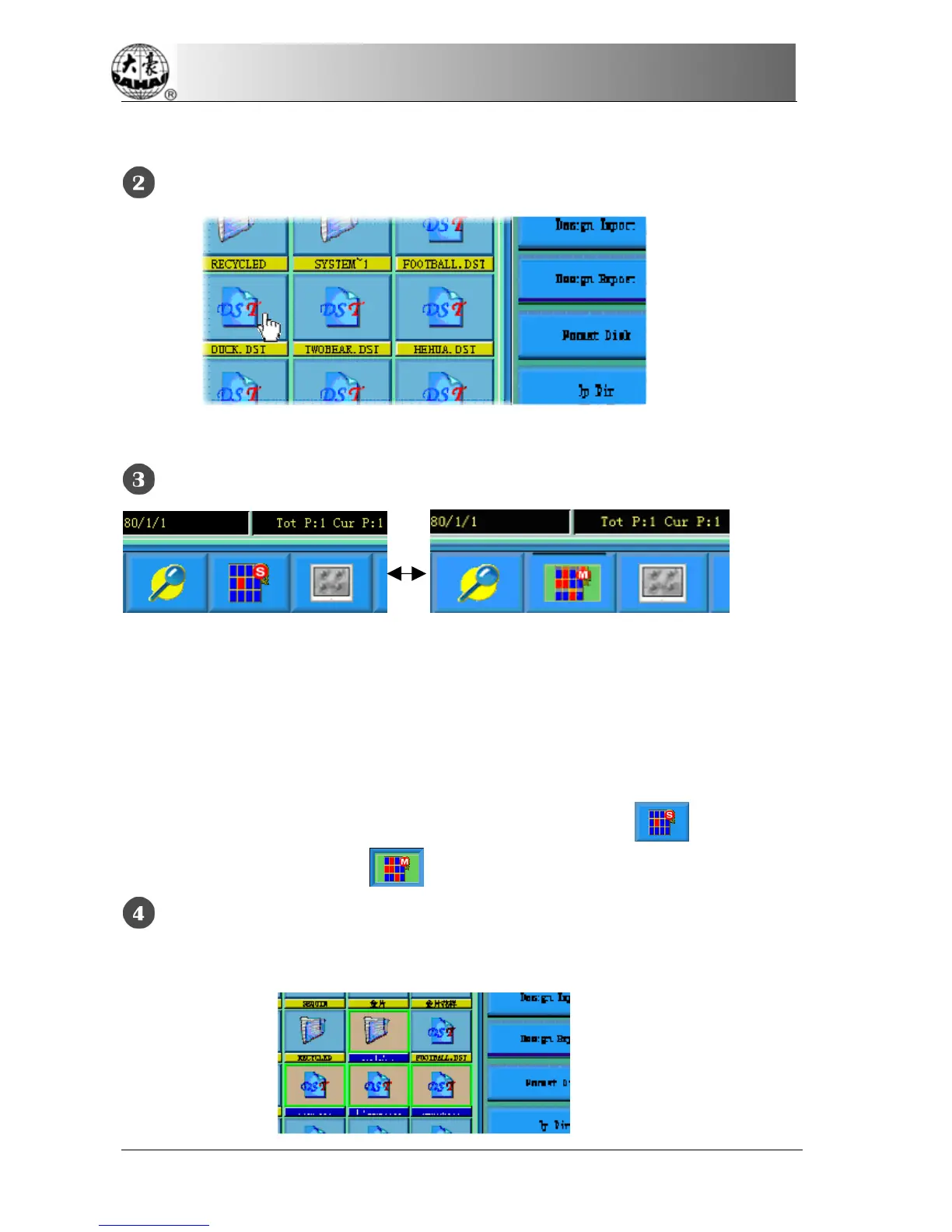
Click a Selected Object to Cancel the Selection
Click a selected object and it will become unselected again.
Click the Switch Key of Single/Multi-Selection
When selecting the objects, the system is in single or multi-selection mode. In the
single selection mode, one object is selected for one time and selecting another
object will automatically cancel the last selection. Click the switch key to switch
between the two modes. In the multi-selection mode the user can select several
objects. In the single selection mode the switch key shows
when in the
multi-selection mode it shows
.
Select More Than One Object
In the multi-selection mode click the several objects in order to select them.



 To Next Page