Chapter 3 Disk Management
40 BECS-A88/C88 computerized embroidery machine owner’s manual
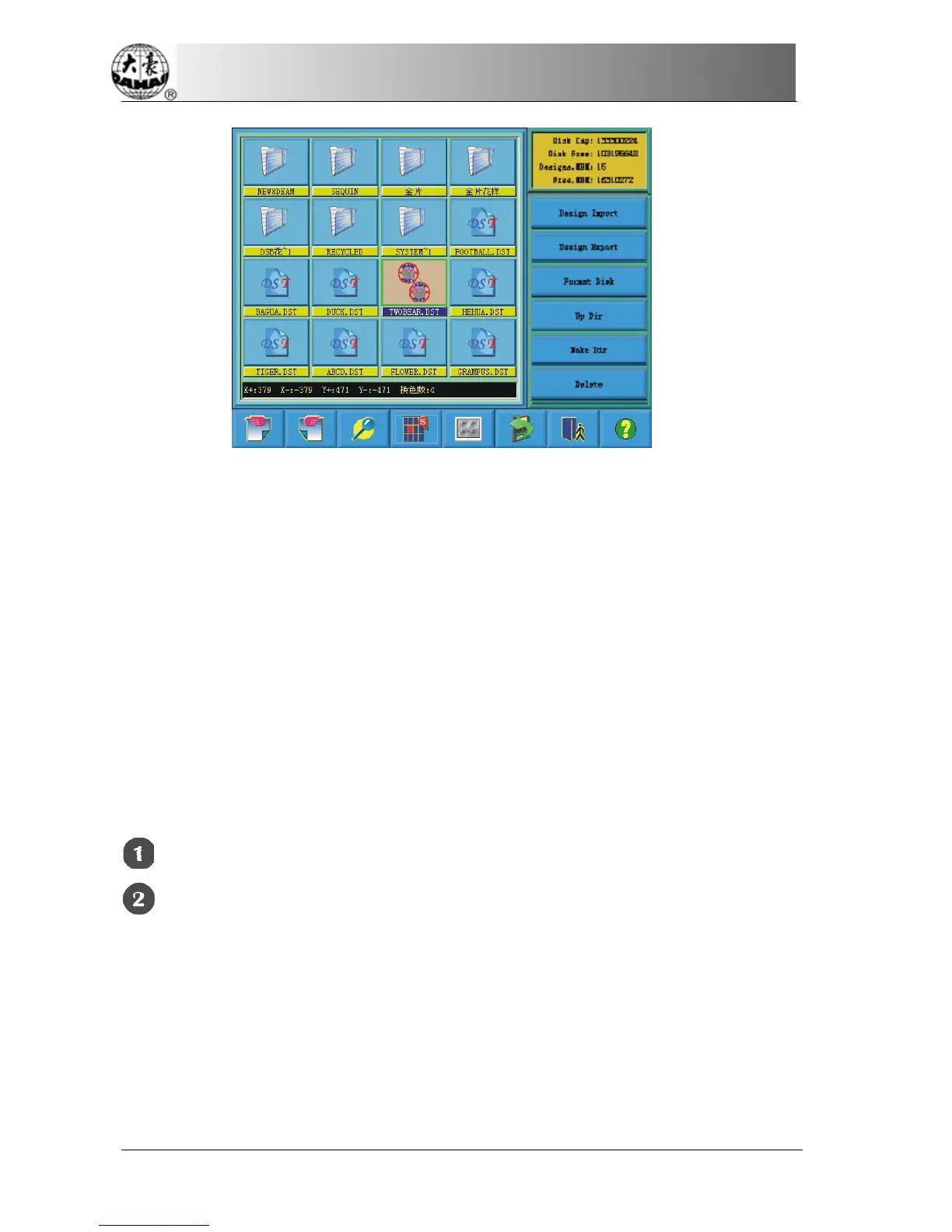
The system reads the data from the disk and displays the design’s image
according to a certain ratio. At the same time the design’s information and
color-changing number will show in the information area.
Note: More than one design is allowed to select for preview.
3-4
Design input
To input the design data in the disk to the machine’s memory, the user has to
select files from one or more disks first, and then input the design number and
name for the file to be saved.
Select one or more files in the disk
Click the design input key



 To Next Page