Chapter 3 Disk Management
BECS-A88/C88 computerized embroidery machine owner’s manual 41
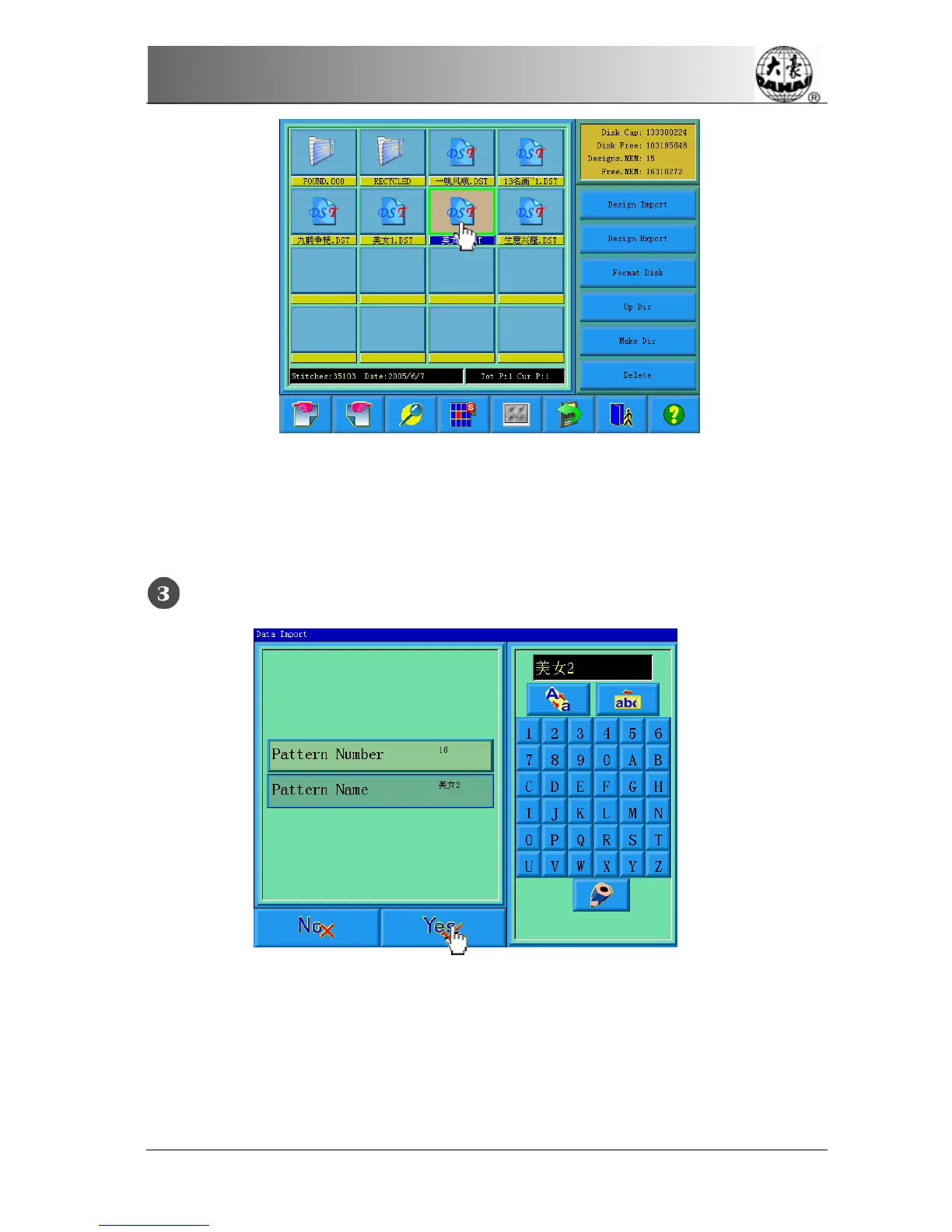
The system asks the customer to input design number and name for system
saving.
The user inputs the design number and name.
The system provides the minimum available design number as the default value.
The customer can use the small panel on the right to change the value. When
several designs are input for one time, the user can only input the number of the



 To Next Page