Chapter 9 Assistant Operation Functions
BECS-A88/C88 computerized embroidery machine owner’s manual 125
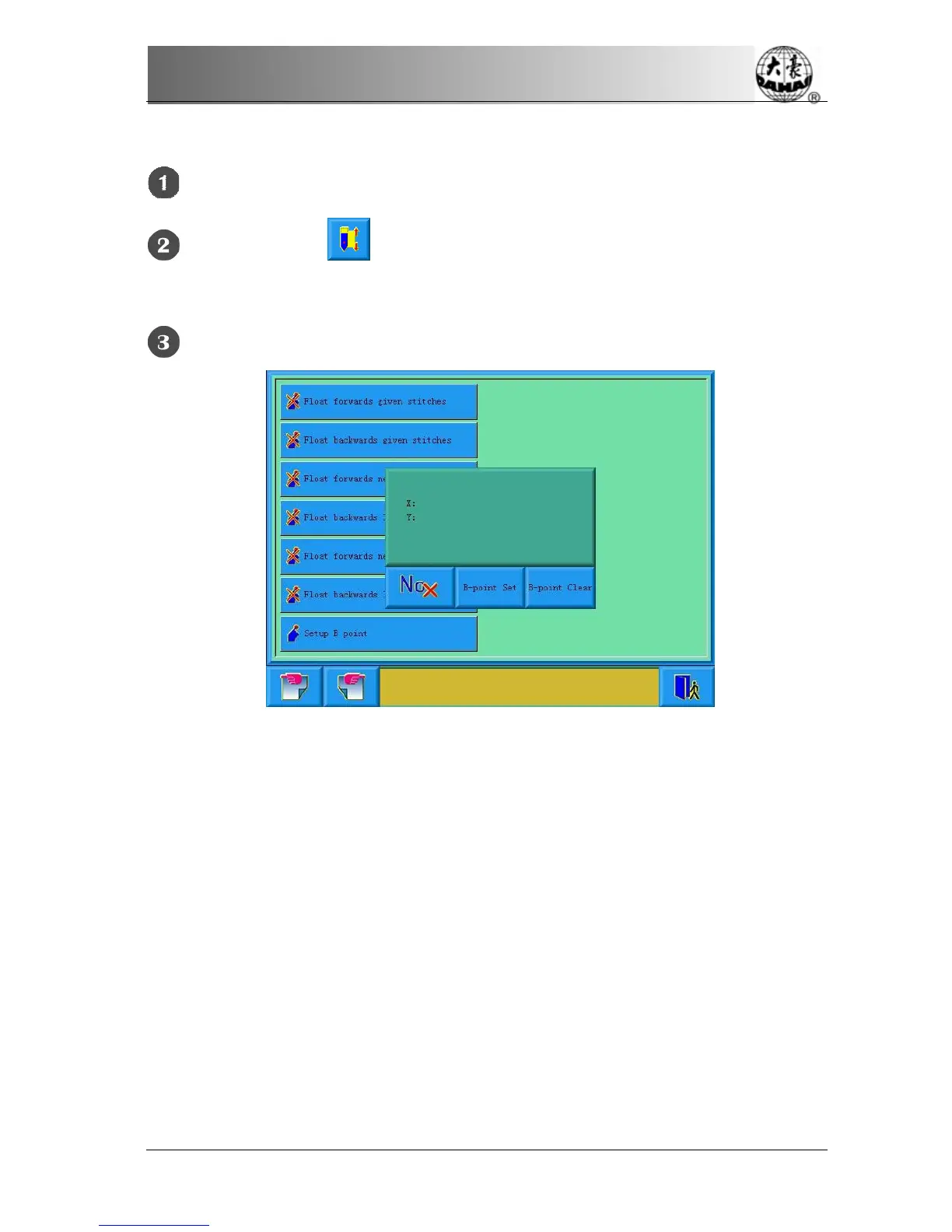
9.16.1 Setting Course
Set the absolute origin, see 10.3 for details.
Click the button in the main screen to enter into assistant operation
screen.
Go to page 2 and click .
Press the manual frame moving to move the frame to a proper position, click to let
system back to other screen. Setting B point is complete.
If you want to clear the point B, press “clear B point”.
9.16.2
Notes
1. When frame moves to the work-off point, there is only action on Y direction.
2. It is
If the B point is set as the image below, then frame will be only moving above B
(a zone indicates the inner edge of the stand), after thread break, press the slow
moving switch, machine trims without letting frame go to B point; when frame is



 To Next Page