Chapter 6 Memory Design Management
76 BECS-A88/C88 computerized embroidery machine owner’s manual
as scaling up/down and repetition, which is attached to a specific design, so as to
create a new design.
Click in the main menu to enter the memory design management
screen.
Select the design in the memory design image area of the memory design
management screen.
Click “More Functions” to enter the design operation choosing screen.
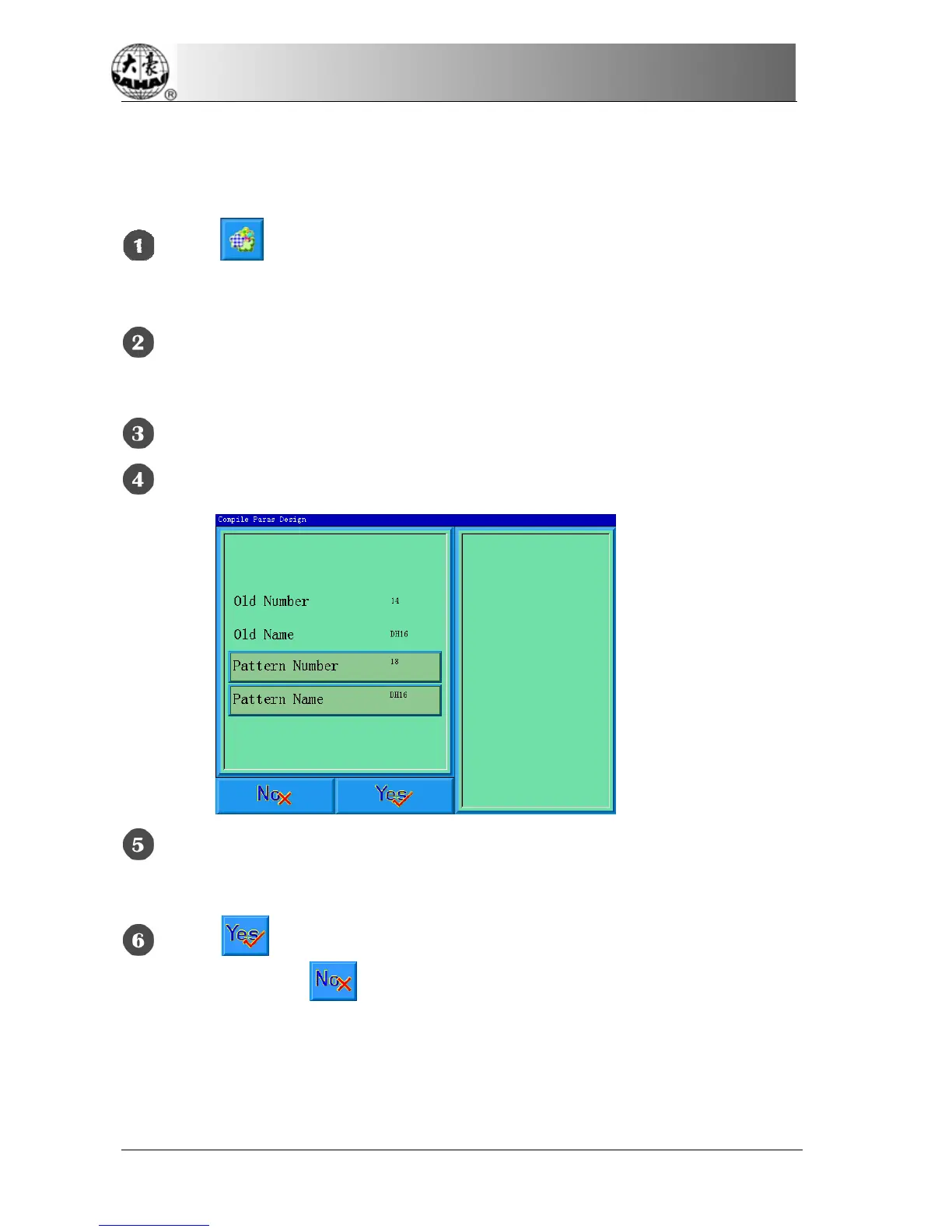
Click “Compile Paras Design” to enter its operation screen.
If don’t use the default values provided by the system, click “Design
Number” or “Design Name” and input the new number and name.
Click to create a new design and return to the design operation
choosing screen. Click
to cancel creating and return.
6-9
Edit Packed Design
The packed design means a design group packed from a certain (less than 99)
memory designs after setting their parameters. The packed design is set as



 To Next Page