Chapter 3 Disk Management
BECS-A88/C88 computerized embroidery machine owner’s manual 45
Click the Key
The system will begin to format the disk and show the speed with a process bar.
After formatting the system will display the prompt to show formatting success.
Click the returning key to return to the disk management screen.
Note: the system will format the disk in DOS format.
3-8
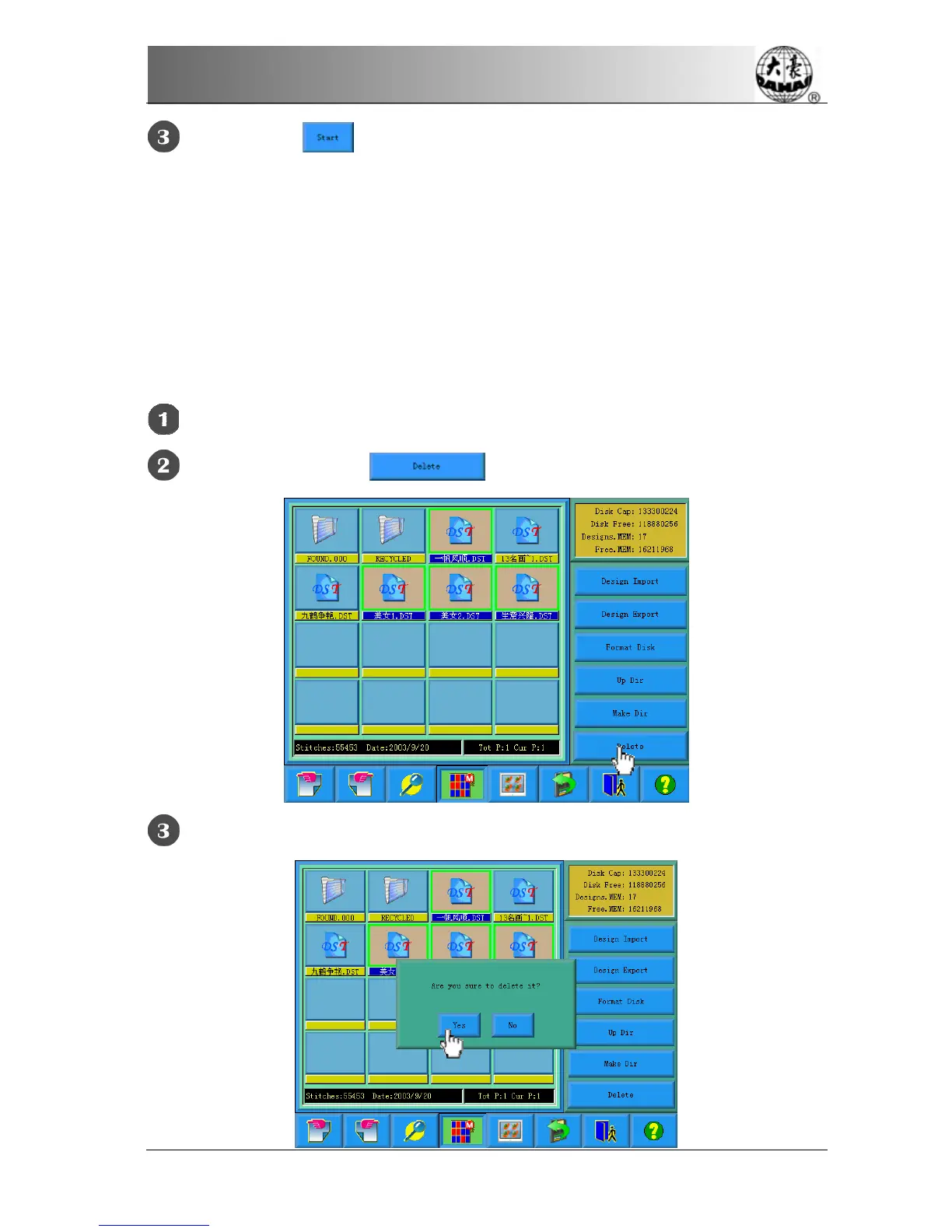
Deleting Objects in Disk (Including Design Files and Folders)
Select one or more objects (See 4.2)
Click the deleting key
The system asks the user to confirm the deleting operation



 To Next Page