Chapter 6 Memory Design Management
BECS-A88/C88 computerized embroidery machine owner’s manual 79
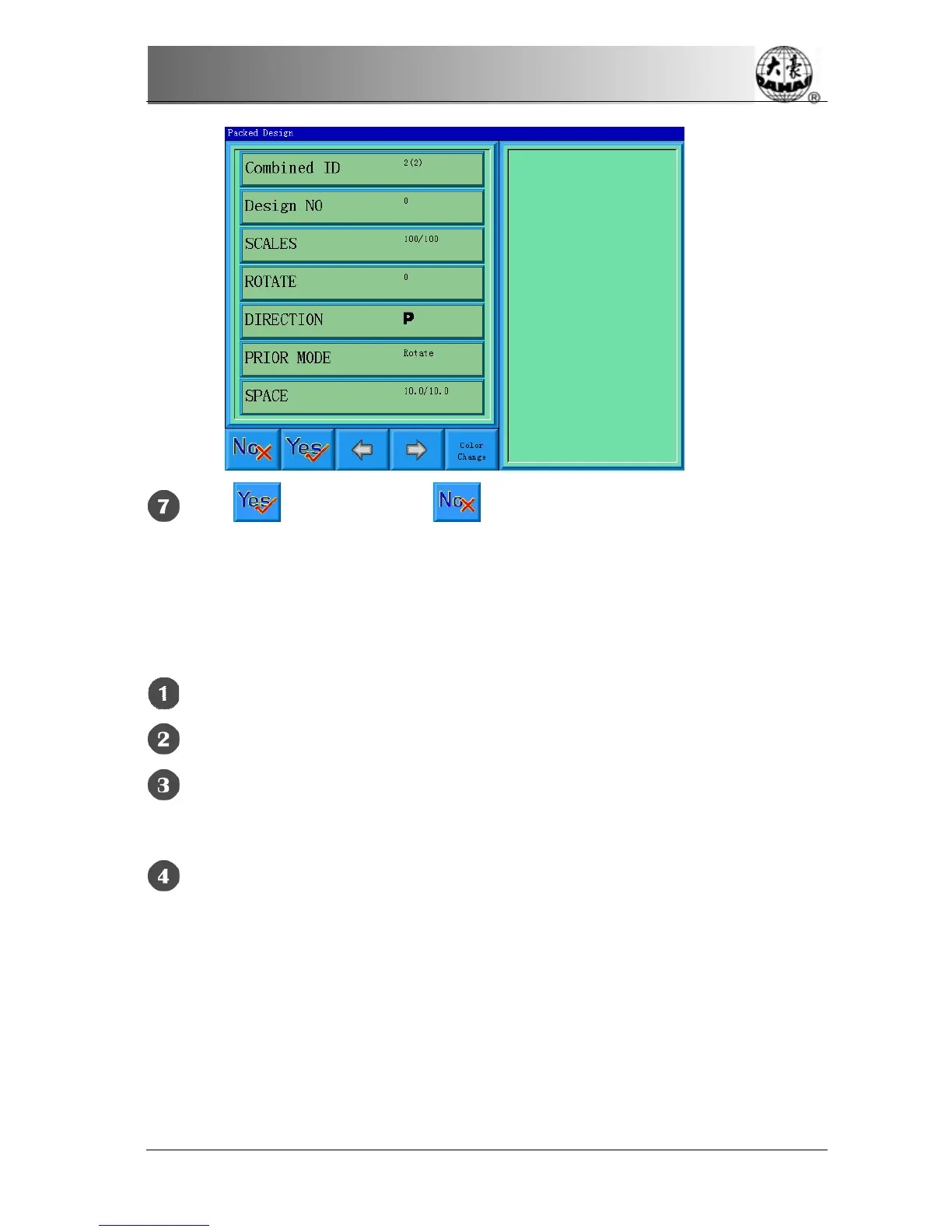
Click to save or click to cancel the operation and return to the
design operation choosing screen.
6-10
Programming Combined designs
The action will help to make combined design to normal embroidery design.
Select a combined design.
Click the button on the main menu
Click “more functions” to enter the memory design choosing operation
screen.
Click “Compile Paras Design” to enter its operation screen.
6-11
Setting Patching Embroidery
The system has two ways for patching embroidery: manual moving frame out and
automatic moving frame out.
Manual moving frame out: when embroidering to meet stop code, the machine
will stop automatically. Move the frame to the proper position for patching with



 To Next Page