Chapter 6 Memory Design Management
78 BECS-A88/C88 computerized embroidery machine owner’s manual
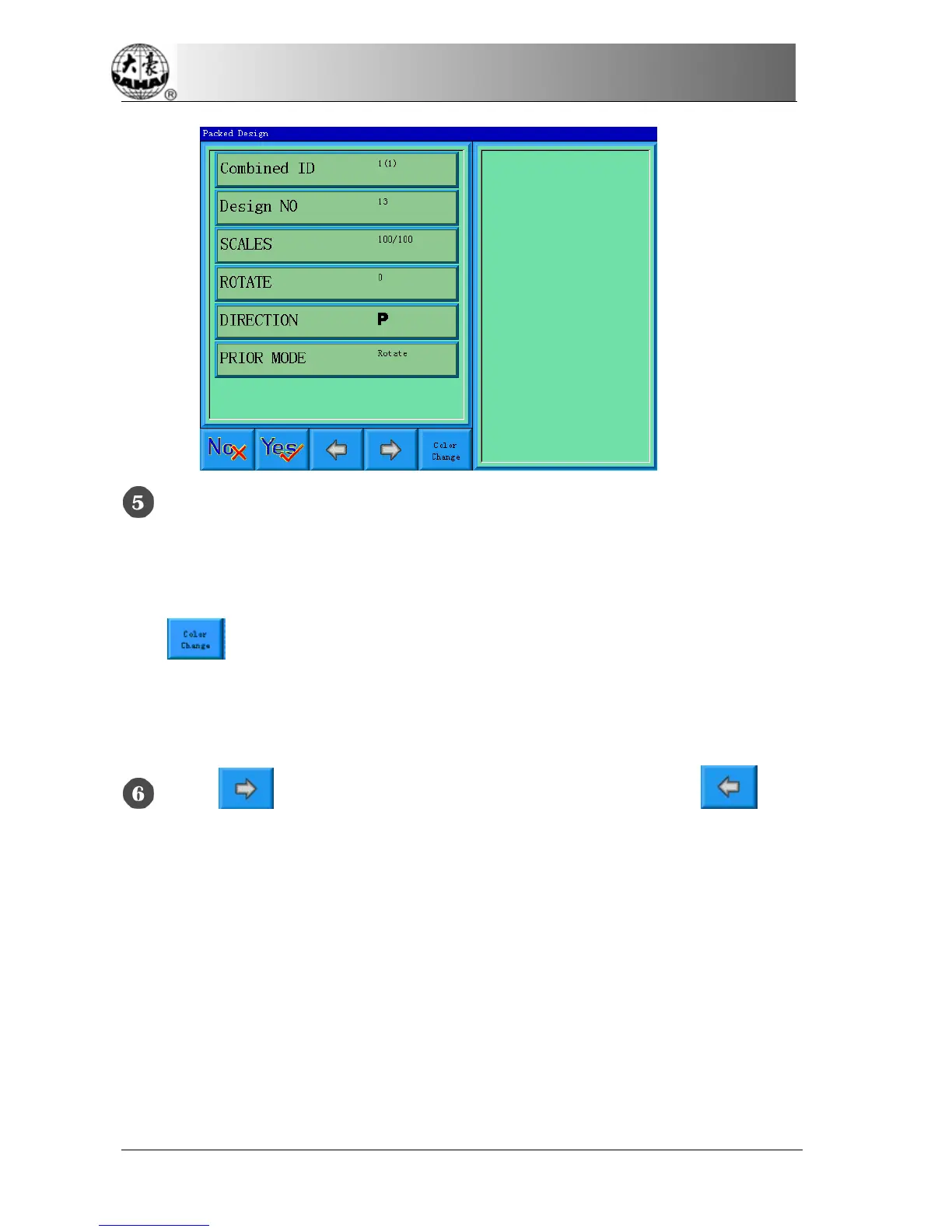
Set the parameters of the first design, including design number, scaling ratio,
rotating angle, design direction and priority mode. Please read setting the normal
parameters of Chapter Four for reference.
Click
, and then set the color-changing order of the current design in the
packed design. The setting screen is in accordance with color-changing in Chapter
Four.
Click to set more than one design for packing. And click to go
back to change the parameters of designs packed.
If the current design is not the first design of the packed design, it’s needed to set
the interval between it and the first design. Please read input way of Chapter Four
for reference.



 To Next Page