Chapter 9 Assistant Operation Functions
BECS-A88/C88 computerized embroidery machine owner’s manual 123
positioning idling screen, where there is a list of function keys. The function is
available in embroidery confirmation status.
9.15.1
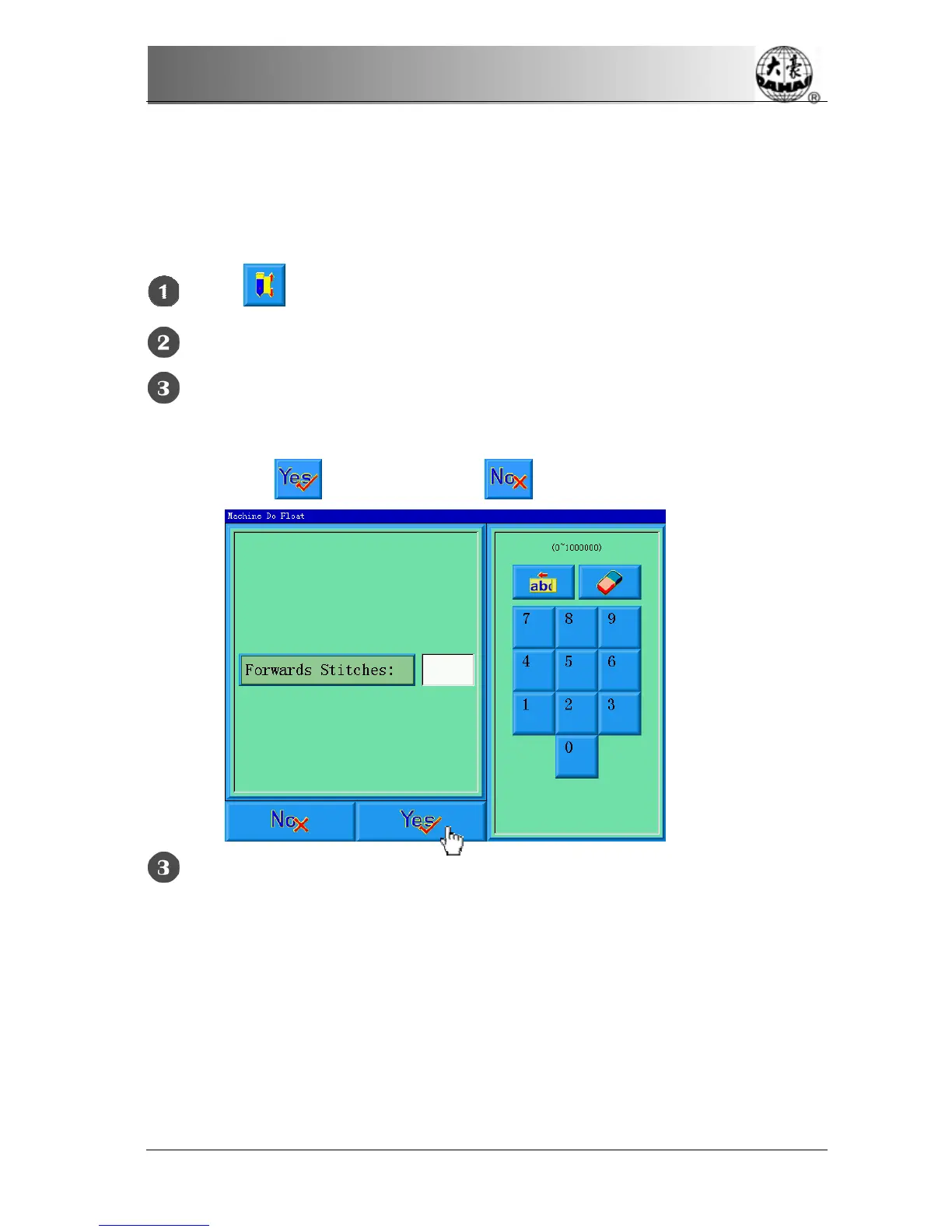
“Float forward given stitches”
Click in the main screen to enter the assistant operation screen.
Click “Float forward given stitches”.
Input the forward stitches needed.
The system enters the “Machine Do Float” screen and asks the user to input
stitches. Click
to confirm or click to cancel the operation.
The system returns to the main screen. Pull the bar right to move the
designated stitches.
9.15.2
“Float backward given stitches”
The operations are similar to that for “Float forward given stitches” except pulling
the bar left.



 To Next Page