Chapter 2 Operation Instruction
16 BECS-A88/C88 computerized embroidery machine owner’s manual
No. Display Name Description Reference
includes statistics information, zero point
setting, continuing after power-off,
setting the frame software range, access
parameters management, touch screen
adjusting, date/time and so on.
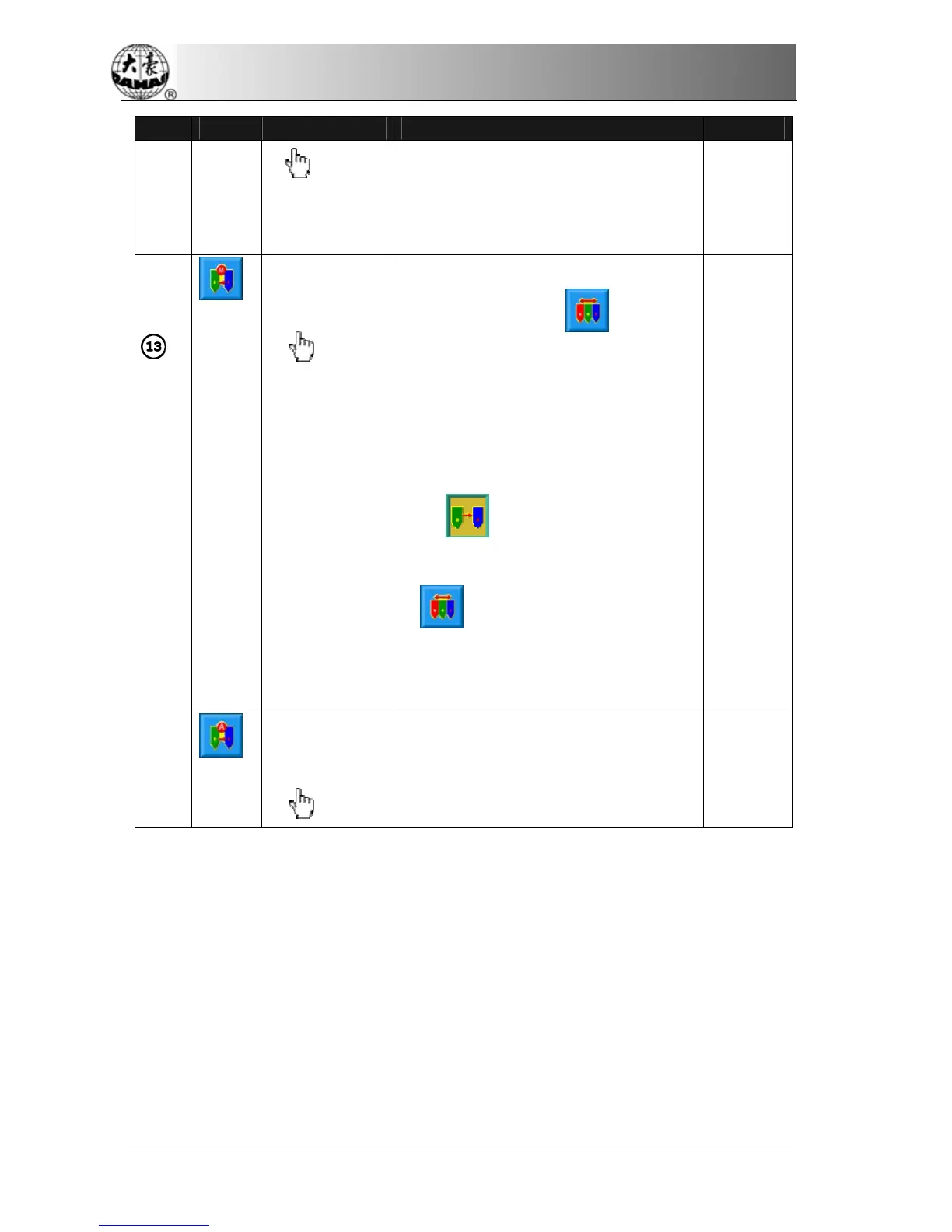
Manual
Color-changing
Manual Start
In this status use manual
needle-changing (
or the
color-changing key on the panel)to select
the needle position before embroidery,
and then pull the bar to start embroidery.
When meeting the color-changing code
during embroidery, the machine will halt
automatically and the color-changing
icon (
) appears. And the operator
need to do manual needle-changing
(
or the color-changing key on
the panel) to select the needle position,
and then pull the bar to start
embroidery(manual start).
Chapter2
Automatic
Color-changing
Manual Start
If the machine is set as automatic
color-changing, the color-changing
sequence should be set before
Chapter2



 To Next Page