Chapter 2 Operation Instruction
BECS-A88/C88 computerized embroidery machine owner’s manual 33
Embroidery confirmation status ⎯⎯ confirm the parameter settings to
enter the quasi-running status
Embroidery running status ⎯⎯ embroidering
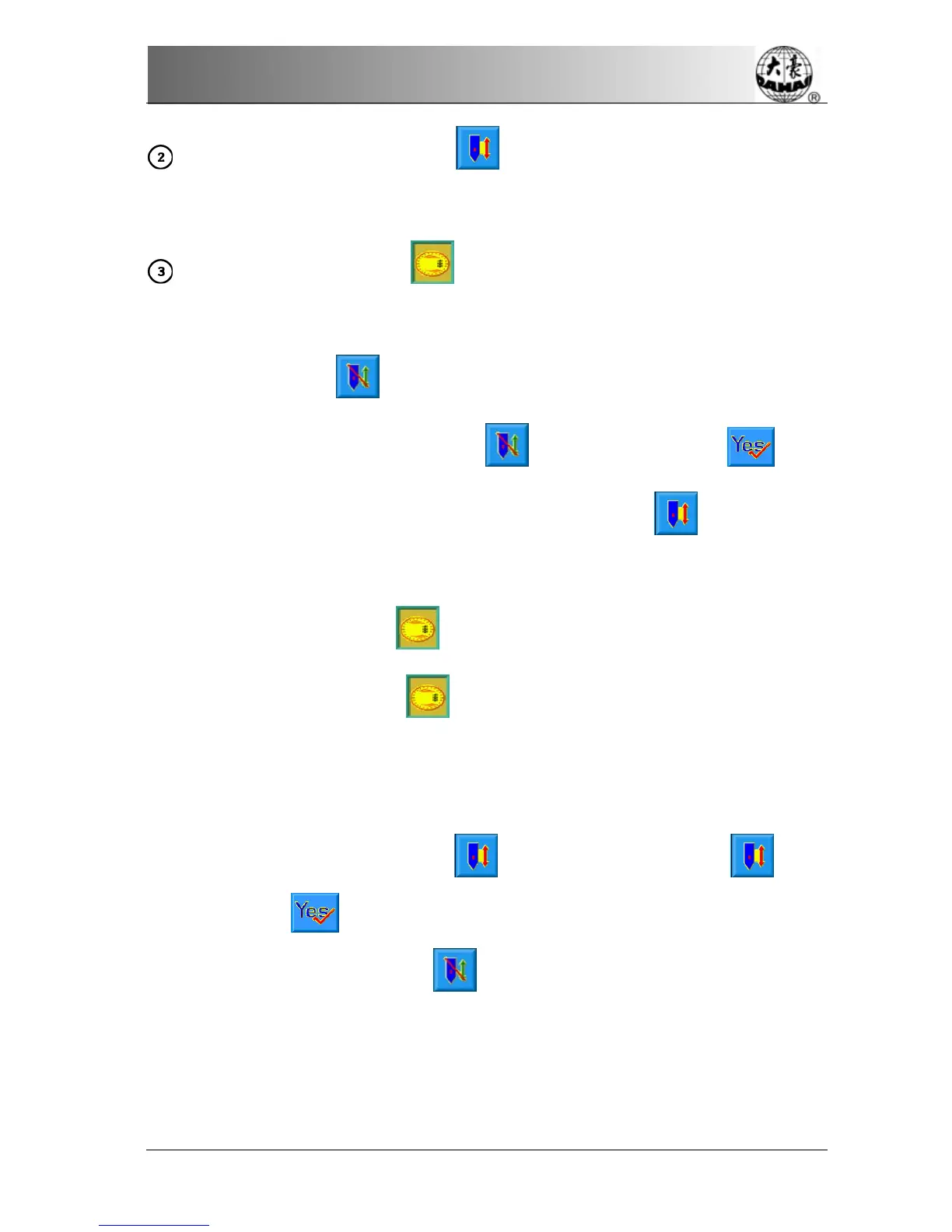
How to switch among the above work statuses?
In preparation status (
is displayed), after selecting pre-embroidery design
and setting the parameters, first press "
" key, and then press " " key,
now the machine is in embroidery confirmation status (
is displayed).
Finally, pull the embroidery bar to right to embroider, which means the machine is
in embroidery running status (
is displayed).
In embroidery running status (
is displayed), pull the bar left to stop, now
the machine is in embroidery confirmation status (Again, pull the bar right, the
machine goes into embroidery running status).
In embroidery confirmation status (
is displayed), first press " " key.
And then press "
" key to release embroidery confirmation status. Now the
machine enters preparation status (
is displayed).



 To Next Page