Chapter 4 Common Parameters and Color-changing Order
BECS-A88/C88 computerized embroidery machine owner’s manual 55
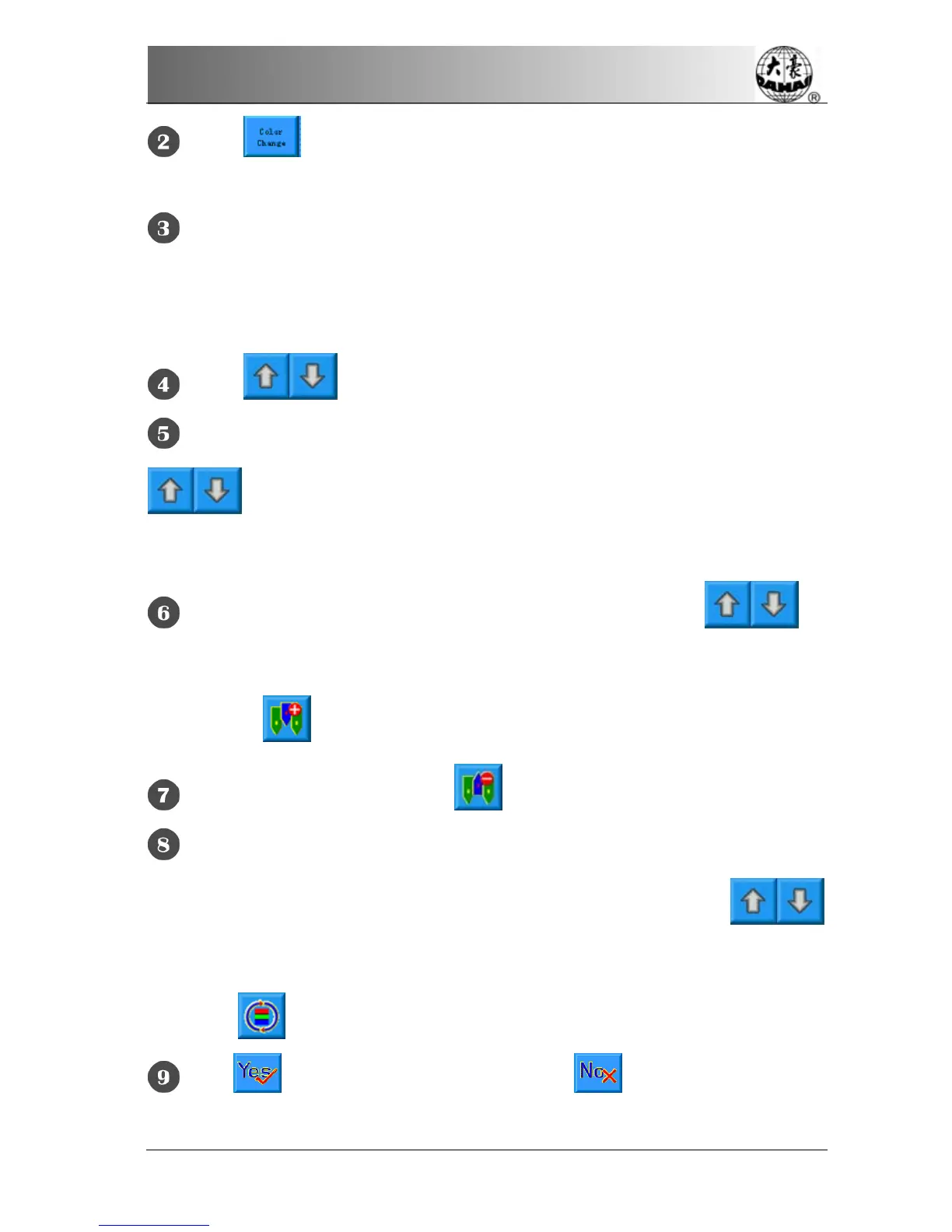
Click in the parameter setting screen to enter the color-changing
screen.
Input the needle numbers in order in the needle number selection area. The
design display in the design display area and the color list in the color-changing
display area will refresh with the input of each needle number.
Click to see if the input color-changing order is correct.
To change a needle number in the color-changing order, the user can click
to move the list to place the intended item to the current operation
position, and then click the new needle number.
To insert a needle number in the color-changing order, click to
move the order list to place the intended item to the current operation position,
and then click
to insert a needle number after the current item.
To delete a needle number, click .
If the user has affirm that the first N items are set correctly and hope to
repeat the settings of the first N items from the N+1 item, he can click
to move the order list to place the item N+1 to the current operation position and
then click
.
Click to confirm the input setting. Click to cancel the setting and
return.



 To Next Page