Chapter 6 Memory Design Management
70 BECS-A88/C88 computerized embroidery machine owner’s manual
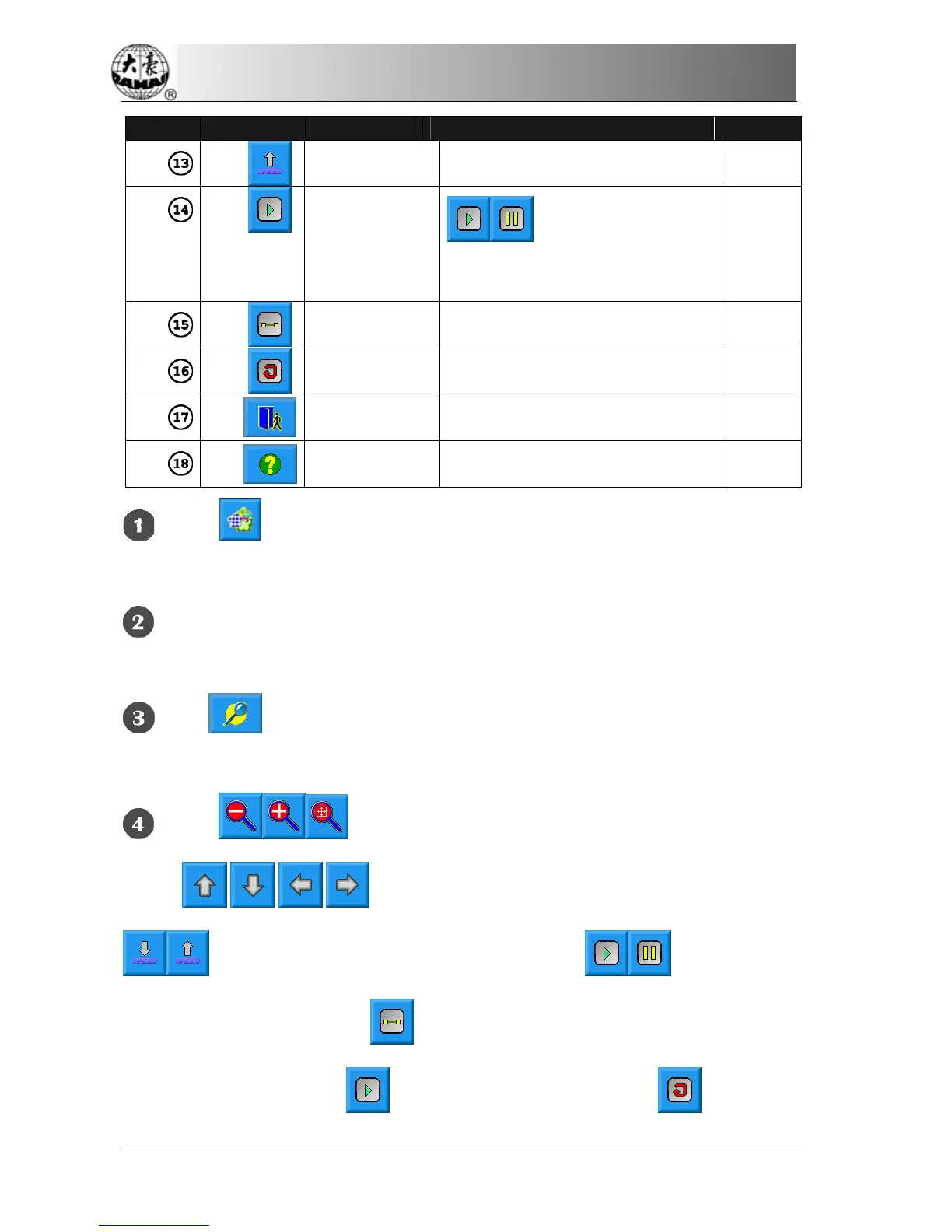
Number Icon Name Description Reference
Speed up Accelerate the display speed.
Draw/halt
switch
is for switching between
drawing design and halting the
drawing.
Single step
display
Draw the design by single step
according to clicks.
Redraw the
design
Display the selected design again.
Exit Exit the operation in the memory
design preview screen.
Help Display the help menu.
Click in the main screen to enter the memory design management
screen.
Select a design in the memory design image area of the memory design
management screen.
Click in the memory design screen to open the memory design preview
screen.
Click in the design preview area to control the design size.
Click
to control the design display position. Click
to control the design display speed. Click to control the
design display and halt. Click
to automatically switch to halt for single step
design display. And click
to resume normal display. Click to redisplay



 To Next Page