Chapter 6 Memory Design Management
84 BECS-A88/C88 computerized embroidery machine owner’s manual
the boundary.
In embroidery preparation status, stop the frame to the point, from which the
design will be embroidered.
Click in the main menu to enter the memory design management
screen.
Click “More Functions” to enter the design operation choosing screen.
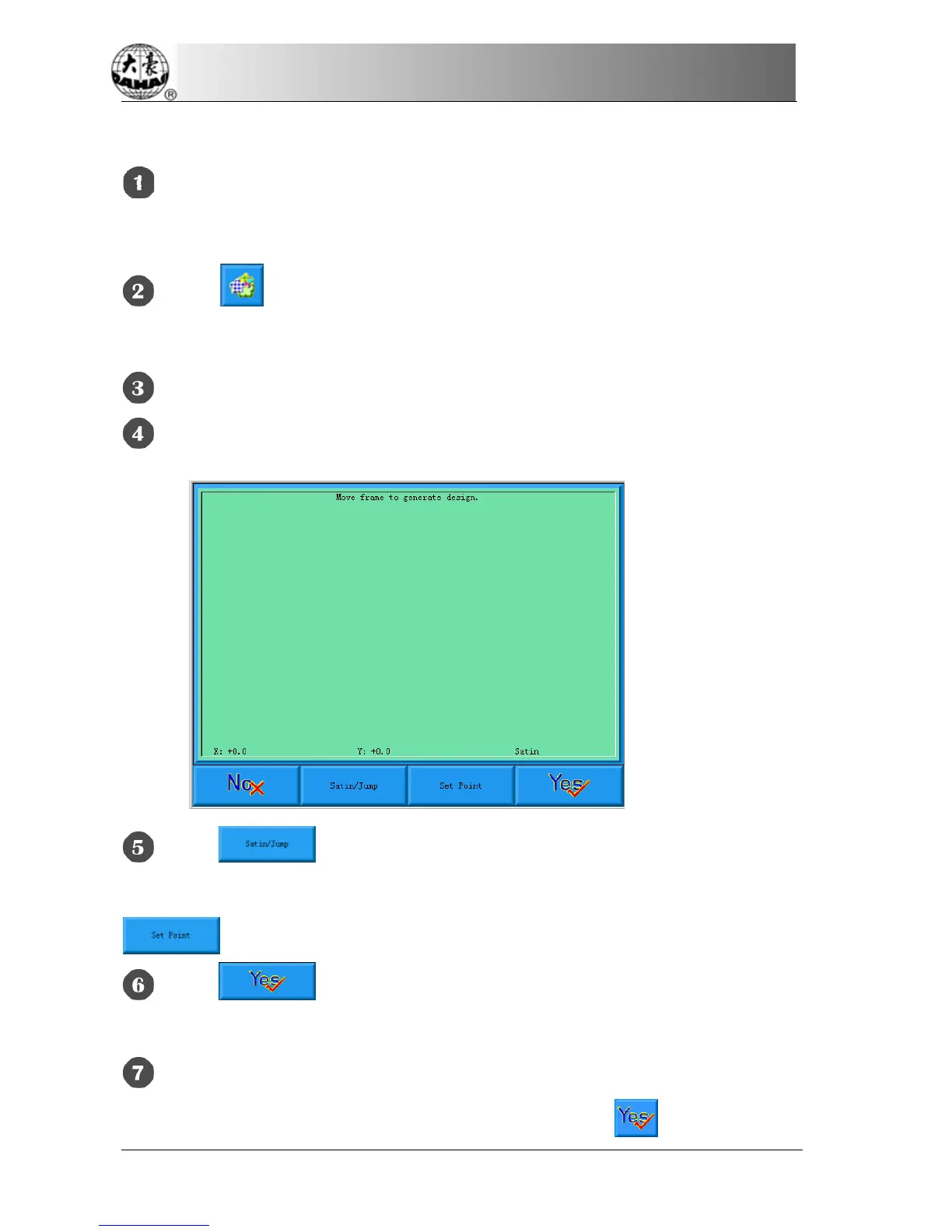
Click “Frame to Make Design” to enter into operation screen.
Click to very between satin stitch and jump stitch. Click the
manual frame-moving key to move the frame along the desired route. Click
at every turning point to confirm the trace.
Click after editing, and the system will prompt to input the new
design number.
According to the prompt, input the number of the new design (The computer
will provide a number for choice) and design name. Click
to create the new



 To Next Page