Chapter 6 Memory Design Management
88 BECS-A88/C88 computerized embroidery machine owner’s manual
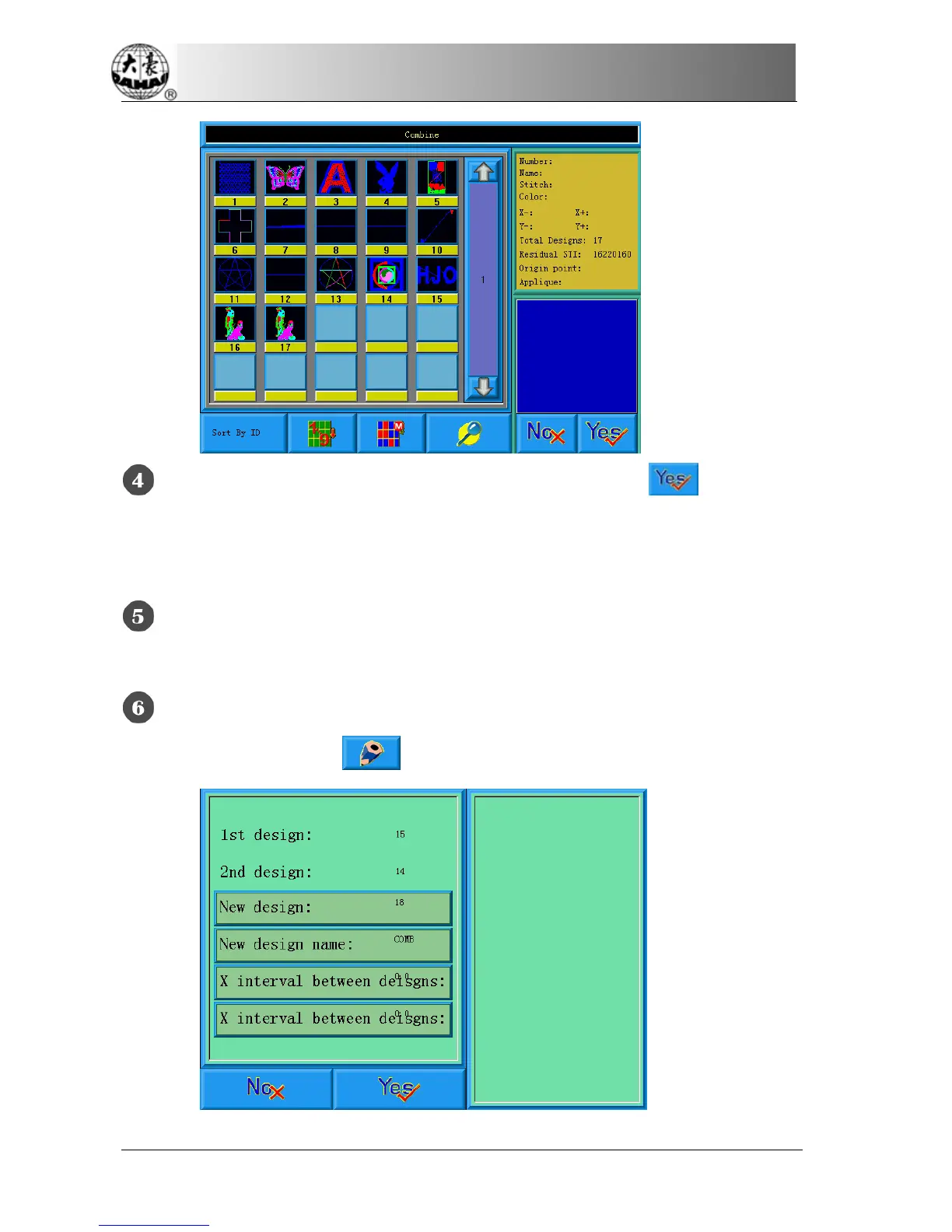
Choose two designs in design choosing area, and click to enter the
screen for combining designs. If More than two designs are selected, there will be
a prompt to tell you to reselect.
If you don’t use the default values, click the design number and design name
and change them.
Click “X interval between designs” and “Y interval between designs” to
input values and then click
.



 To Next Page