User’s Manual EM11A015B
intelligent Touch Manager
84
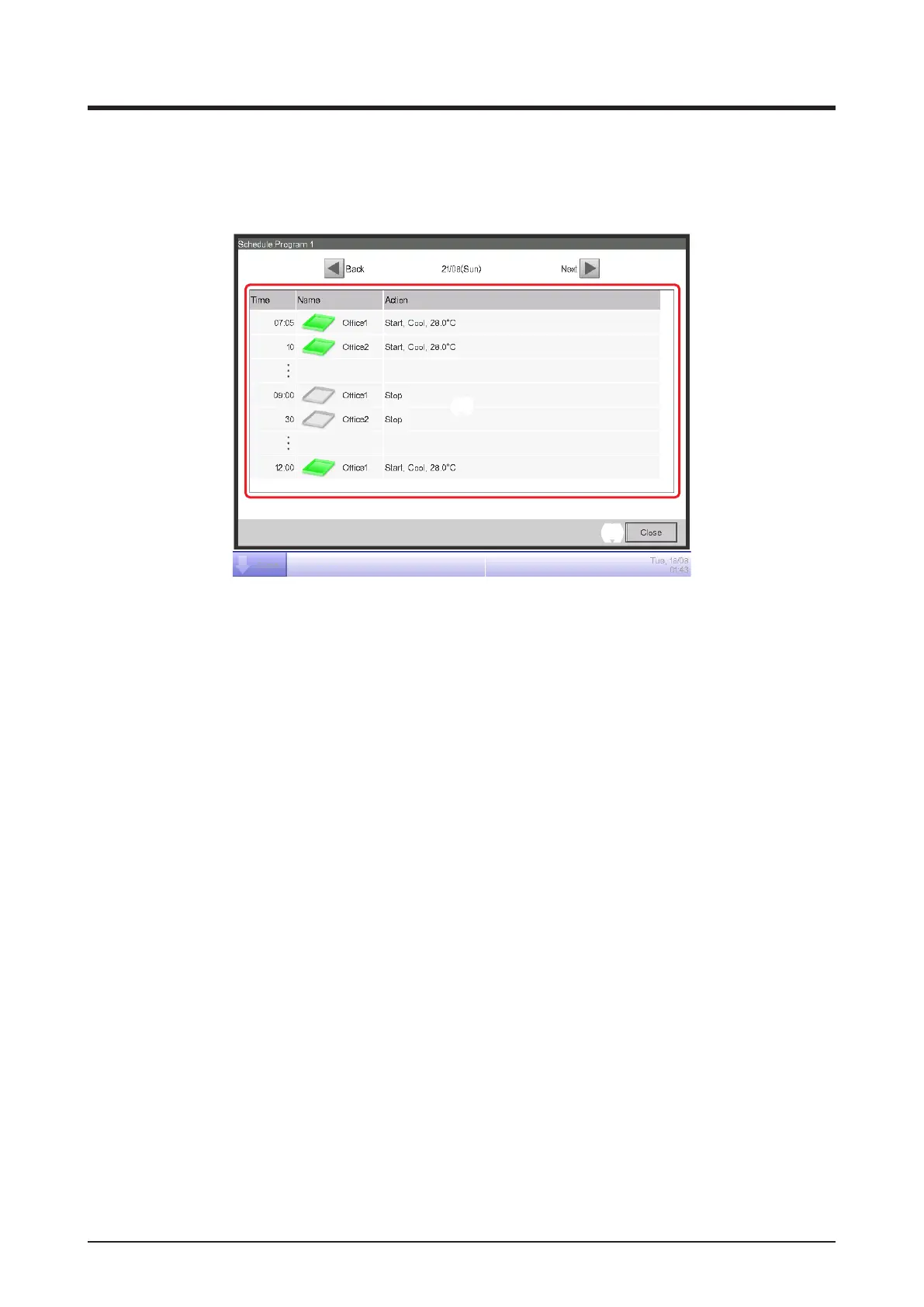
• Schedule Conrmation Screen
This screen is displayed when you touch the Conrm button on the Schedule screen.
It allows you to check the setting details of schedule programs with the Schedule Settings list.
(1)
(3) (2)
(4)
(5)
(1) Schedule Settings list
Displays the list of events for the date indicated in the Date area (2) for the selected schedule
program.
(2) Date area
Displays the date and day of the week for which the events are displayed.
(3) Back button
Changes the content displayed in the Schedule Settings list to that of the previous day.
(4) Next button
Changes the content displayed in the Schedule Settings list to that of the next day. You can
specify up to the next 7 days.
(5) Close button
Closes the screen.



 To Next Page