Danatronics, Corp.
80
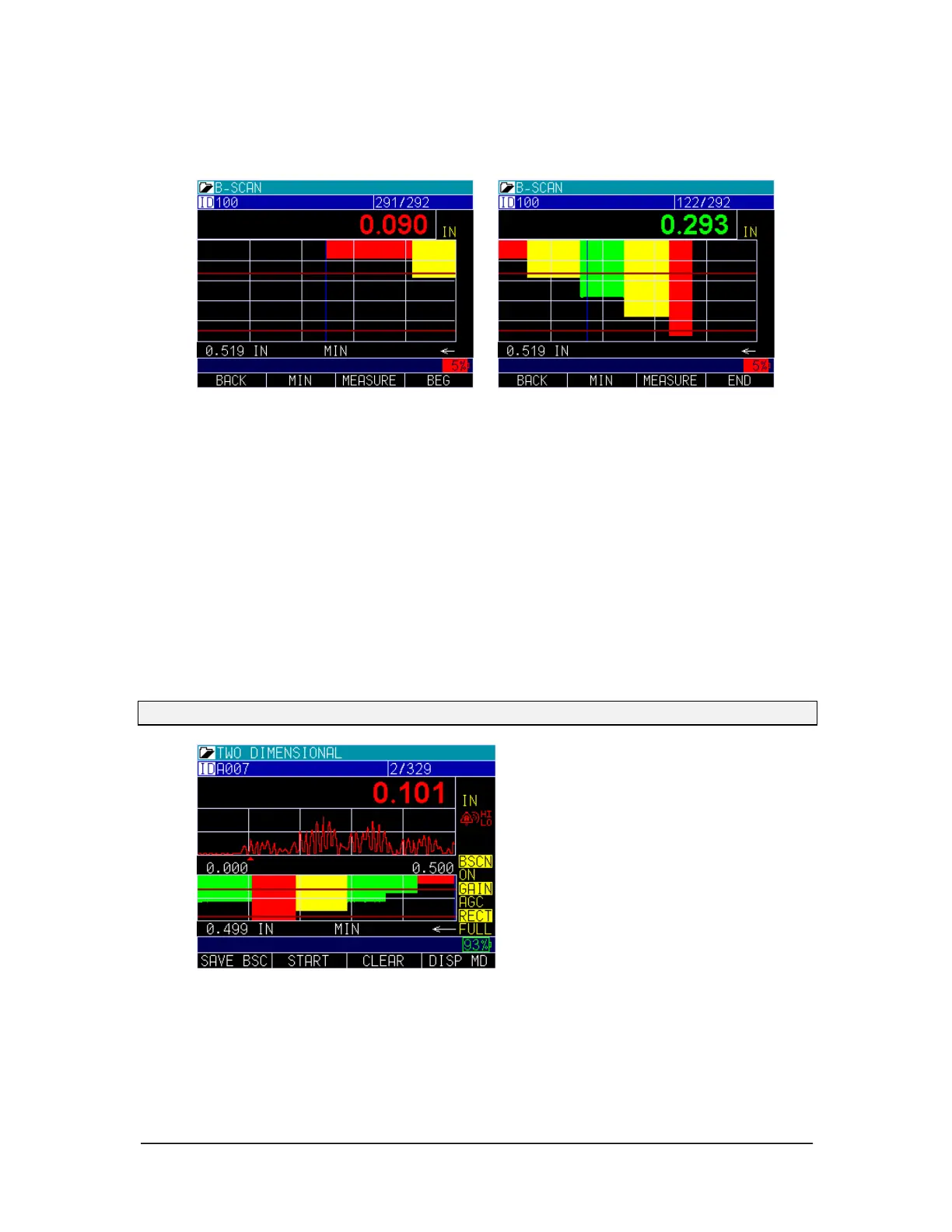
To review the image, use the left or right arrow key to scroll, or press the F4 - BEG key,
for the Beginning of the image or the End of the image.
Split A and B-scan
When B-scan is enabled you can toggle between Full B-scan and Split Screen showing
A-scan at the top and B-scan at the bottom by pressing the Display mode key (F4). By
using the left or right arrows in this mode, you can scroll to various real time settings and
adjust on the fly:
1. Echo to echo
2. ID
3. Alarm
4. B-scan off
5. Gain
6. Rectification
7. B-scan max range
8. A-scan range
Note: If blank is on under measurement, they would be adjustable as well.



 To Next Page