RS20iInstallationandOperatingGuide
Page 113
RS20i Installation & Operating Guide Document # 9301H52900 Ver. 1.02
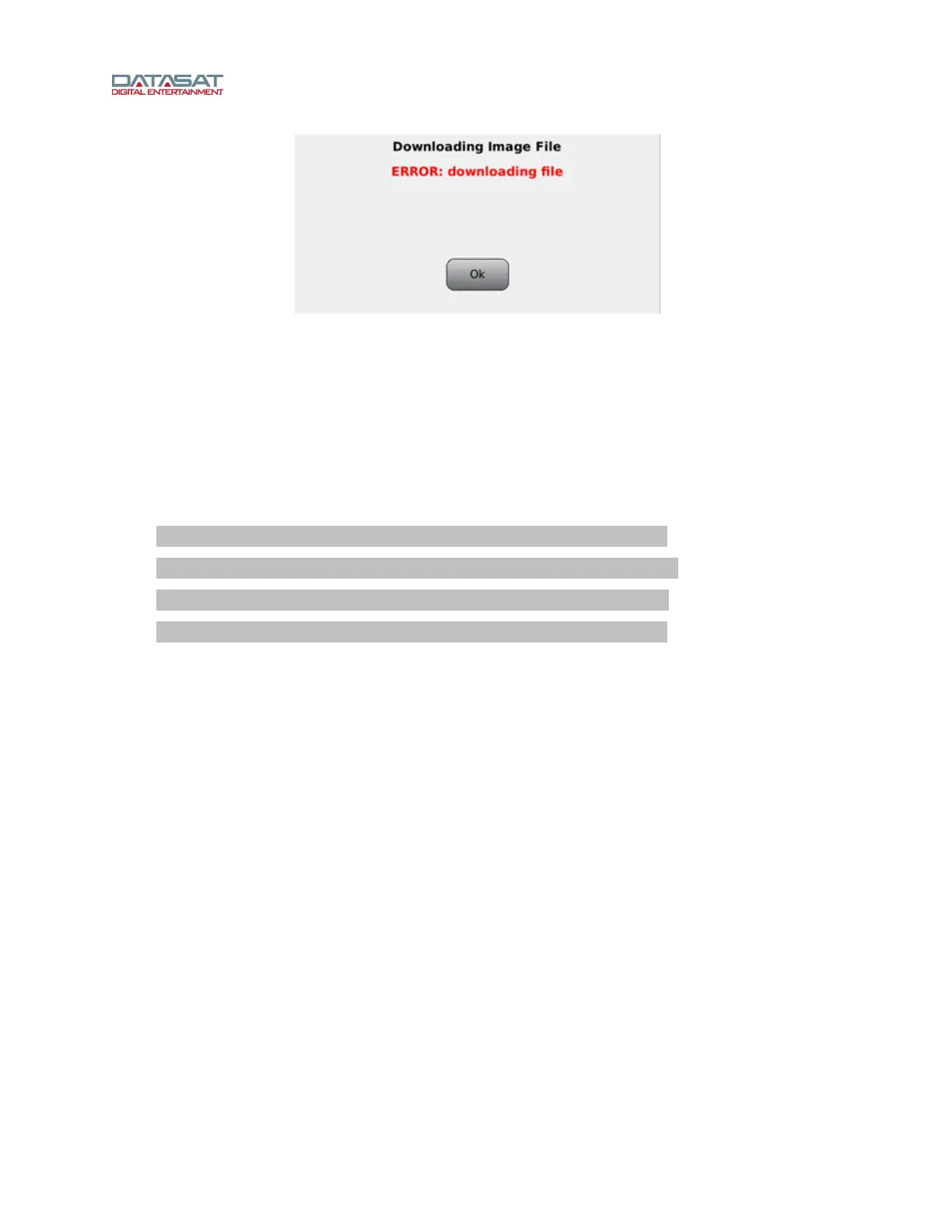
Figure 81. Downloading Error
You may encounter this message (Figure 81) when attempting to upgrade the RS20i operating system
softwa
re through an internet connection. This message indicates there is a problem with the physical
connection between your processor and the outside world. Check your cables, router, modem, or IP
addressing scheme, as applicable, to make sure all is in order.
5.3.2 Error Booting the RS20i
If, during boot up, an object (such as your finger) is in contact with the touch screen, the software will fail
to load. The message below will appear, and continues to scroll past until power is recycled at the power
entry module (hard boot).
************************************************************
mount:mounting/dev/sda1on/tmp/usbfailed:No suchdeviceoraddress
mount:mounting/dev/sdaon/tmp/usbfailed:No such deviceoraddress
************************************************************
To solve this problem, reboot the RS20i, making sure nothing is in contact with the touch screen during
the boot-up process.
Appendices
On the pages that follow:
Appendix A Connector Pinouts.................................................................................................................................A-1
Appendix B Interface Wiring Diagrams....................................................................................................................B-1
Appendix C Product Specifications ..........................................................................................................................C-1
Appendix D Speaker Configurations ........................................................................................................................D-1
Appendix E RS20i Remote Command API...............................................................................................................E-1



 To Next Page