RS20iInstallationandOperatingGuide
Page 48
RS20i Installation & Operating Guide Document # 9301H52900 Ver. 1.02
4.3.5.4 Mic Level
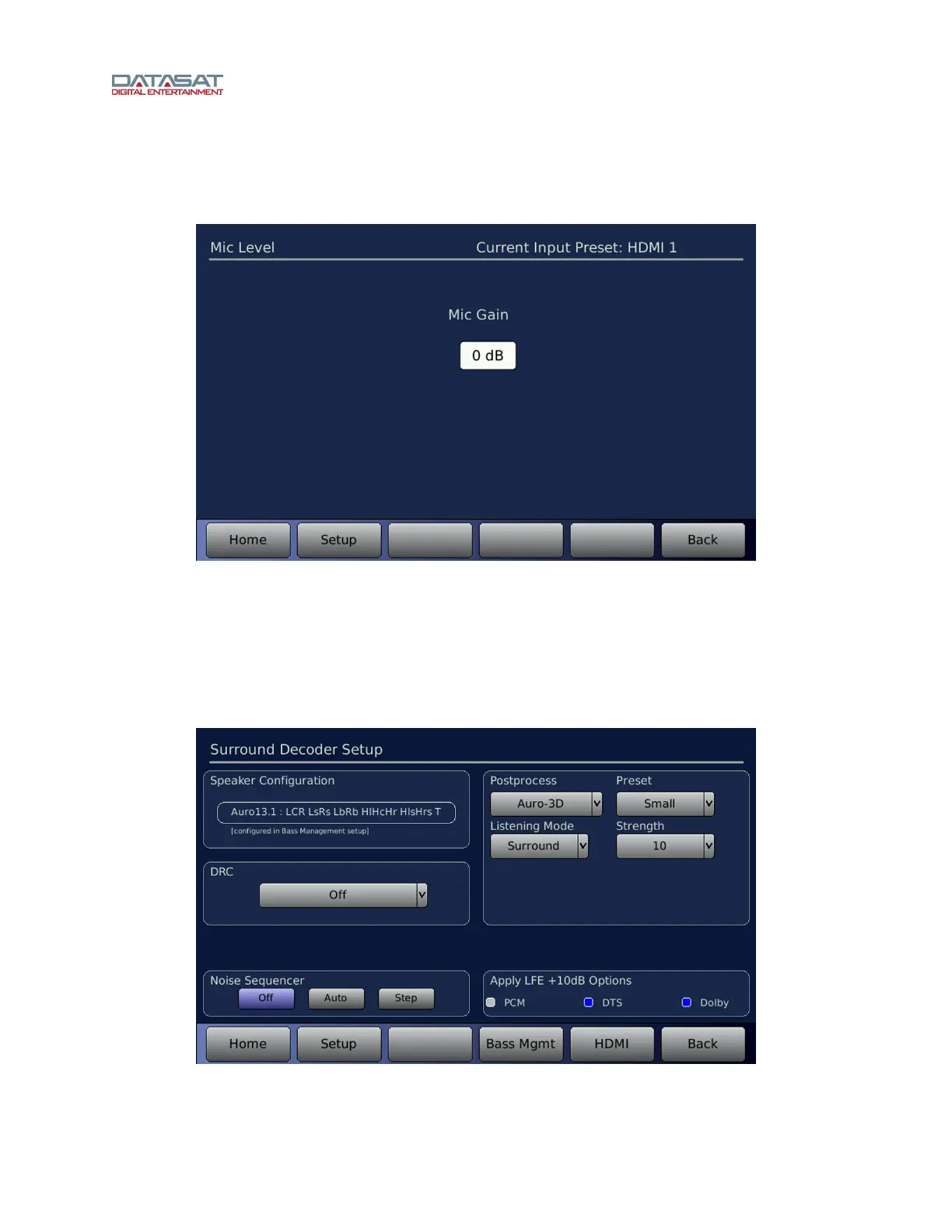
This screen is available for Input Presets that use the Mic Pre input source.
Setup > Inputs > Input Options > Mic Level
Figure 29. Mic Level
Adjust the Mic gain (-0dB to +66dB) by turning the Volume Control knob on the front panel.
4.3.6 Surround Decoder Setup
This Input Option selection is available for Input Presets that have any Input Source selection other than
Mic Pre and Digital 1-16. The menu path to access this screen is:
Setup > Inputs > Input Options > Decoder Setup
Figure 30. Decoder Setup
The controls available on this screen are described in the table below.



 To Next Page