RS20iInstallationandOperatingGuide
Page 13
RS20i Installation & Operating Guide Document # 9301H52900 Ver. 1.02
1.2 Powering ON the RS20i Processor
Warning: Before powering on the RS20i for the first time, verify that the correct input voltage has
been selected at the rear panel power entry module. Incorrect input voltage setting will damage
the RS20i. See 2.4.4 Power Supply, page 25.
Turn ON the main power switch on the rear panel. A “hard boot” (cycling the power at the power entry
module on the rear panel) typically takes the system 75 seconds to initialize. A “soft boot” (pressing the
power button on the front panel when power has not been cycled) typically takes about 20 seconds.
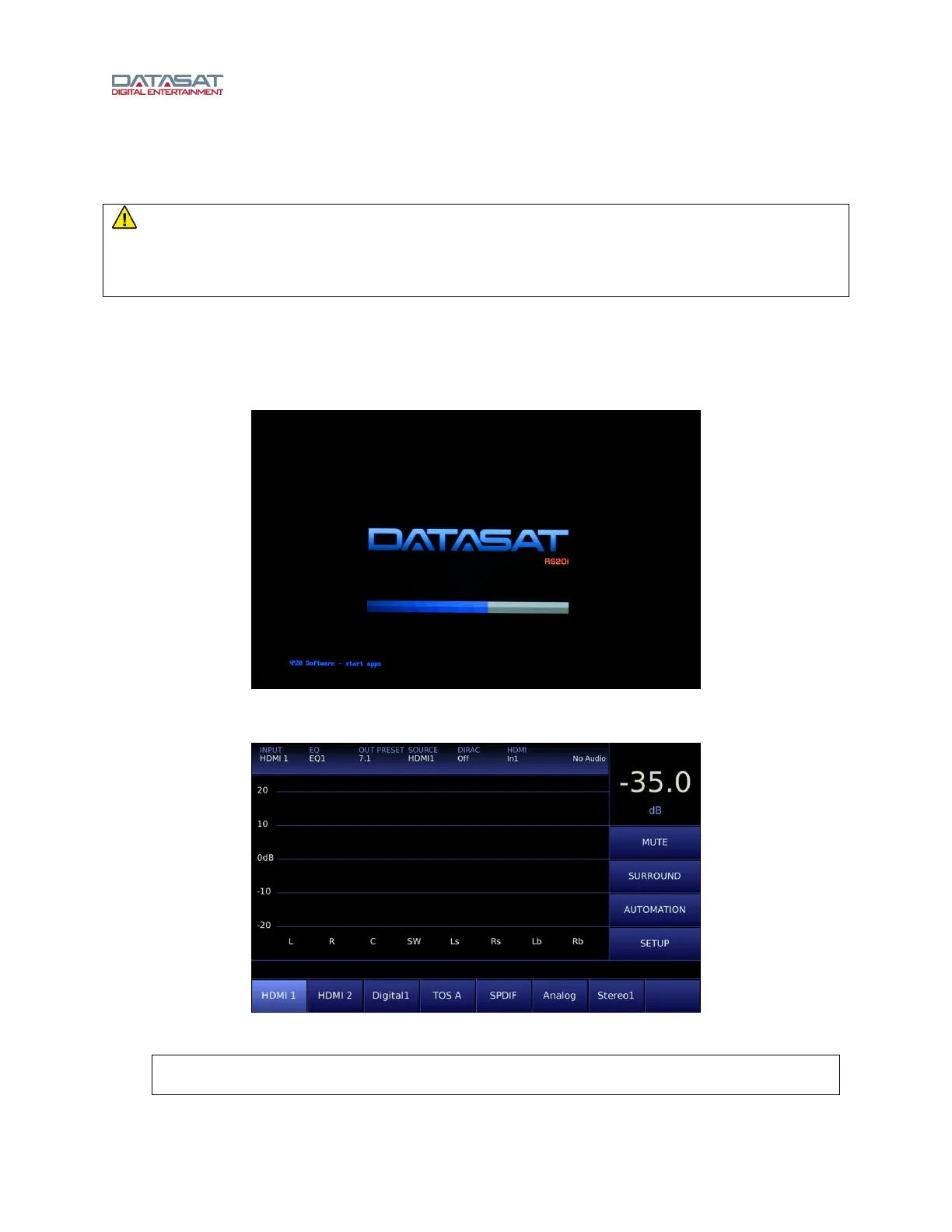
While the system is initializing, the following start up screen will appear. As initialization continues, a
progress bar will appear and status messages will show in the lower left hand corner of the screen.
Figure 3. Initial screen
When the Home screen appears, the RS20i is ready.
Figure 4. Home Screen
Note: If no image appears on the touch screen after you have turned on the power switch,
check the following:



 To Next Page