RS20iInstallationandOperatingGuide
Page 45
RS20i Installation & Operating Guide Document # 9301H52900 Ver. 1.02
4.3.5 Input Options
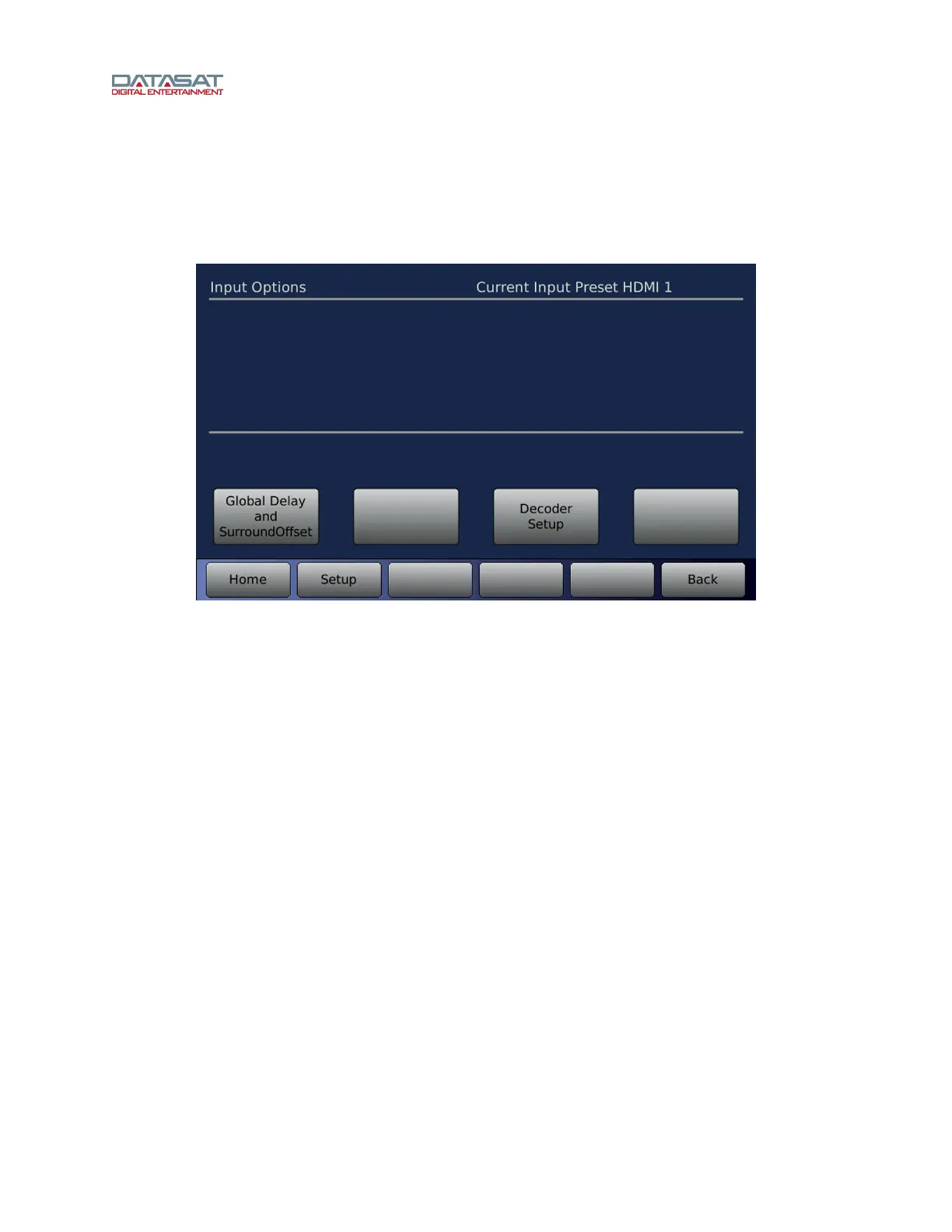
The Input Options screen provides access to options that are specific to the Input Preset. Some
configuration options are only available for a specific input source that is configured for the Input Preset.
To access Input Options:
Setup > Inputs > Input Options
Figure 26. Input Options for an HDMI Input
The following Input Options sub-menus may appear:
• Global Delay and Surround Offset – This menu provides delays, offsets and trims that can be set
for any Input Preset. See 4.3.5.1 Global Delay and Surround Offset, page 46.
• Deco
der Setup – This menu provides decoder post processing options (Neo:X, Pro Logic IIx/IIz,
Auro-3D), settings for DRC, Noise Sequencer, and LFE boost options. This menu is not available
when the Input Source is Digital 1-16 or Mic because the audio from these sources does not go
through the decoder or Post Processor. See 4.3.6 Surround Decoder Setup, pag
e 48.
• Stereo Level – This menu is used to adjust the Stereo input channel levels and is available only
when the Input Source is set to Stereo 1 or Stereo 2.
• Mic Level – This menu is used to adjust the Microphone input level and is available only when the
Input Source is set to Mic Pre. See 4.3.5.4 Mic Level, page 48.
• Digital Cine
ma Options – This menu is used when the Input Source is Digital 1>16. See 4.3.7
Digital Cinema Options, page 52.



 To Next Page